



Update — September 27, 2026: Addy Osmani's task-cost playbook prices the effort ladder — high is about $0.40 of extra thinking, roughly one retry — in What a Claude Code task costs on Opus 5.5.
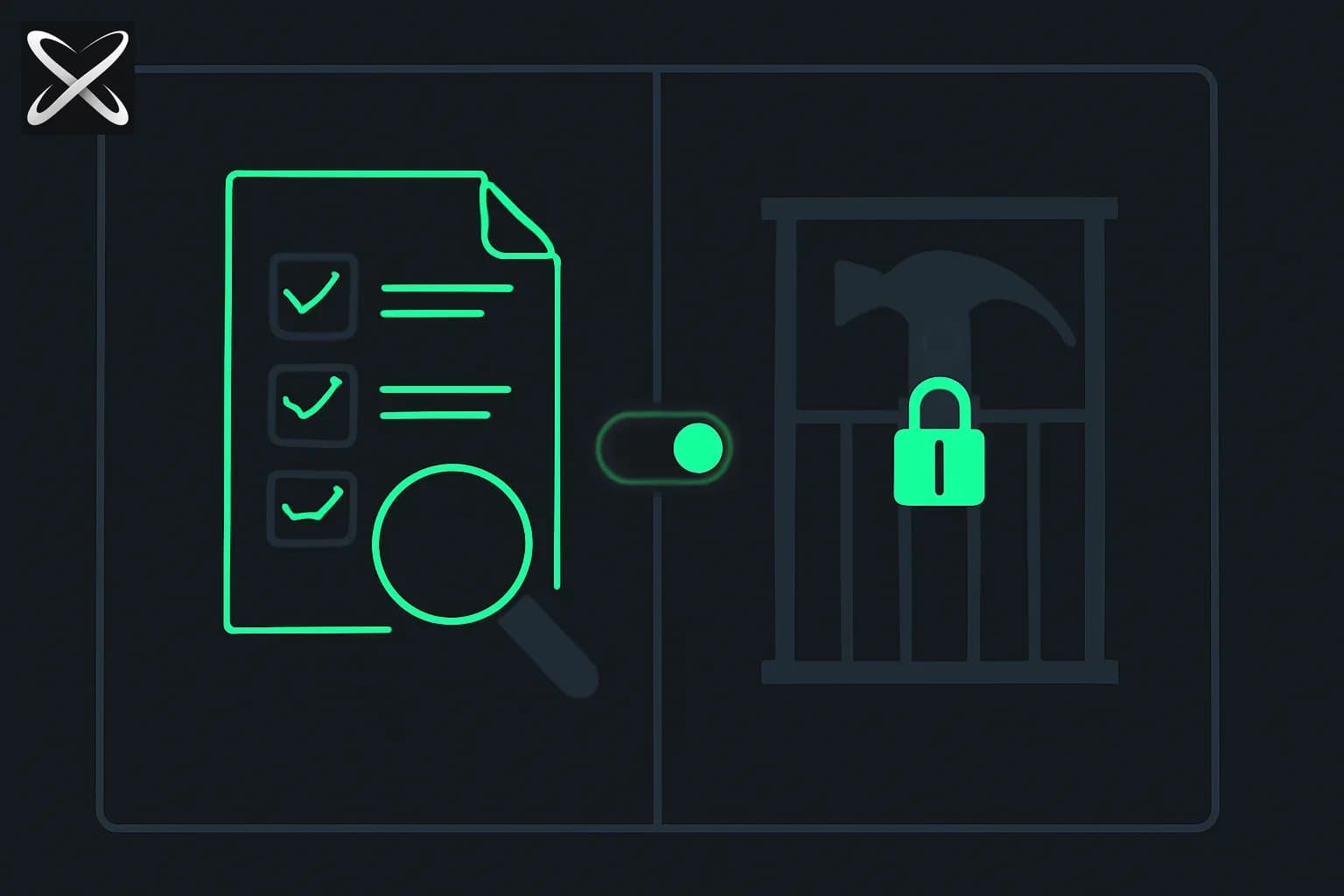
Claude Code may lose a feature that a lot of developers treat as a safety rail. On the evening of September 23, 2026, Thariq, who works on Claude Code, posted on X that the team is "thinking of killing plan mode and using the shift+tab hotkey to adjust effort levels." He added: "I don't think the models need plan mode anymore, but if you're a plan mode diehard would love to get your feedback on why."
The post hit roughly 658K views, and the replies read like a live product-research session. This guide covers what is actually on the table, the strongest arguments on both sides, and a planning workflow that survives whichever way the team decides. For the current feature, keep our plan mode complete guide open in another tab.
TL;DR: what was proposed and what it means
| Question | Answer |
|---|---|
| Is plan mode being removed? | Under consideration, not decided |
| What replaces Shift+Tab's current behavior? | Adjusting effort levels |
| Would it apply to all models? | Possibly only a subset, per Thariq |
| How likely is it? | A commenter guessed 10%; Thariq said his own probability is higher |
| Why remove it? | Thariq: models may not need it anymore |
| Main objection | Plan mode is a control surface for humans, not a limitation for models |
| What should I do now? | Nothing breaking; make plans reviewable files and learn effort levels |
What plan mode does today, briefly
In Claude Code, plan mode makes the agent research and propose a plan before it edits anything; you approve, edit, or reject the plan, and only then does execution start. Shift+Tab is the quick toggle among modes, as covered in our guides to plan mode, permission modes and keyboard shortcuts. Cloud-based planning arrived with Ultraplan, which moves plan review into the browser.
Effort levels are the other half of the proposal. They control how much reasoning the model applies; higher effort costs more tokens and time. Our effort parameter guide explains the tiers, and an earlier flap over a numeric display is covered in the effort 10/100 display bug. The proposal ties two ideas together: if the model plans well at higher effort, the mode becomes redundant, and the hotkey becomes a dial.
The case for killing it
Reading the replies, four arguments in favor stand out.
1. Models plan by default now. Thariq's premise is that current models do not need a separate mode to think before acting. If the agent already outlines its approach, a mode that forces a plan is redundant for many tasks.
2. Planning should be userland, not a mandated mode. One prominent developer wrote that "the way people plan will be custom for the task, org, and person," and that not mandating a mode makes users and maintainers happier. Plans vary: a spec doc for a feature, a checklist for a refactor, a design sketch for a UI.
3. Real planning already moved elsewhere. Another developer said they still plan, but as brainstorming in a doc with an artifact, a checklist and so on, and that "this happens more naturally now with the models." That matches how many teams work: a plan is a living document, not a transient chat message. See Claude Code artifacts and shareable sessions for one way to keep it.
4. Hotkey real estate is valuable. Shift+Tab is the best hotkey in the product. Effort is one of the few settings that changes cost and quality on every prompt; it arguably deserves that slot.
The case for keeping it
The defenders were vocal, and their reasons are worth reading carefully because they are about humans, not models.
"Plan mode isn't for the agent, it's for me." This was one reply's summary, and Thariq called it a good framing. Plan mode is a review checkpoint: you see intent before it becomes a diff.
"I need to know what I'm committing to before it does it." A developer said the first pass is rarely right, so seeing the approach first avoids expensive rework.
Vague prompt to detailed prompt. Another wrote that they use plan mode a lot to go from a "vague lazy prompt" to added detail, iteratively, before execution. In that use, the plan is a way of discovering what you want, not just what the model will do.
Mixed model support. The maker of another coding agent noted they tried a similar direction and "people got very upset," partly because they support a wide range of models, and some may still need plan mode. Thariq responded that one possibility is doing this only for a subset of models. That is important: if the change happens, expect it to depend on the model you use.
Supporters outside the thread. Others simply said, "This is the way," and one replied that killing it was overdue. Not everyone in the thread was invested; a quick poll of replies shows roughly a split between "I plan elsewhere" and "I depend on this."
Why the disagreement is really about review, not planning
Notice that no one argued that planning is bad. The argument is about where the plan lives and who controls the checkpoint.
- A mode is a gate: the agent cannot edit until you approve.
- A document is a contract: the agent can edit any time, but you have a reference.
- An effort level is a dial: more thinking, but no review step unless you ask.
These solve different problems. Dropping the mode removes the only built-in gate, and the replacement must supply one. If Anthropic makes plans artifacts (Thariq said he mostly uses artifacts to plan, and that adjusting plan mode to use artifacts more is an alternative), the gate could survive as a prompt convention or a lighter approval step.
A planning workflow that works with or without plan mode
Whatever ships, these habits stay valuable. They also make your work easier to review and share.
1. Ask for a plan file, not a plan message
Prompt: "Before editing, write a plan to plans/feature-x.md with goals, files to touch, risks, tests, and a checklist. Stop and wait for my approval."
A file persists across context resets, can be diffed and committed, and can be edited by you before execution.
2. Use a checklist the agent updates
Tell the agent to tick items as it goes. You get progress visibility and a natural place to interrupt.
3. Encode planning rules in CLAUDE.md
Set rules such as "Any change touching more than three files needs a written plan first." Our plan mode guide has CLAUDE.md snippets for complexity thresholds and off-limits modules; the same rules work without the mode.
4. Use effort as a planning dial
Raise effort when the task is ambiguous or architectural; lower it for mechanical edits. If the hotkey changes, this becomes muscle memory.
5. Review the plan visually when it is complex
For large plans, ask for an HTML artifact with the plan structured as sections, diagrams and open questions. It is easier to skim than a chat scrollback, and you can share it with teammates.
6. Keep a human checkpoint for risky changes
For migrations, auth, payments or deletes, keep a manual approval step regardless of mode. Permission modes and hooks are the durable tools; see permission modes explained.
What this means for teams
If your team standardized on "everyone starts in plan mode," write down why and encode the intent so it survives changes:
- Onboarding docs should describe the planning practice, not just the keystroke.
- Code review can require a linked plan file for large PRs.
- Cost control: effort levels affect token spend, so track them the way you track model choice. Related economics are in why AI companies want you using agents.
If you compare tools, note the trend: harnesses are converging on background agents, persistent projects and lighter modes. See how Cursor Projects and Claude Code Projects treat planning as the coordinator's job, and how Claude Code compares with Cursor and Copilot.
What we still do not know
- Whether it ships at all. The proposal is explicitly a question to users.
- Which models are affected. Subset rollout was raised as an option.
- What replaces the checkpoint. Artifact-based planning was mentioned but not specified.
- How effort levels map to the hotkey. Details will matter for people who use several models.
Bottom line
The debate is a good sign for the product: the team is asking why users rely on a feature instead of assuming. The strongest reason to keep plan mode is not about model capability; it is about human control and shared understanding. If you are a diehard, say why in concrete terms. If you are not, build plan files and effort habits now, so the next change does not cost you your workflow.
Details reflect public posts on September 23-24, 2026, and may change as Anthropic decides. Nothing here is a confirmed product change.
Related reading
- Claude Code plan mode: complete guide
- Claude Code permission modes explained
- Claude Code keyboard shortcuts reference
- Claude effort parameter and model selection guide
- Effort 10/100 display bug, not a downgrade
- Ultraplan: cloud planning with browser review
- Claude Code artifacts and shareable sessions
- Claude Code cloud sessions are generally available
- Official: Thariq's post on X