



Canva now has an AI off switch. On November 19, 2026 the design platform added a setting that hides its generative AI features for Free and Pro users, and a second one that shows fewer AI-made templates and graphics in its library. Both are free and reversible. The toggle does not turn off every AI tool: Background Remover and Magic Grab keep running.
The change follows years of user complaints about the number of AI features in the app. The Verge reports that some users have been asking for a way to turn them off since Canva's big push into AI in 2023.
Quick answers: where the controls are and what they do
| Question | Answer |
|---|---|
| Where is the generative AI switch? | Profile > Settings > Permissions > Enable generative AI features |
| Where is the "less AI content" option? | Profile > Your account > AI personalization |
| Who gets it? | Free and Pro users, per The Verge and 9to5Mac |
| What does it cost? | Nothing, per Canva |
| What stays on with the switch off? | Background Remover and Magic Grab |
| What gets hidden? | Magic Write, Magic Design, Magic Layers, Magic Edit, Dream Lab, Canva Code, AI Shapes, Magic Expand and the chatbot's image generation |
| Can I undo it? | Yes, at any time |
What exactly did Canva announce?
According to 9to5Mac, Canva announced two new controls. The first is a generative AI feature control. When it is off, supported generative AI features are hidden across Canva, and you can bring them back any time. The second is an AI-generated content control. It reduces how much AI-made content shows up in search results and in recommendations for templates and design elements, without touching existing designs.
The Verge summarises the same two switches and notes that the tools affected include Magic Expand, the AI photo-extending feature, and the ability to generate images through the Canva chatbot.
The company framed the move as a middle path. 9to5Mac quotes Canva saying "the future of creativity isn't a choice between AI and no AI," and that it is "not our place to tell anyone how to create." Treat that as Canva's own positioning. It is a product statement, not a measured result.
What does the toggle turn off, and what does it leave alone?
 A big protected button standing for the Canva AI off switch that hides generative tools
Canva draws the line at whether a tool generates something new. The Verge lists what goes away when you switch it off: Magic Write, Magic Design, Magic Layers, Magic Edit, Dream Lab, Canva Code, AI Shapes, and more.
Two popular tools stay. Canva's own wording, quoted by 9to5Mac, is that Background Remover and Magic Grab "remain available when the generative AI switch is off, because they work only with what's already in a design." Magic Grab lets you select an object in an image and move it somewhere else in the design.
That distinction matters for two groups of people:
- Designers who object to generated imagery. Their objection is usually to new content produced by a model. Background removal edits pixels you supplied, so Canva treats it as a different category.
- Teams with a policy against generative tools. A policy that says "no generative AI" can now be enforced with a setting. A policy that says "no machine learning at all" cannot, because some ML-based tools stay on.
Canva adds that these editing tools do not add an AI label to a design's metadata, since that label is reserved for AI-generated content.
How does "see less AI content" work?
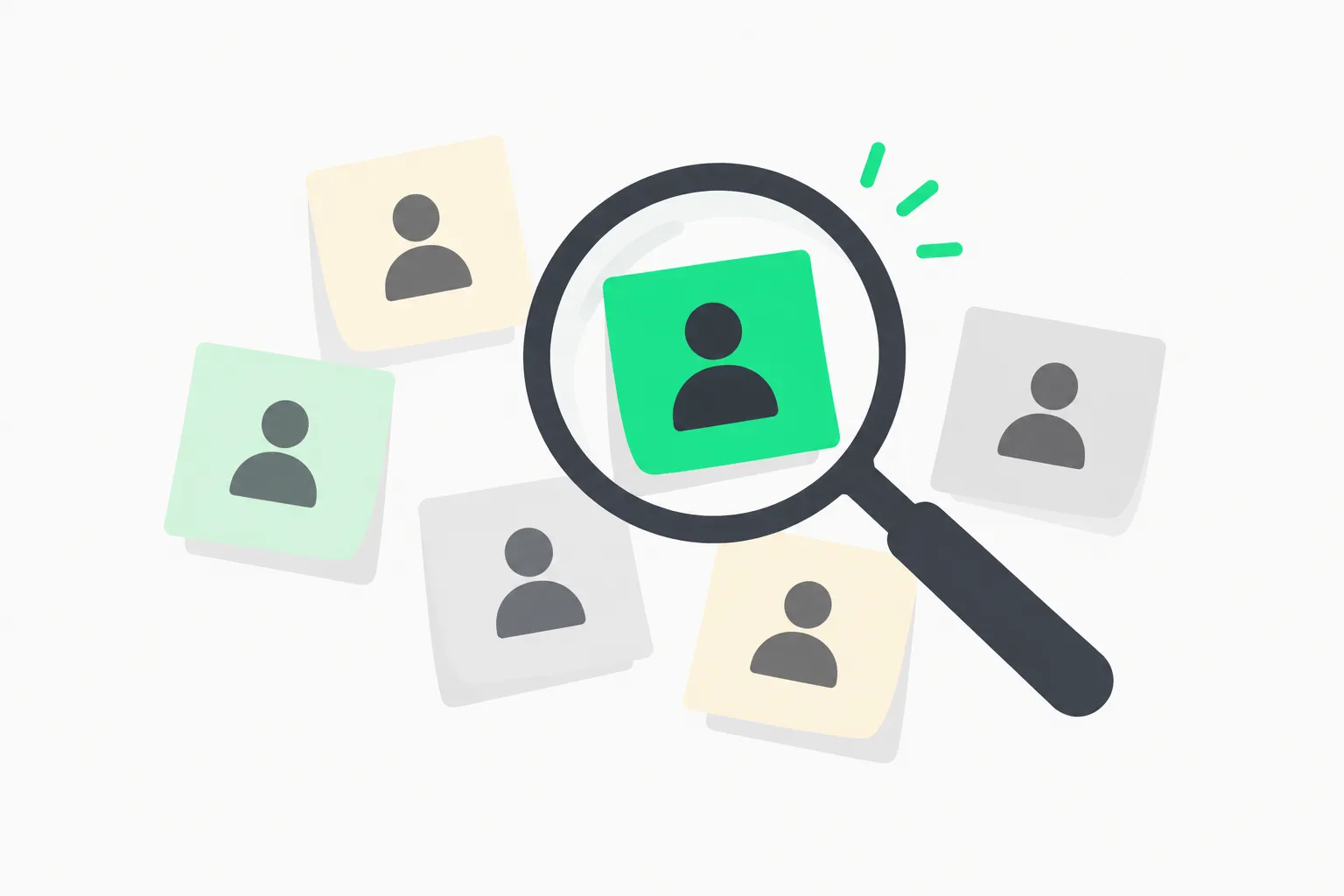 A magnifier over sticky notes, one marked green, showing how the less AI content setting filters Canva library results
This is the second control and it works on the library, not on your tools. Canva says a "small portion" of its library is AI-generated content that Canva itself made, including some abstract backgrounds and illustrated graphics. With the option on, human-created templates, graphics and other design elements appear first when you search. The Verge reports that any design using one of the AI-generated elements carries an AI label in its metadata.
The two switches are independent. You can hide the generative tools and still see AI-made library content, or the reverse. If you want a fully human-sourced workflow, turn on both.
Why now? A short timeline of Canva's AI push
The switch lands after a year in which Canva expanded its AI features steadily. The Verge's timeline: a prompt-based editing update in April, then the launch of Canva's first in-house image model last month. Our Canva Craft explainer covers that model, which was trained on designer templates and plans a layout before it draws.
In other words, Canva built a bigger generative stack and then added a way to hide it. The pattern is not unique to Canva. Several products have faced the same pressure to give users a choice:
- Google added temporary threads in AI Mode, a privacy-oriented control over what AI search keeps.
- Students have pushed back on campus AI mandates and asked for opt-outs, as we covered in college students push back on campus AI mandates.
- Publishers have tested how much traffic they lose when they opt out of AI search, in our report on the Google AI search opt-out experiment.
- Gemini's activity settings raised questions about what happens to chats, in Gemini Keep Activity and training on chats.
Canva's version is a feature-visibility control. It is about what you see and use, not about how your data is used for training. The sources we read do not say anything about training data or content you upload. If that is your concern, check Canva's privacy settings and Help Center directly, because the new toggle is not described as covering it.
What is confirmed and what is not
Confirmed by the sources we read:
- The two controls exist and are live as of November 19, 2026, per The Verge and 9to5Mac.
- They are available at no extra cost to Free and Pro users.
- Background Remover and Magic Grab stay on with the generative switch off.
- Designs using AI-generated library elements carry an AI label in their metadata.
Not stated in the sources:
- Whether the switch affects data used to train Canva's models.
- How Canva's Teams, Business, enterprise and education plans treat the switch.
- Whether the toggle changes what third-party AI connections can do inside Canva.
- Any adoption numbers, such as how many users asked for the switch.
We did not run the switch ourselves. The Canva Help Center page blocked our automated fetch, so the setting paths in this article come from The Verge and 9to5Mac, which agree with each other. Check the paths in your own account, since labels can differ slightly between web and app.
What does this mean for designers, teams and marketers?
Solo designers and freelancers. If a client contract bans generative AI, flip the switch and keep a screenshot of the setting. Remember that Magic Grab and Background Remover still run, so describe them in the contract if the client is strict.
Marketing and brand teams. The "less AI content" setting is a quick way to bias your library searches toward human-made assets. The AI label in metadata gives you a trail if a design uses a generated element. For team-wide policy, check with Canva whether the toggle applies to Teams and Business accounts, since the sources we read describe it only for Free and Pro users.
Educators and students. Some courses ban generative tools. A switch that removes those tools from the interface makes compliance easier than a rule in a syllabus. It does not remove the non-generative ones.
Product builders. Canva's split is a useful design pattern. Hiding features is easy to explain when you define it by one test: does the tool create new content or only transform what is there? That is also a cleaner story for support teams than a vague "AI on/off."
Other design tools are moving the same way, though from different positions. Adobe's recent work, covered in our Adobe MAX Sneaks roundup, pushes AI deeper into editing. Figma has opened its files to coding agents, as in Figma Specs for AI agents. Against that backdrop, an official off switch is a notable counter-signal.
How to try it today
- Sign in to Canva on the web.
- Open Profile, then Settings, then Permissions.
- Switch off Enable generative AI features.
- Open Profile, then Your account, then AI personalization.
- Turn on the option to show less AI-generated content.
- Reload a design and check that tools such as Magic Write and Dream Lab are hidden.
If a tool does not disappear, check that you are signed in to the right account and that your plan is Free or Pro. If you cannot find the settings, the rollout may not have reached your account yet. Canva's own Help Center is the place where any change to the rollout will be posted.
Our read
The switch is small, free and sensible. It is also a sign that "AI everywhere" has a cost for a mass-market tool, and that visible choice is now a feature. The line Canva drew, generative versus non-generative, will not satisfy everyone. But it is clear, and it is stated in the company's own words. What we still want to see is a plain statement on training data, and numbers on how many people use the switch.
Related reading
- Canva Craft: first image model trained on templates
- Google AI Mode temporary threads and search privacy
- College students push back on campus AI mandates
- Google AI search opt-out and publisher traffic
- Adobe MAX 2026 Sneaks
- Figma Specs for AI agents
- Gemini Keep Activity and training on chats
Details reflect The Verge and 9to5Mac reports and Canva's Help Center as of November 19, 2026. Menu labels and rollout can change.