



Amazon Bedrock AgentCore harness now runs on Strands harness, AWS's open-source agent harness, and it gains lifecycle hooks that let your own code allow or deny an agent's actions. AWS published the details on November 19, 2026 in a post on the AWS Machine Learning Blog. The rollout began on November 11 to new and existing harnesses, and there is no new resource type to adopt. If your harness omits the model, system prompt or truncation settings, you already have the upgrade.
That last point is the one to read twice. Managed defaults are convenient and they also move. This post explains what you get, how the four hooks work, which settings pin your behavior and what the announcement does not prove.
TL;DR: what changed in AgentCore harness
| Question | Answer |
|---|---|
| What is new? | The managed harness now runs on the Apache 2.0 Strands harness, plus lifecycle hooks |
| Do I need to act? | No. It rolled out from November 11 to new and existing harnesses |
| What do default agents get? | A recommended model, task-oriented prompt, prompt caching, context summarization, new tools |
| New built-in tools? | todo_write, subagent, web_fetch, separate read, write and edit, plus context offloading |
| Hooks? | Four events: before_invocation, before_tool_call, after_tool_call, after_invocation |
| Who can block? | Only Lambda hooks. SNS and EventBridge hooks notify only |
| How do I freeze behavior? | Set the model, systemPrompt, truncation and a list of allowedTools explicitly |
| Cost claim | AWS says about 34% lower token cost than other leading harnesses; no method published |
What is the AgentCore harness, and how does Strands fit?
An agent needs more than a model. It needs tools, instructions for finishing a job, a way to manage context in long sessions, and a check before it does something consequential such as issuing a refund. That bundle is the harness.
AWS draws the split this way. Strands harness is the assembled foundation: recommended instructions, tools and context management, released as open source earlier this year. AgentCore harness operates that foundation as a managed service, so you do not provision compute, host the agent loop, manage session scaling or run tool-execution infrastructure. Each session runs in a kernel-isolated microVM in AgentCore runtime, according to the post.
The harness connects to the other AgentCore pieces: session persistence, streaming, usage metadata, observability, memory, Identity, Gateway, Browser, Code Interpreter and customer-provided containers. You keep control of the model, instructions, tools, permissions and lifecycle policies.
If you are new to the platform, our earlier coverage maps the pieces: the seven-layer pluggable agentic framework, the next-generation AgentCore runtime and AgentCore Identity with private CA.
What do managed defaults give an agent now?
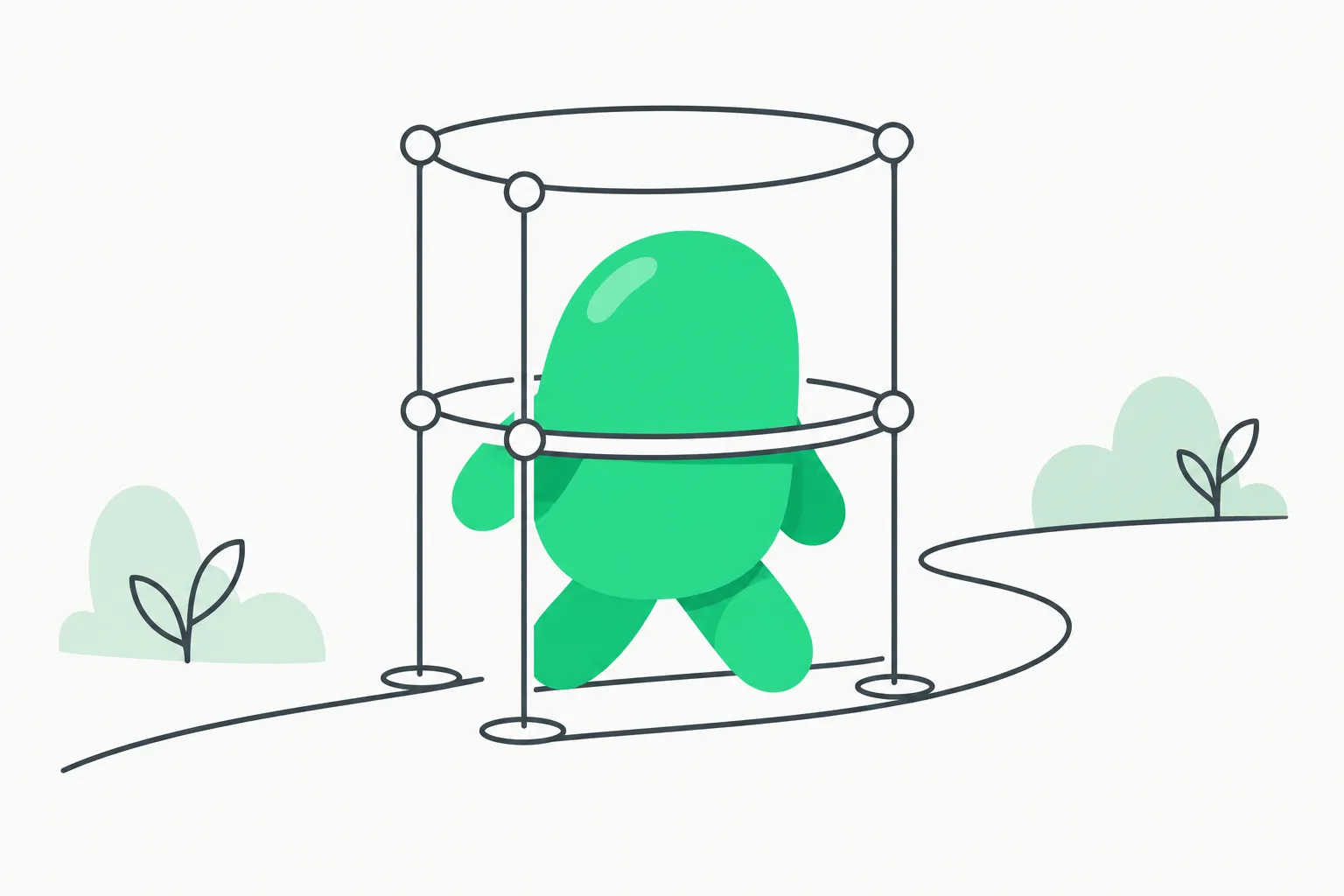 A rounded shape held inside a lightweight scaffold frame, representing the managed AgentCore harness around an agent
AWS lists these capabilities for agents that use managed defaults:
- A current recommended model. If you omit the model, the harness picks one that evolves as new models ship. Explicit harness-level and per-invocation model settings still win.
- A task-oriented system prompt. It tells the agent to gather context, use the right tools, continue until the task is done, adapt to failures or denied actions, and verify its work before it reports completion. AWS says the prompt will keep improving.
- Automatic prompt caching. For supported models using Converse on Amazon Bedrock, the harness caches the system prompt, tool definitions and conversation history. AWS says this is initially for Anthropic models on Bedrock. Repeat calls can use lower-priced cache-read tokens.
- Proactive context management. Once the context window reaches a configurable threshold, older turns are summarized and recent context is kept. AWS says this keeps the harness at about 34% lower token cost than other leading harnesses.
- Context offloading. Large tool results move out of the model context. The agent gets a preview and can fetch the full result later.
- Planning across invocations. The
todo_writetool keeps a structured task plan that survives later invocations in the same session, including after summarization. - Focused delegation. The
subagenttool hands a self-contained task to a fresh worker and returns the result. The worker is internal to the invocation and shares its limits and your tool-call hooks. - Web retrieval.
web_fetchpulls a page for fresh external context. - Granular filesystem access. Separate
read,writeandedittools let you grant only what the agent needs.
Existing MCP servers, AgentCore Gateway, Browser, Code Interpreter, inline functions, skills, memory and custom containers keep working through the same interfaces.
How do the four lifecycle hooks work?
Hooks run your deterministic code at fixed points in the agent loop. AWS frames it as turning non-deterministic model behavior into governed workflows. A Lambda function can allow or deny a request or tool call. An SNS topic or EventBridge bus can receive a notification to log activity or start a workflow.
| Event | When it runs | If a Lambda denies |
|---|---|---|
before_invocation | Before the agent processes the request | Stops the invocation with hook_stopped |
before_tool_call | After the model proposes a call, before it runs | Skips the call; the loop continues |
after_tool_call | After a tool result exists | Keeps the result and stops before more inference |
after_invocation | After the invocation completes | Reports the decision; streamed output cannot be retracted |
Only Lambda hooks change the loop. They run synchronously and return allow or deny with an optional reason. SNS and EventBridge hooks never block.
Worked example: a refund limit
AWS shows a support agent that investigates orders on its own while a before_tool_call hook checks every refund against an approval limit. The Lambda receives the proposed call and answers:
def lambda_handler(event, _context):
    tool = event["context"]
    if tool["toolName"] == "issue_refund" and tool["toolInput"]["amount"] > 500:
        return {"decision": "deny", "reason": "Refund exceeds the $500 auto-approval limit."}
    return {"decision": "allow"}
When the Lambda denies, the harness skips the refund and the agent carries on, so it can tell the customer the request was escalated. Each decision also appears in the InvokeHarness response stream as a hookEvent with the name, type, decision and reason.
Two details matter for safety. First, hooks apply to subagents: every tool call a subagent makes runs through the same beforeToolCall and afterToolCall hooks, so delegation cannot bypass the refund policy. Second, if a Lambda times out or errors, the hook applies its failureMode, which defaults to deny. You set hooks with CreateHarness or UpdateHarness. AWS points to a Refund Desk sample in its AgentCore samples repository that walks through all four events and the Lambda, SNS and EventBridge targets.
This is the same class of problem behind real incidents. We covered one in the Arizona criminal probe into OpenAI over rogue bank agents, and a related AWS pattern in the Skyflow AgentCore Gateway interceptor. A hook is a deterministic backstop; it does not make the model reliable, it limits what an unreliable model can do.
How do I keep my agent from changing under me?
The defaults are "recommended" and they evolve. AWS is explicit that explicit configuration wins, and lists four pins:
| To keep | Set |
|---|---|
| A specific model | A model ID |
| Your own instructions | systemPrompt, which fully replaces the managed prompt |
| A specific context policy | truncation |
| A fixed tool surface | A list of individual allowedTools selectors |
The tool pin is the important one for security. When allowedTools is omitted or set to the wildcard, you get the current recommended built-in set, and AWS warns it can gain capabilities over time. An agent that today has no shell or web access could pick up new tools in a later rollout. For anything with a fixed security or capability boundary, list only what you need. AWS's own example is a read-only setup:
{
  "allowedTools": ["read", "web_fetch"]
}
That grants file reading and web retrieval, with no shell access and no file modification.
What did AWS not prove?
- The 34% figure. AWS says the harness runs at "about 34% lower token cost than other leading harnesses" because of proactive context management. The post names no competitor, task set or measurement method. Measure token spend on your own traffic before you budget on it.
- Default model quality. The post does not say which model is the recommended default or how it is chosen. A default that changes silently can change cost and behavior, which is a reason to pin the model for production.
- Caching coverage. Prompt caching starts with Anthropic models on Bedrock. Other models may not benefit yet.
- Hook cost and latency. Lambda hooks run synchronously with a timeout. The post does not give latency overhead per call. Test the added delay on chatty agents.
- Failure behavior. The default failure mode is deny, which is safe but can stall a workflow if your Lambda is flaky. The
allowmode exists, but that choice weakens the guard.
How does this compare with building your own loop?
You can run Strands yourself, since it is Apache 2.0, and host it on your own compute. The managed harness trades control for operations. You skip provisioning, session scaling and sandboxing, and you get AgentCore's identity, memory and observability wiring. You accept AWS's defaults, which move, and you rely on pins to stop them moving.
Related patterns are already on explainx.ai: multi-agent setups with A2A, LangChain, Strands and AgentCore, Amazon's internal Strands decider replacing a Sonnet ticketing flow and AgentCore evaluations with decision models. If you only need grounded answers rather than a full agent, see AgentCore Web Answer.
Try it: a research coordinator in a few commands
AWS includes a CLI walk-through that creates a Research Coordinator harness. You install the CLI with npm install -g @aws/agentcore, create the harness with agentcore harness create, passing a system prompt, a summarization truncation policy that keeps the 30 most recent messages and limits such as 100 iterations and a 3,600 second timeout. Because the command omits the model, memory and execution role, the harness uses the recommended model and managed memory, and the CLI creates an IAM execution role for you.
Creation is asynchronous. You wait for the status to read READY, then invoke with a new session ID. A basic question gets a direct answer. A request for a full research report makes the coordinator plan the work and delegate to researcher, synthesizer and reviewer subagents, with at most one revision cycle. AWS says that run takes about 10 to 15 minutes. Reusing the session ID continues in the same environment.
Clean up with agentcore harness delete. That also deletes managed memory unless you pass --delete-managed-memory false. The IAM execution role the CLI created stays in your account, so remove it yourself in the IAM console if you no longer need it.
What to do this week
- List your harnesses and note which omit the model, prompt, truncation or
allowedTools. Those got the upgrade. - Pin
allowedToolson anything that touches money, data or production systems. - Pin the model for workloads where cost or behavior must not drift.
- Add a
before_tool_callLambda for your two or three highest-risk actions, and keep the failure mode on deny. - Compare token spend before and after November 11 on a steady workload, and ignore the 34% number until you see your own.
For the formal reference, use the Amazon Bedrock AgentCore Developer Guide and the open-source Strands Agents project.
Related reading
- AWS pluggable agentic AI framework: seven layers on AgentCore
- AgentCore runtime, next generation
- AgentCore Identity and private CA
- Skyflow AgentCore Gateway interceptor
- Multi-agent with A2A, LangChain, Strands and AgentCore
- Amazon Strands decider and the ticketing flow
- Arizona probe into OpenAI rogue bank agents
Details are as published by AWS on November 19, 2026 and may change as the managed defaults evolve.