




01Start here
Your working knowledge base
Create a role-aware workspace with trusted documents, clear instructions, and an organization system you can keep improving.
See the session plan
Two live evenings. Build a knowledge base, an agent skill, a prompt library, your own Artifacts, and Claude wired into the apps you use.
See the curriculumYour take-home work
Build these with your instructor. Keep them, adapt them, and put them to work after the workshop.
01Start here
Create a role-aware workspace with trusted documents, clear instructions, and an organization system you can keep improving.
See the session plan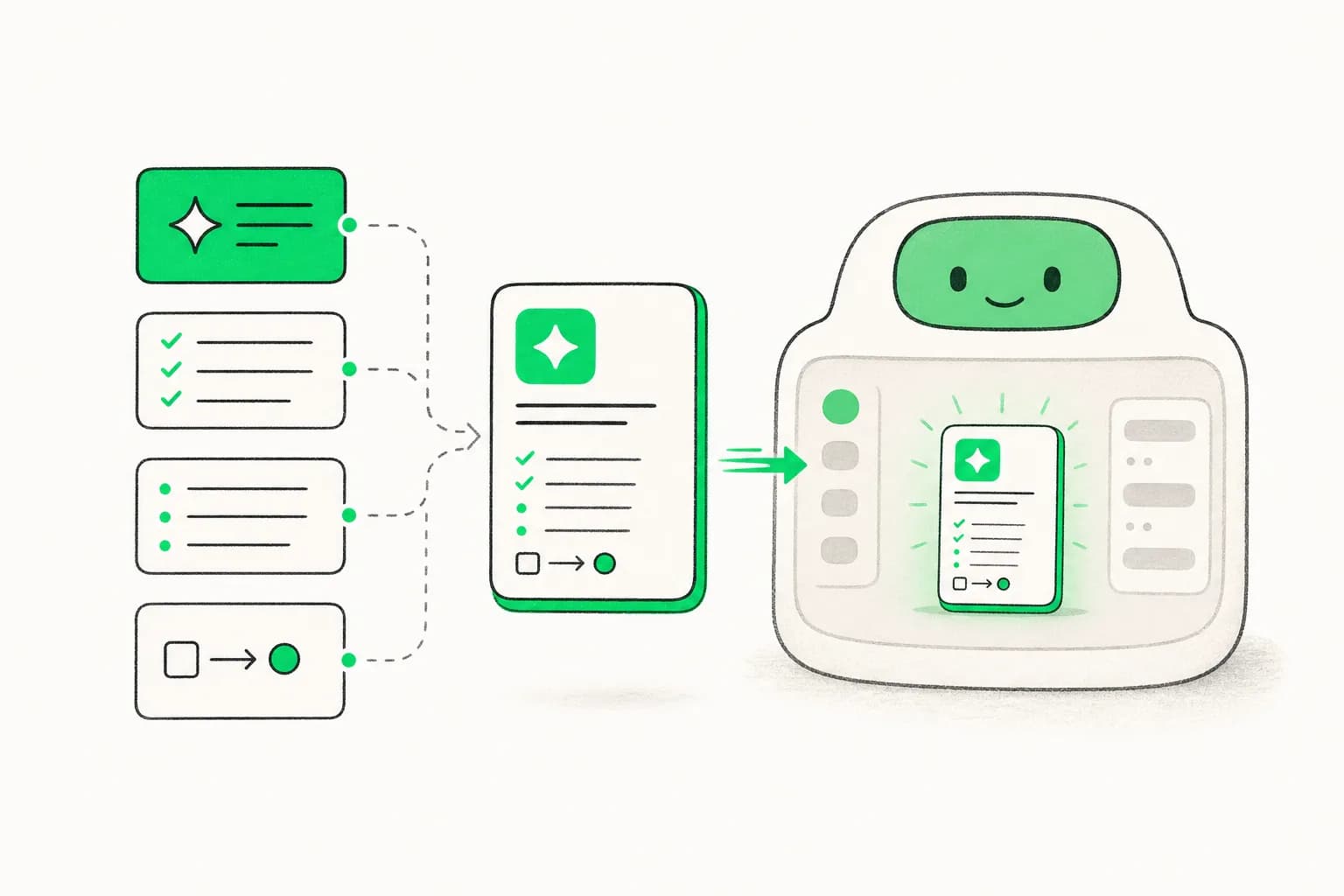
Nov 28–29, 2026
02Make it yours
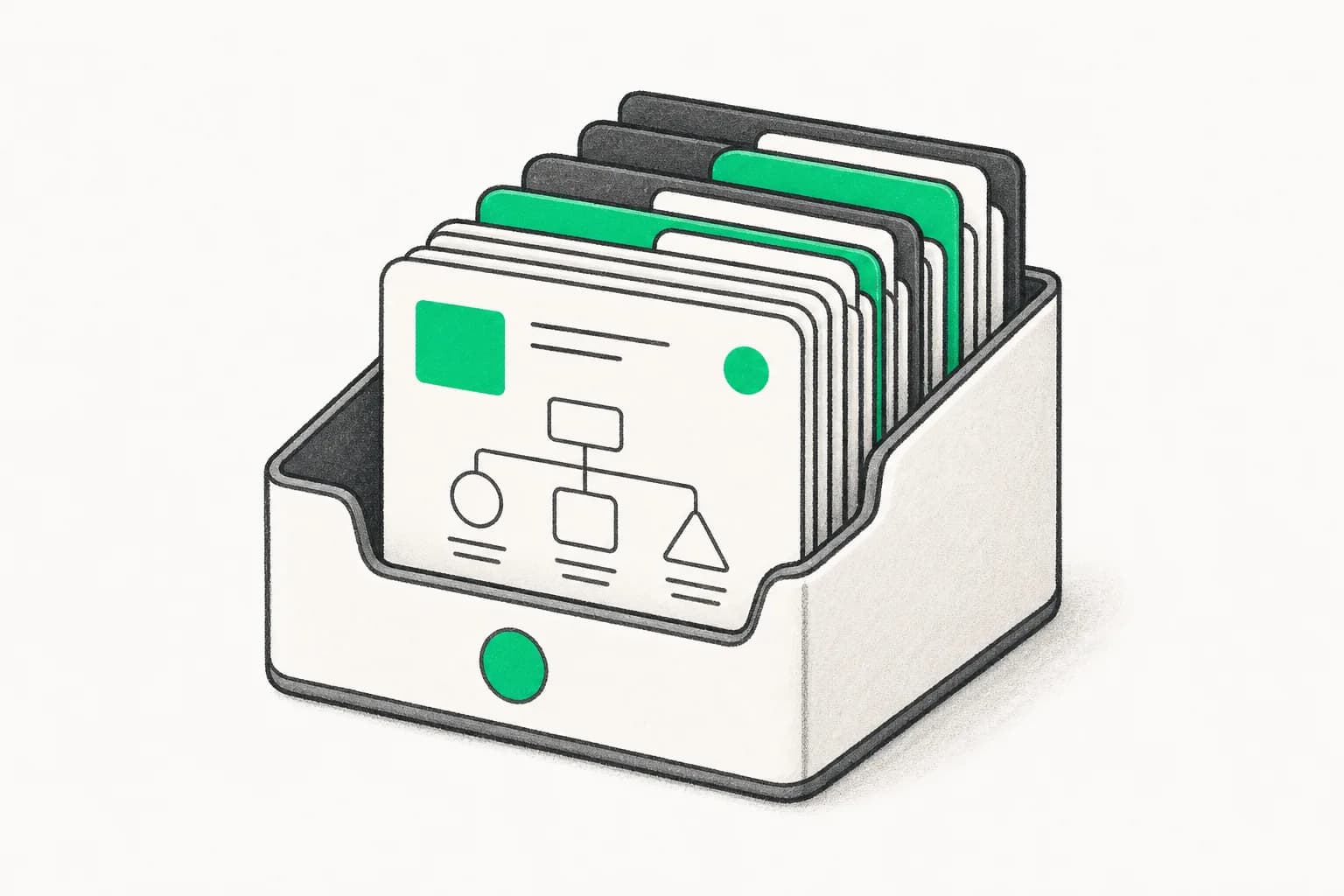
Write a practical SKILL.md, understand when it should trigger, and load it into an agentic workflow you can reuse.
03Make it yours
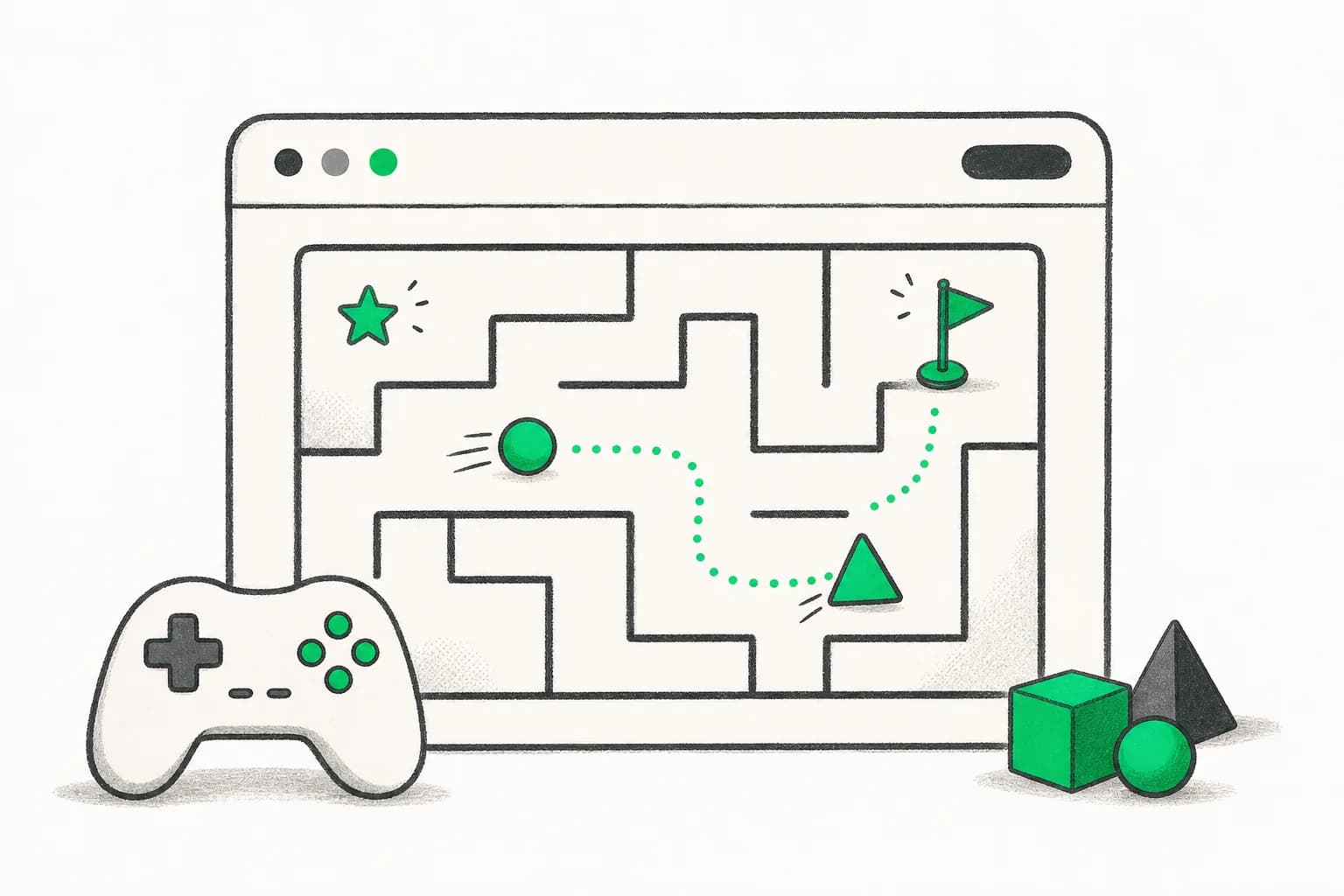
Build a tested library for email, research, reports, proposals, and creative briefs that teammates can use immediately.
04Make it yours
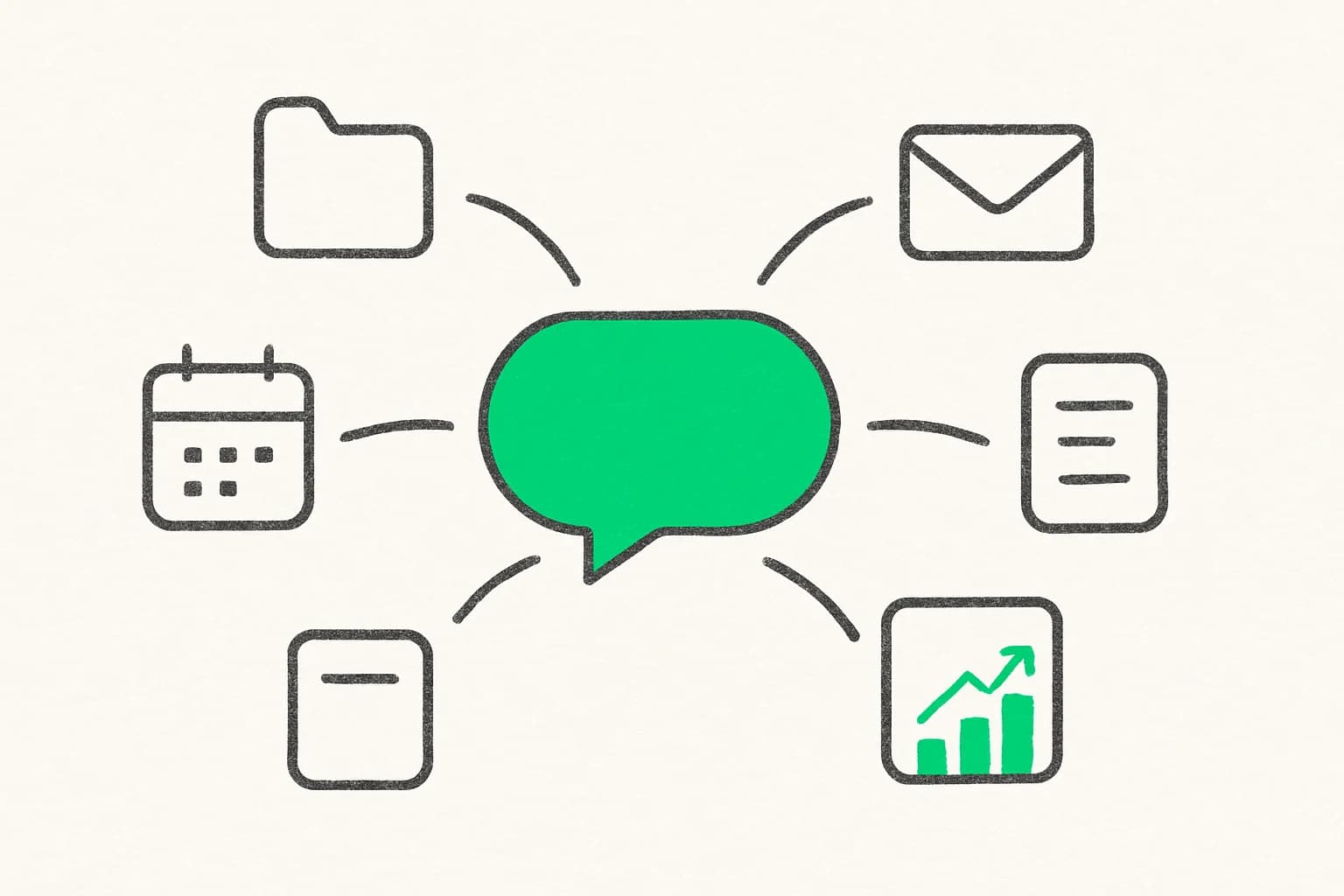
Turn a plain-English idea into interactive visuals, dashboards, and playable games with Claude Artifacts — no code to write, just describe it and iterate.
05Make it yours
Wire up connectors so Claude can pull from and act on the tools you already use — email, calendar, docs, and more — without switching tabs.
This is what you build. Two evenings, live with your instructor.
Secure your spotOverview
Right now someone on your team is pasting the same background into Claude for the third time today, skimming an answer that is almost right, rewriting it by hand, and quietly deciding AI is a bit overrated.
It isn't. That is just what Claude looks like without a setup behind it.
Most people use Claude the way they used Google — type a question, skim, move on. The people who get real leverage give Claude their context once and then reuse it. A Project holds your documents, your tone and your standards. A skill, written as plain instructions in a SKILL.md file, tells Claude how you want a recurring job done. A connector lets it read your inbox, calendar and docs directly instead of you ferrying text between tabs.
I have taught this to 350,000+ students across 20+ live bootcamps, and the shift is always the same. It happens the moment someone stops writing better prompts and starts building a setup.
Over two evenings, two hours each, you build that setup with me: a knowledge base for your role, a prompt library your team can actually run, your own working agent skill, something visual you made by describing it, and Claude wired into the apps you already open every morning. You leave with a playbook you can use the next morning.
No coding, and no Claude Code — we stay inside the Claude you already have open. If you want to build software with AI instead, take the AI Builder Bootcamp. This one is for the work that already lands in your inbox.
What you’ll learn
The curriculum
2 days · 2 hours per day · Recordings included · 11:30 AM–1:30 PM GMT+5:30
I'll show you what is actually happening when Claude answers you — how context works, why instructions matter more than clever wording, and where the real ceiling is. Then you write your first structured prompts and we compare results live.
We build your Project together: load your documents, write the instructions, switch on memory. Then we test it against real work of yours and keep tuning until the first draft sounds like you wrote it.
Skills you’ll practice: Claude fundamentals & mental models · Claude Projects & persistent memory · Prompt writing & structure · Context window best practices
We set up Cowork and the desktop app, then connect Claude to the tools you actually use — email, calendar, docs. I'll show you what breaks, and how to tell a connector worth having from one that just adds noise.
You write a working SKILL.md for a job you repeat, build something visual with Artifacts by describing it, and we assemble your playbook — the workflows, prompts and skills you'll hand to a teammate.
skills
Everything you practise hands-on across the live sessions.
Looks like something you need? Seats are limited.
Secure your spot
Founder of AISOLO Technologies; AI entrepreneur & educator
350K+
Students
12+
Yrs exp
3
Startups
Yash Thakker is the founder of AISOLO Technologies and one of the most sought-after AI educators in the country. He's known for one thing above all: by the end of any session, students have already built something — no saving it for 'later.' His classes are built around real-life, happening-right-now examples, zero dry theory, and a teaching energy that makes complex things feel obvious. With over a decade shipping AI products across media, fintech, and edtech, Yash has delivered every learning format imaginable — in-person workshops, live bootcamps, online courses, and hybrid sessions — always exploring new ways to make learning land faster. He's obsessed with what learning looks like for this generation, now that AI changes what's even worth teaching. He has reached 350,000+ learners and is the creator behind Olly.social, BGBlur.com, and explainx.ai.
Who it’s for
Your next step
Nov 28–29, 2026 · 2 days · 2 hrs/day
2 live sessions
2 hours each · Nov 28–29, 2026
Session recordings
1-year access to all recordings
Personal prompt library
Role-specific templates to take home
Lifetime class community
Your cohort’s private classroom: chat, Q&A, prompts and recordings, open for good
Lifetime AI community
Your instructor’s wider community, to keep learning long after class ends
Melo learning assistant
Pre learning, all workshop content, and post learning practice
4 live projects
Real deliverables you build during sessions
$99.00
faq
Everything you need to know before enrolling.
None. This workshop is beginner-friendly and suitable for all levels — built for managers, marketers, founders, writers, and anyone who works with documents, email, and information. No coding or technical background required. All you need is a laptop with a modern browser; install the Claude desktop app beforehand if you can.
Join 350K+ learners
Live, hands-on, and capped so sessions stay interactive.
Reserve your seat50 seats remaining
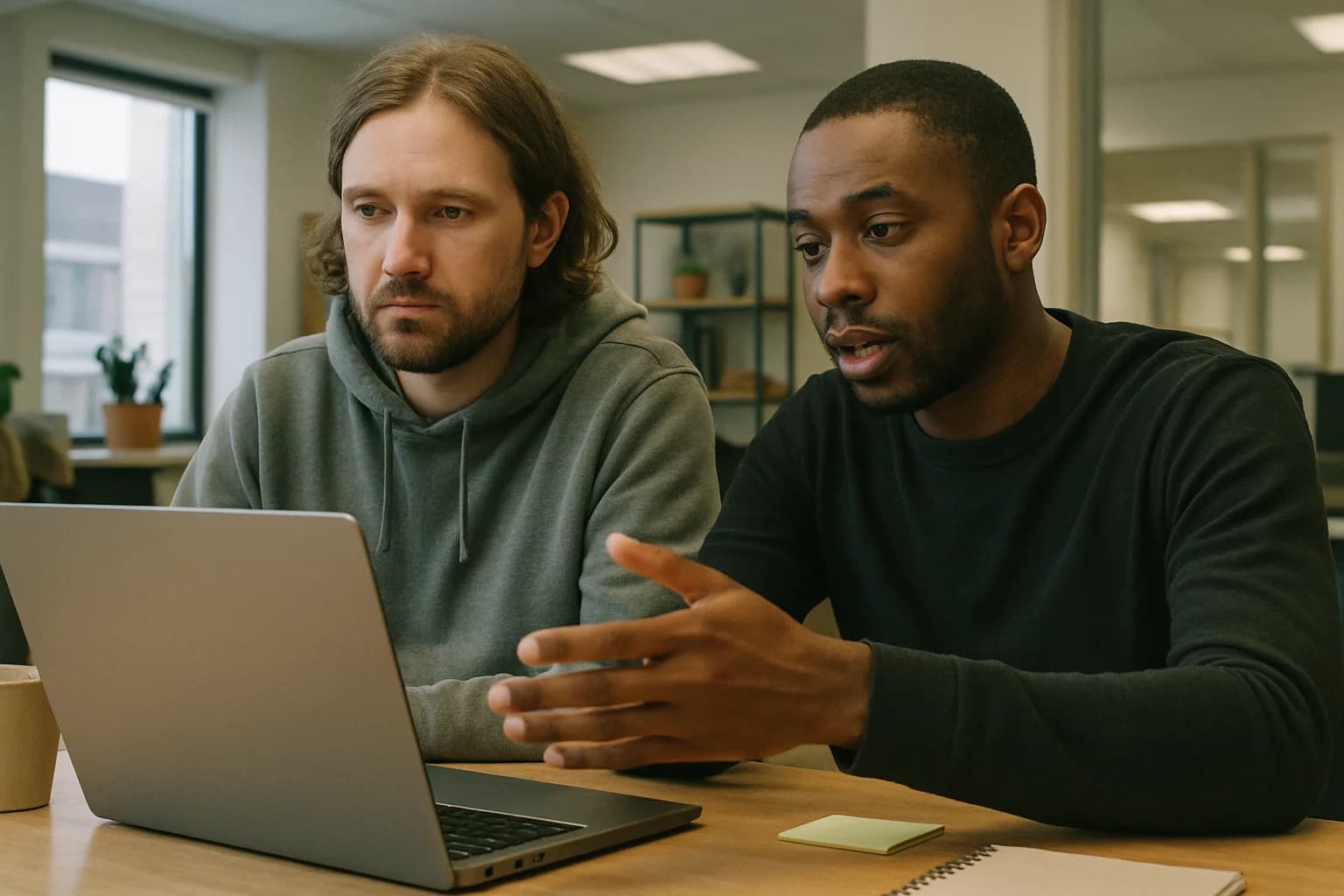 Built around real work
Private team sessions
Bring Claude for Work: Become Your Team’s AI Person to your company with examples, projects, and guidance shaped around the tools your team already uses.
Real messages from students who trained with Yash across his live AI workshops and bootcamps.
“I've been using Claude for months but had no idea you could set up Projects with custom instructions. After Day 1 I restructured my entire research workflow — I got back about 3 hours a week immediately.”
“The prompt template library we built on Day 2 is now used by my whole content team. We went from everyone prompting differently and getting inconsistent results to having a shared system that produces on-brand output every time.”
“Yash doesn't just show you what to type — he shows you *how to think* about working with Claude. That mental model shift is what I came for and what I got. The research sprint session alone was worth the ticket price.”
“As a founder who writes a lot, I was already using Claude daily. This workshop upgraded me from user to power user. My Claude Playbook doc is now 12 pages and growing — I share it with every new hire.”
Skills you’ll practice: Claude Cowork · Claude Desktop App · Browser extensions with AI · AI plugins & connectors · AI for design & content · Staying current with AI updates
James Okafor
Head of Content, Lagos
Sara Lindqvist
Strategy Consultant, Stockholm
Rohan Nair
Founder, Kochi