



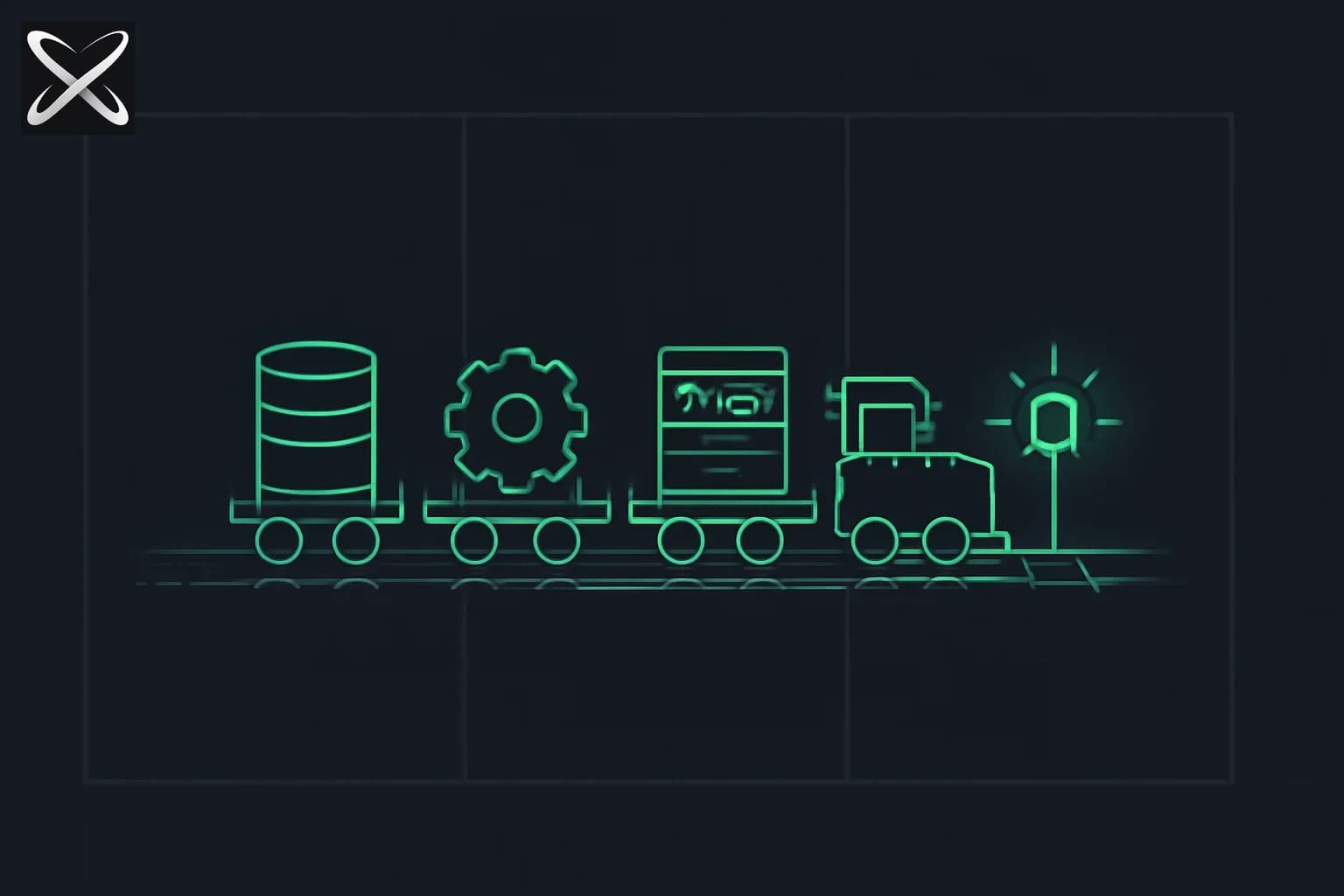
There is a category of things your app needs that Vercel cannot host: a PostgreSQL database, a background job queue that runs every night, a WebSocket server that keeps connections open, a Redis cache, or a Python script that crunches data for ten minutes at a time.
None of those fit the serverless model. Serverless functions spin up for one request and shut down. Databases need to stay running. Background workers need to stay running. WebSocket connections need to stay open. For all of that, you need Railway.
What Railway Is
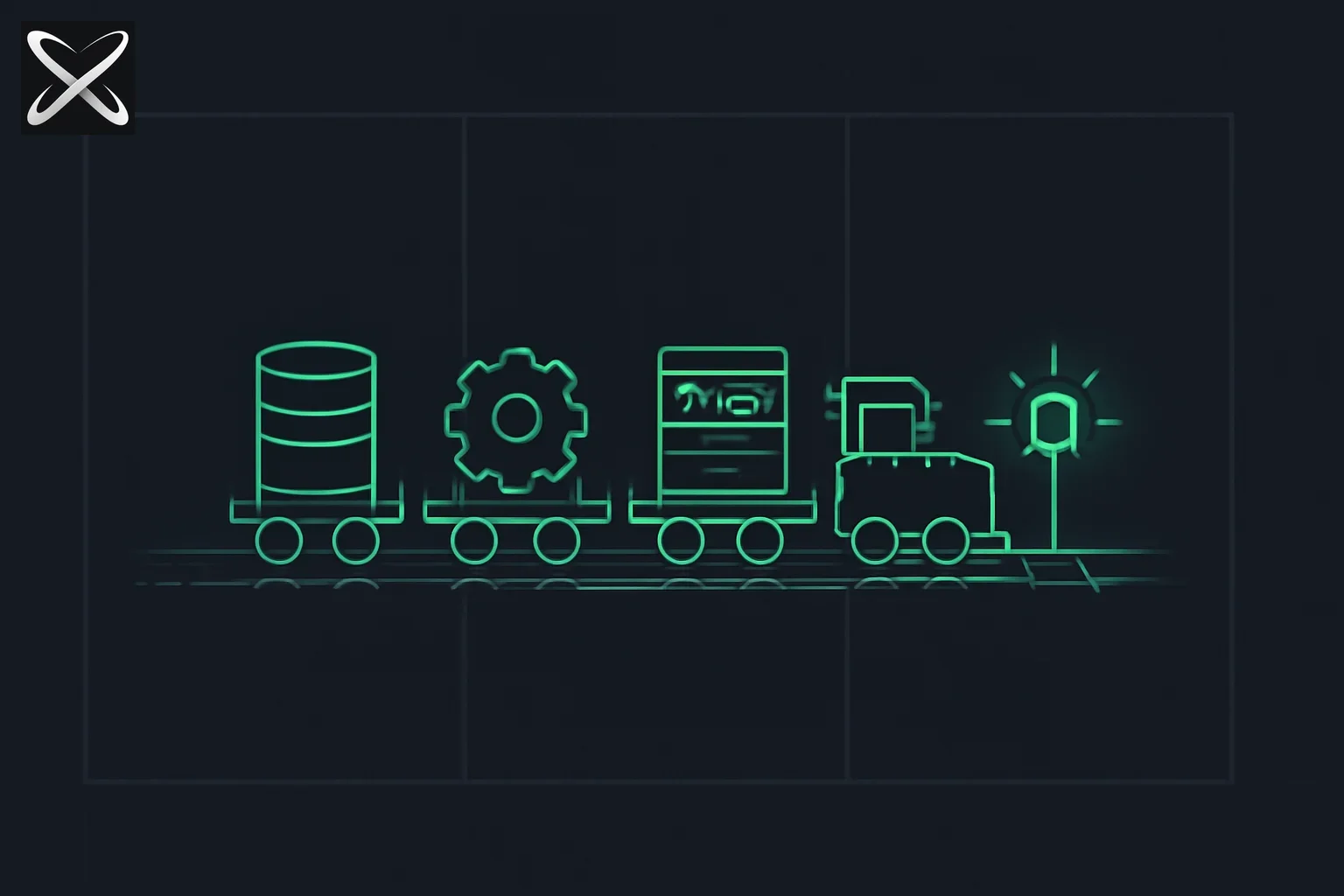
Railway is a cloud platform for deploying persistent services — apps, databases, and background workers that run continuously rather than on demand. Where Vercel is built around the serverless model (spin up, handle request, shut down), Railway is built around the container model (start, stay running, accept connections whenever they come).
Railway is designed to be as simple as Vercel for the use cases it covers. You connect a GitHub repository, Railway detects the runtime, and your service is running in minutes. Adding a PostgreSQL database is four clicks.
Railway can deploy:
- Node.js applications
- Python applications (FastAPI, Flask, Django)
- Docker containers (anything with a
Dockerfile) - PostgreSQL databases
- MySQL databases
- MongoDB instances
- Redis caches
- Template-based services (from Railway's template gallery)
The Key Difference From Vercel
The shortest way to understand the difference: Vercel runs your code when someone asks for it. Railway runs your code all the time.
Vercel (serverless):
- Function wakes up when a request arrives
- Handles the request
- Shuts down (may stay warm for a few seconds)
- You pay only for execution time
- Cannot maintain in-memory state between requests
- Cannot keep a WebSocket connection open
- Cannot run a database (databases are always-on)
Railway (persistent):
- Your process starts and keeps running
- Handles connections as they arrive
- Stays alive between requests
- You pay for uptime, not just execution
- Can maintain in-memory state (caches, connection pools)
- Can handle WebSockets
- Can run databases, background workers, schedulers
Most real applications need both. A typical architecture: Vercel hosts the Next.js frontend (which is serverless-friendly), Railway hosts the PostgreSQL database and any background services.
Pricing
Railway's pricing is usage-based:
- Free trial: $5 of credit on signup, no credit card required
- Hobby plan: $5/month, which includes $5 in usage credit. Most small projects run within this budget.
- Pro plan: $20/month per seat, higher resource limits, team features, priority support
What counts as usage: CPU seconds, memory hours, and egress bandwidth. A small PostgreSQL database and a lightweight Node.js app together typically cost $3–8/month on the Hobby plan.
There is no permanently free tier. If you need something that is free forever, Supabase's free tier for PostgreSQL or Render's free tier for services are alternatives — but Railway's developer experience is significantly better, and $5/month is inexpensive for the time it saves.
Deploy a Node.js App: Step by Step
First, make sure your Node.js app has a start script in package.json:
{
  "scripts": {
    "start": "node index.js",
    "dev": "nodemon index.js"
  }
}
Railway reads scripts.start to know how to run your app. If you are using TypeScript, build first and point start at the compiled output:
{
  "scripts": {
    "build": "tsc",
    "start": "node dist/index.js"
  }
}
If you are learning Node.js basics or are not sure how to structure a Node project, the beginner guide to Node.js walks through this setup.
Step 1: Create an account
Go to railway.app and click "Login." Choose "Login with GitHub." Authorize Railway.
Step 2: Create a new project
Click "New Project" → "Deploy from GitHub repo." Select the repository that contains your Node.js app.
Step 3: Let Railway detect your setup
Railway reads your package.json, detects Node.js, sets the build command to npm install && npm run build (if a build script exists) and the start command to npm run start. You can override these in the service settings if needed.
Step 4: Deploy
Click "Deploy." Railway provisions a container, installs dependencies, and starts your app. In about 30–60 seconds you will see logs streaming in the Logs tab, and your service will show a green "Active" badge.
Step 5: Get your URL
In your service settings, click "Generate Domain." Railway assigns a public URL like your-app-name.up.railway.app. Your app is live.
Add a PostgreSQL Database: Step by Step
Adding a database in Railway takes four clicks and about thirty seconds.
Step 1: In your project, click "New"
You will see a menu with options: "GitHub Repo," "Database," "Template," and "Empty Service."
Step 2: Choose Database → Add PostgreSQL
Railway provisions a PostgreSQL 15 instance in the same project as your app.
Step 3: Find your connection URL
Click on the new PostgreSQL service → Variables tab. You will see DATABASE_URL — a full PostgreSQL connection string like:
postgresql://postgres:password@monorail.proxy.rlwy.net:12345/railway
Step 4: Use it in your app
In your Node.js code:
const { Pool } = require('pg');
const pool = new Pool({ connectionString: process.env.DATABASE_URL });
Railway automatically makes DATABASE_URL available as an environment variable to all services in the same project. You do not need to copy and paste it — it is injected automatically.
Environment Variables and Variable References
In Railway, environment variables are managed per service in the Variables tab. You can set them manually, or you can reference variables from other services using Railway's reference syntax.
Instead of copying the database URL by hand, you can reference it:
DATABASE_URL=${{Postgres.DATABASE_URL}}
This tells Railway: "take the DATABASE_URL variable from the Postgres service and inject it here." If the database URL ever changes (for example, after a reset), the reference stays correct automatically.
You can also define project-wide shared variables under Project → Variables, which are available to all services in the project.
For secrets that should not be visible in logs or accessible to all services, mark variables as "Secret" — they will be redacted in the Railway dashboard.
Persistent Storage: Volumes
By default, any files your app writes to disk disappear when the service restarts. If your app stores uploaded files, generated assets, or uses SQLite, you need a volume.
To attach a volume:
- Click your service → Settings → Volumes
- Add a volume at the mount path where your app writes files (e.g.,
/data) - Files written to
/datapersist across restarts and redeployments
Volumes are billed by storage used (about $0.25/GB-month). For most side projects this is negligible.
Cron Jobs
Railway lets you run scheduled tasks without a separate service. In your project, create a "Cron" service and point it at a command:
- Command:
node scripts/cleanup.js - Schedule:
0 2 * * *(runs at 2 AM every day)
This is useful for:
- Nightly database cleanup or archiving
- Scheduled email digests
- Periodic data sync from external APIs
- Cache invalidation
The cron service spins up, runs the command, then shuts down. You are only billed for the execution time, not idle time between runs.
Logs and Monitoring
Real-time logs are the main way you debug what is happening in Railway.
Click any service → Logs tab. You will see a live stream of your application's stdout and stderr — the same output you would see in your terminal locally. Railway keeps log history for 7 days on the Hobby plan.
Useful patterns when debugging:
- Filter logs by severity or text string
- Download logs as a file for offline analysis
- Use the "Deployments" tab to see logs for a specific historical deployment
Railway does not include built-in alerting. For monitoring (uptime checks, error rate alerts), use a separate tool like Better Uptime, Sentry, or PostHog.
Custom Domains
To add your own domain to a Railway service:
- Click your service → Settings → Networking → Generate Domain (or "Custom Domain")
- Enter your domain (e.g.,
api.myapp.com) - Railway shows you a CNAME record to add at your DNS registrar
- Add the record, wait for DNS propagation
- Railway provisions an SSL certificate automatically
Subdomains work the same way. Railway supports multiple domains per service.
The Railway CLI
The Railway CLI lets you interact with your project from the terminal.
Install:
npm install -g @railway/cli
Login:
railway login
This opens a browser for authentication and stores a token locally.
Link to an existing project:
railway link
Deploy your current directory:
railway up
Open a shell in your running service:
railway shell
Run a command with Railway's environment variables injected locally:
railway run node scripts/seed.js
railway run is particularly useful for database migrations — you run them locally but against the real Railway database, using the same DATABASE_URL that the deployed service uses.
When to Use Railway vs Vercel
Use both. The most common pattern for a full-stack Next.js app:
| Layer | Platform | Why |
|---|---|---|
| Next.js frontend | Vercel | Zero-config, CDN, preview deployments |
| PostgreSQL database | Railway | Persistent, managed, auto-wired env vars |
| Background workers | Railway | Always-on, can run long tasks |
| Redis cache | Railway | Persistent in-memory store |
| API-only backend (Express, FastAPI) | Railway | Always-on process, WebSocket support |
The split is not either/or. Vercel handles what serverless handles well. Railway handles what serverless cannot. Push your code to GitHub, connect both platforms, and you have a full production stack without managing a single server.
What Railway Does Not Do
Railway is not a replacement for everything. It does not include:
- A CDN for static assets (use Vercel, Cloudflare, or a separate CDN for that)
- Advanced monitoring and APM (use Sentry, Datadog, or similar)
- Object storage for user uploads (use AWS S3, Cloudflare R2, or Supabase Storage — and store the files there, not in Railway volumes)
- A managed cache with Redis clustering for very high scale (use Upstash or ElastiCache for that)
For the vast majority of side projects and early-stage products, Railway provides everything you need for the persistent backend layer, at a price and complexity level that is accessible to beginners.
If you are coming from Docker, Railway supports Dockerfile-based deployments with no extra configuration — just include a Dockerfile in your repository root and Railway builds from it. The beginner guide to Docker covers the basics if you want to go that route.
Railway removes the operational overhead that used to require a DevOps engineer. You get real infrastructure — persistent databases, background workers, real processes — without managing any of it.
Update — July 16, 2026: If Railway already auto-deploys your app on push to main, you don't need a separate VPS for autonomous publishing workflows either — see why Railway is already your server for AI-driven blog publishing.
See also: Railway's viral developer peace satire (June 2026) landed in the same moment as essays on AI-era programmer burnout — updated July 9 with Alec Scollon's LLM burnout thread. Same brand, different tone from this deploy guide.