



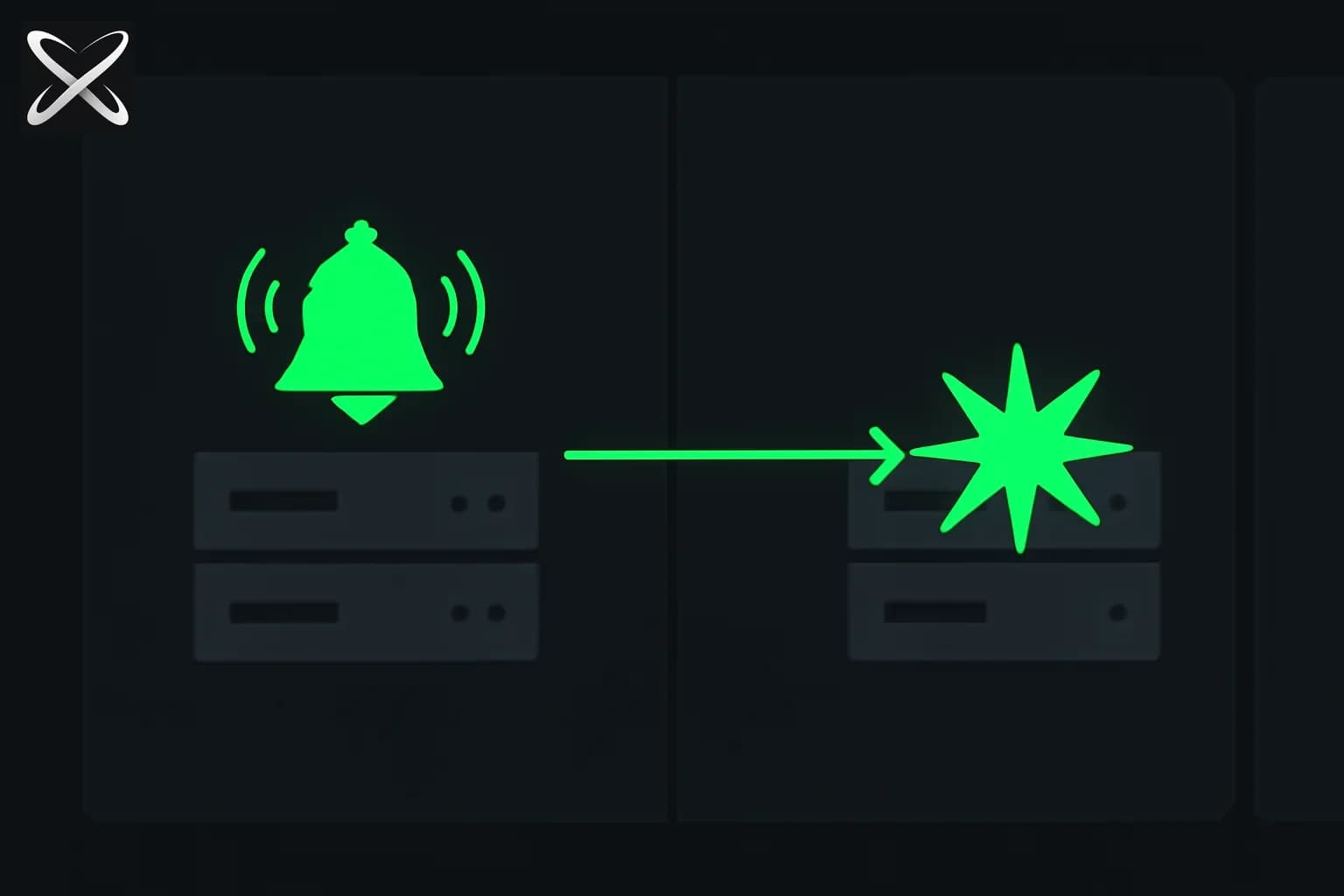
APIs let your code ask external services for data. Webhooks flip that around — the external service calls your code when something happens, without you having to ask.
If you've ever wondered how Stripe tells your app instantly when a payment succeeds, or how GitHub can trigger a deployment the moment code is pushed, you're wondering about webhooks. This guide explains how they work and how to build one.
Polling vs webhooks: the core difference
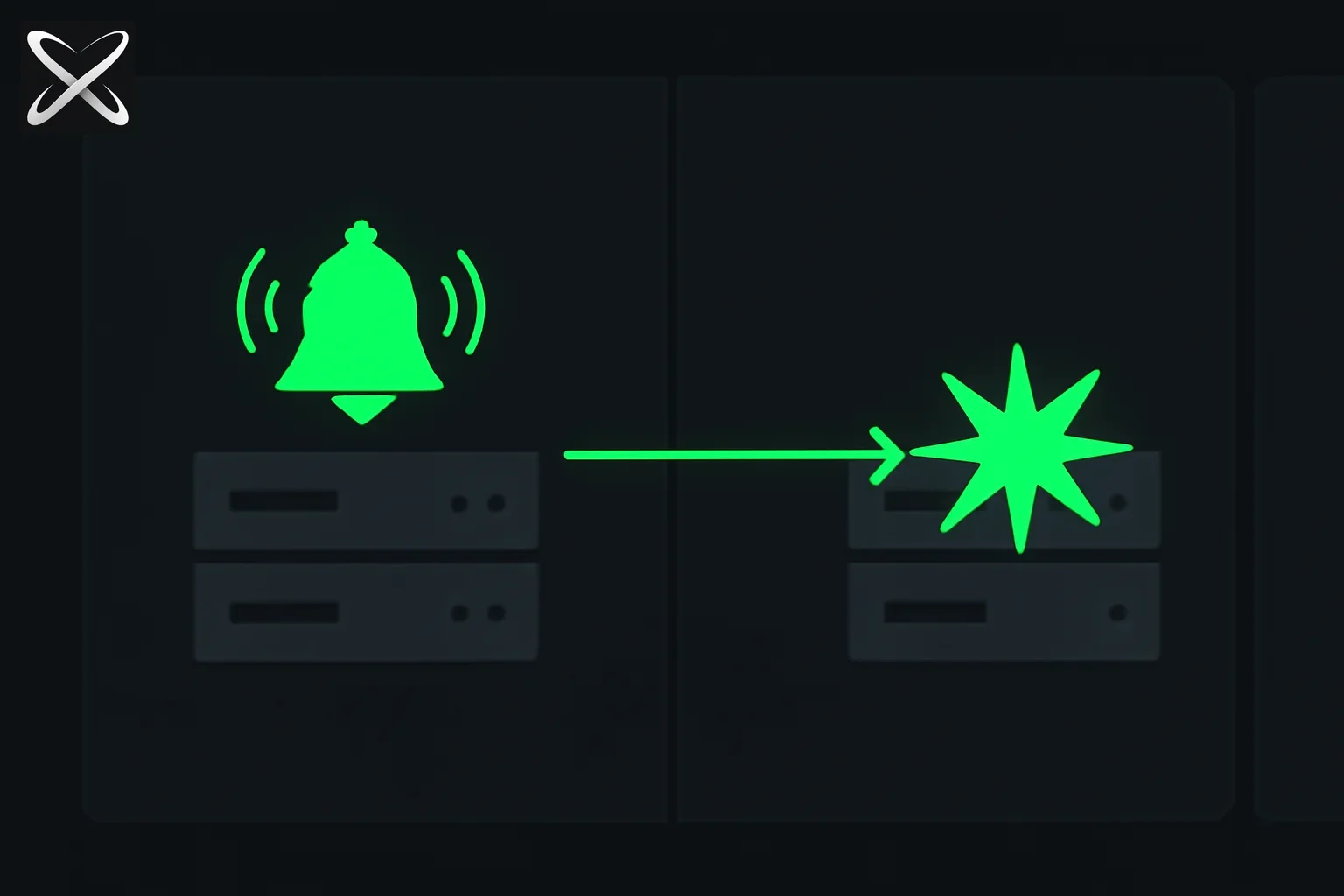
Imagine you ordered a package. Two ways you could track it:
Polling: you check the courier's website every 10 minutes. "Is it here yet? Is it here yet?" Most of the time, the answer is no — but you keep asking anyway.
Webhook: the courier texts you the moment your package is delivered. You don't check anything. You just get a notification when it happens.
In software:
- Polling: your app sends a request to an external service every 60 seconds asking "did anything change?" If you have 1,000 users, that's 1,000 × every-minute requests — most returning "nothing new."
- Webhook: the external service sends an HTTP request to your endpoint the moment something happens. Zero wasted requests. Real-time notification.
Polling is simpler to build — you're writing the code that makes the request, on a schedule you control. Webhooks require you to expose an endpoint that the external service can reach, verify that requests are legitimate, and handle the logic of "what to do when this event arrives."
For anything that needs to respond to events quickly — payments, messaging, deployment triggers, order notifications — webhooks are the right tool.
When webhooks are used: real examples
You'll encounter webhooks across every major developer platform:
- Stripe calls
POST /webhook/stripethe moment a payment succeeds, fails, is refunded, or a subscription renews - GitHub calls your endpoint when a pull request is opened, a commit is pushed, or an issue is created — this is how CI/CD systems like GitHub Actions trigger builds
- Twilio calls your endpoint when an SMS is received or a call comes in to your Twilio number
- Shopify calls your endpoint when an order is placed, updated, fulfilled, or cancelled
- Slack calls your endpoint when a user types a slash command like
/deploy
In every case, the pattern is identical: you register a URL with the service, and it sends an HTTP POST to that URL whenever the event occurs.
Anatomy of a webhook request
A webhook is just an HTTP POST request that the external service sends to your URL. Nothing exotic — the same kind of request your browser makes when you submit a form.
The body is JSON describing what happened:
{
  "event": "payment.succeeded",
  "created": 1719446400,
  "data": {
    "id": "ch_1234abc",
    "amount": 2000,
    "currency": "usd",
    "customer": "cus_XYZ789"
  }
}
The event field tells you what happened. The data field contains the details. You look at event, decide whether you care about it, and act on the data.
One important detail: the service sends the event once. If your server is down, most services retry (more on that later). But you can't go back and ask "what events did I miss?" — so making your endpoint reliable matters.
Building your first webhook endpoint
Let's build a real webhook handler in Node.js with Express that listens for GitHub push events.
First, a minimal Express server:
const express = require('express');
const app = express();

// Parse JSON bodies
app.use(express.json());

app.post('/webhook/github', (req, res) => {
  const event = req.headers['x-github-event'];
  const payload = req.body;

  if (event === 'push') {
    const repo = payload.repository.name;
    const pusher = payload.pusher.name;
    const branch = payload.ref.replace('refs/heads/', '');

    console.log(`Push to ${repo} on ${branch} by ${pusher}`);
    console.log(`Commits: ${payload.commits.length}`);
  }

  if (event === 'pull_request') {
    const action = payload.action; // 'opened', 'closed', 'merged'
    const title = payload.pull_request.title;
    console.log(`PR ${action}: ${title}`);
  }

  // Always respond 200 quickly
  res.status(200).json({ received: true });
});

app.listen(3000, () => console.log('Webhook server running on port 3000'));
Install dependencies and run:
npm install express
node server.js
A few things to notice:
- The route is a POST handler. Webhooks are always POST.
- The event type comes from a header. GitHub sends
X-GitHub-Event. Stripe sendsStripe-Signature(used for verification). Every service documents its headers. - We respond 200 immediately. The handler does only lightweight work — logging and reading from the payload — before sending the response.
The golden rule: respond 200 fast
This is the most common mistake beginners make with webhooks.
The sending service waits for your response after delivering a webhook. Most services time out after 10 to 30 seconds. If you do heavy work inside the handler — calling another API, sending an email, regenerating a report — your handler might take too long, the sender times out, and it marks the delivery as failed. It retries. Now you have duplicate events.
The correct pattern:
app.post('/webhook/stripe', async (req, res) => {
  const event = req.body;

  // Respond immediately
  res.status(200).json({ received: true });

  // Process in background AFTER responding
  processStripeEvent(event).catch(console.error);
});

async function processStripeEvent(event) {
  if (event.type === 'payment_intent.succeeded') {
    const amount = event.data.object.amount;
    // Send confirmation email, update database, etc.
    await sendConfirmationEmail(event.data.object.customer);
    await db.payment.create({ ... });
  }
}
In production, you'd typically queue the event in a job queue (like BullMQ, Inngest, or a simple database table) and process it in a separate worker. But even the pattern above — respond then process — is far better than processing before responding.
Webhook security: verifying signatures
Here's the problem: if you build a webhook endpoint at https://yourapp.com/webhook/stripe, anyone on the internet can POST to it. Without verification, a malicious actor could send you a fake "payment succeeded" event and your code would process it as real.
Most services solve this with signature verification. When a webhook is sent, the service signs the request body using a secret you share with them. Your endpoint computes the same signature and compares it. If they match, the request is genuine.
With Stripe, the pattern looks like this:
const stripe = require('stripe')(process.env.STRIPE_SECRET_KEY);

app.post('/webhook/stripe', express.raw({ type: 'application/json' }), (req, res) => {
  const sig = req.headers['stripe-signature'];
  const webhookSecret = process.env.STRIPE_WEBHOOK_SECRET;

  let event;
  try {
    event = stripe.webhooks.constructEvent(req.body, sig, webhookSecret);
  } catch (err) {
    console.error('Webhook signature verification failed:', err.message);
    return res.status(400).send(`Webhook Error: ${err.message}`);
  }

  // Signature verified — now it's safe to process
  if (event.type === 'payment_intent.succeeded') {
    const paymentIntent = event.data.object;
    console.log('Payment succeeded:', paymentIntent.id);
  }

  res.status(200).json({ received: true });
});
Notice that Stripe requires express.raw() for the webhook route (not express.json()). Signature verification works on the raw bytes of the request — parsing it to JSON first breaks the signature. This is a common gotcha.
For GitHub, the signature comes in the X-Hub-Signature-256 header and uses HMAC-SHA256. The GitHub documentation shows the exact verification steps. Every platform is slightly different, but the concept is the same: raw body + shared secret = signature to verify.
Always verify signatures. Skipping it means anyone can trigger your business logic with a fake event.
Testing webhooks locally
Your local development server runs on localhost:3000. The external service (Stripe, GitHub, etc.) cannot reach localhost because it's not on the public internet. This is the most common "how do I even test this?" moment for beginners.
Three solutions:
ngrok
ngrok creates a public HTTPS tunnel to your local port:
# Install ngrok: https://ngrok.com/download
ngrok http 3000
ngrok gives you a URL like https://abc123.ngrok-free.app. Register that URL with your service as the webhook endpoint. Requests to the ngrok URL are forwarded to your localhost:3000. Your local logs show everything in real time.
ngrok is free for basic use. The URL changes every time you restart it (on the free plan), so you need to update your webhook registration each session.
Stripe CLI
If you're building Stripe integrations, the Stripe CLI handles this automatically:
stripe listen --forward-to localhost:3000/webhook/stripe
It automatically forwards Stripe webhook events to your local server and prints each event to the terminal. You can also trigger test events:
stripe trigger payment_intent.succeeded
Webhook.site
Webhook.site gives you an instant public URL. Any POST request to that URL is displayed in the browser in real time. Use it when you want to inspect what a webhook payload actually looks like before writing any code. Copy the URL, register it with the service, trigger a test event, and see the exact JSON that arrives.
Idempotency: handling duplicate events safely
Most webhook services guarantee at-least-once delivery — meaning a webhook might be delivered more than once. Network issues, timeouts, your server restarting mid-request — any of these can cause a retry even if the first delivery succeeded.
Your handler must be idempotent: running it twice on the same event produces the same result as running it once.
The standard pattern: store the event ID in your database the first time you process it. Before processing, check whether that ID already exists.
async function processStripeEvent(event) {
  // Check if we already processed this event
  const existing = await db.processedEvent.findUnique({
    where: { stripeEventId: event.id }
  });

  if (existing) {
    console.log(`Event ${event.id} already processed, skipping`);
    return;
  }

  // Process the event
  if (event.type === 'payment_intent.succeeded') {
    await fulfillOrder(event.data.object);
  }

  // Mark as processed
  await db.processedEvent.create({
    data: { stripeEventId: event.id, processedAt: new Date() }
  });
}
This prevents double-charging, double-fulfilling orders, or sending duplicate emails when retries occur.
Retry logic: what services do when you fail
If your endpoint returns anything other than a 2xx status code — or doesn't respond before the timeout — the service marks the delivery as failed and retries.
Retry schedules vary by service:
- Stripe retries up to 3 days with exponential backoff (first retry after 5 minutes, then 30 minutes, 2 hours, etc.)
- GitHub retries up to 3 times over 30 minutes
- Shopify retries up to 19 times over 48 hours
This is exactly why idempotency matters — you might process the same event hours later when your server comes back up, after having already processed it on the original delivery.
Best practice: log every incoming webhook event to a database table immediately upon receipt (before any processing), then process from that log. This gives you a full audit trail and makes replaying missed events possible.
Connecting the pieces
Webhooks, APIs, and databases work together in nearly every production app:
- A payment is completed on Stripe
- Stripe POSTs a webhook to your endpoint
- Your handler verifies the signature, checks for duplicates in the database, and marks the order as paid
- Your handler responds 200, then sends a confirmation email in the background
Understanding all three concepts — APIs (you call them), webhooks (they call you), and databases (store the state) — gives you the mental model for how modern backend systems work.
If you're building with Node.js, the Express example above is a working starting point. If you're building a full-stack app, Next.js API routes can serve as webhook endpoints without a separate server.
Update — September 21, 2026: for the local-testing step above, Cloudflare's free Quick Tunnels command (cloudflared tunnel --url localhost:8080) is a no-signup alternative to ngrok for exposing your local webhook handler on a public HTTPS URL.