



If centralized AI providers are giving you censorship or pricing heartburn, you aren't alone. Bitcoin developer jamesob recently published a detailed hardware guide, jamesob/local-llm, outlining how to run state-of-the-art (SOTA) machine intelligence locally.
His build bypasses the expensive DDR5/PCIe5 platform tax by opting for a last-generation EPYC base system paired with 4× NVIDIA RTX PRO 6000 Blackwell Workstation GPUs and a dedicated Gen4 PCIe switch. The result? A 384GB VRAM workstation capable of serving quantized frontier-class models at Gen4 line rates.
Here is a breakdown of the hardware, BIOS configurations, kernel overrides, and the real-world trade-offs of local AI.
TL;DR: Build & Setup Overview
| Question | Answer |
|---|---|
| How much does it cost? | The base system is ~$5,587 (eBay parts), and the 4× RTX PRO 6000 GPUs are |
| What is the GPU spec? | 4× NVIDIA RTX PRO 6000 Blackwell Workstation cards, providing 384GB VRAM total (96GB per GPU). |
| How is the switch configured? | A c-payne Gen4 switch connects the GPUs directly, bypassing the CPU root complex during allreduce. |
| What models does it run? | Optimized for GLM-5.2-Int8Mix-NVFP4-REAP-594B via vLLM, yielding ~80 t/s at up to 460k context. |
| What are the power requirements? | Power-limited to 350W per GPU (from 600W) to prevent blowing a standard 110V home circuit breaker. |
The $46,000 GPU BOM: VRAM over Platform
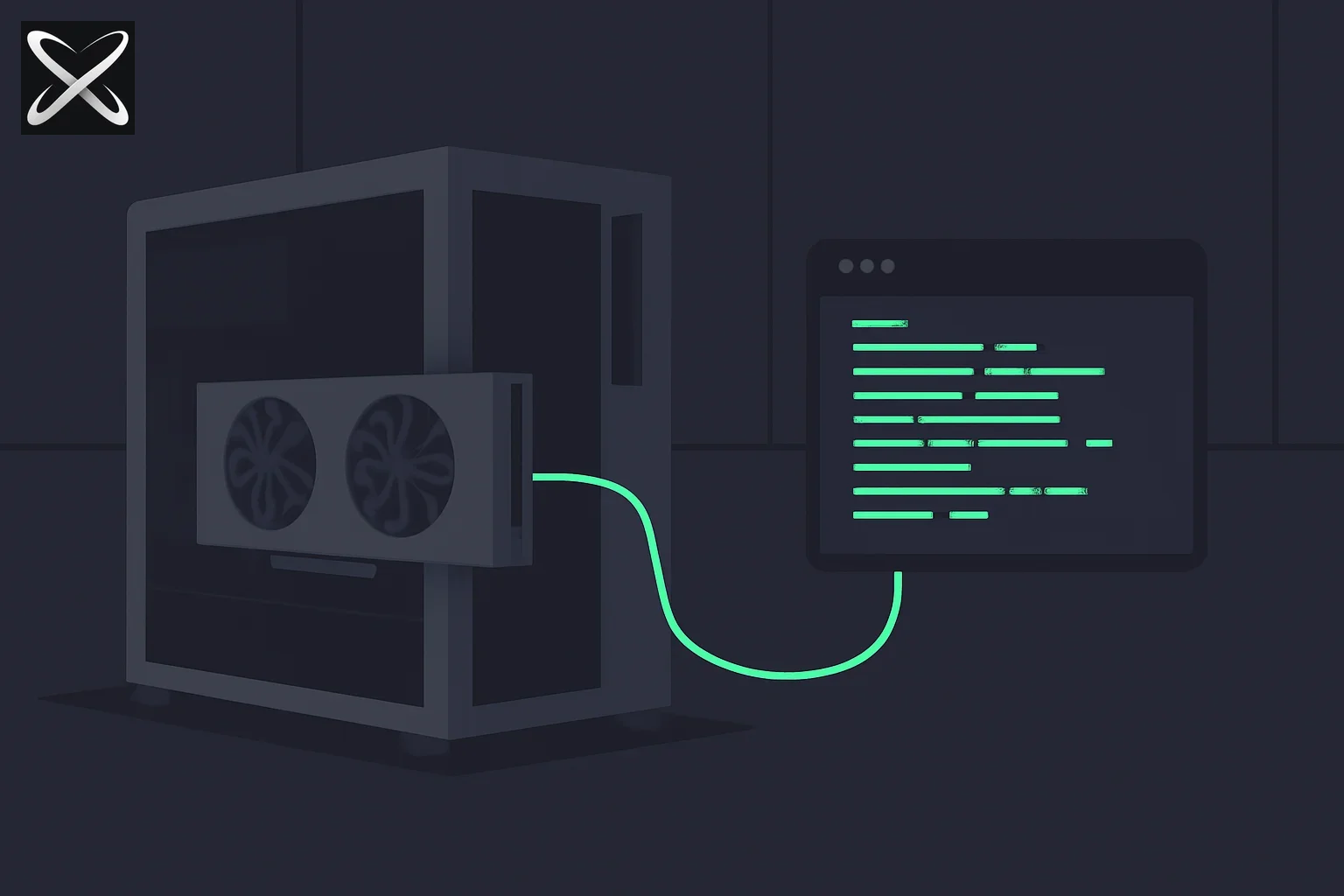 Running SOTA LLMs locally on a high-end GPU rig — an open-panel tower PC cabled directly to a terminal window
Rather than building a cutting-edge PCIe5 motherboard and DDR5 RAM system—which remains prohibitively expensive in 2026—jamesob allocated his budget where it matters: VRAM.
Base System Bill of Materials (BOM)
By sourcing last-gen EPYC Milan parts from eBay, the base system cost was kept under $5,600:
- Motherboard: ASRock Rack ROMED8-2T (SP3 socket, 7× PCIe 4.0 x16, dual 10GbE) — $715
- CPU: AMD EPYC Milan 7313P (16-core, 3.0GHz) — $504
- RAM: 8× 16GB Crucial DDR4 ECC RDIMM (128GB total) — $642
- PSUs: 2× Super Flower 1700W Power Supplies — $750
- Switch: c-payne Microchip Switchtec PM40100 Gen4 PCIe Switch — $1,330
- Storage: 2× 8TB M.2 SSDs (ZFS mirror for model weights) + 4TB Boot NVMe — $1,491
- Case & Cooler: AAAWave Sluice V2 open frame + Dynatron T17 SP3 — $140
The GPUs
The core of the machine consists of 4× NVIDIA RTX PRO 6000 Blackwell Workstation GPUs (96GB of VRAM each), totaling 384GB of VRAM. At an MSRP of roughly $11,500 to $13,000 per card depending on availability, the GPUs account for ~$46,000 of the build cost.
The c-payne PCIe Switch Fabric
In a standard multi-GPU workstation, all GPU-to-GPU traffic (such as the allreduce operations in tensor-parallel model execution) must route up through the motherboard's PCIe slots, through the CPU root complex, and back down. This introduces latency and bottlenecks.
 c-payne Switch Upstream Connections (For reference: c-payne Gen4 switch architecture allows direct card-to-card bridging).
To solve this, jamesob integrated a c-payne PCIe Gen4 Switch built on the Microchip Switchtec PM40100 chip. By using a SlimSAS host adapter in the motherboard's x16 slot and dual SlimSAS Gen4 cables, the switch creates a localized PCIe fabric. The GPUs plug directly into the switch, allowing them to communicate peer-to-peer (P2P) at wire speeds.
Benchmarks show 27.5 GB/s unidirectional and 50.4 GB/s bidirectional GPU-to-GPU throughput with sub-microsecond latency (0.37–0.45 µs), matching the theoretical Gen4 line rate.
The Software Stack: Serving GLM-5.2 and Whisper STT
With 384GB of VRAM, the workstation is geared to run massive model weights locally.
Serving GLM-5.2-594B
To fit Zhipu AI's 744B Mixture-of-Experts (MoE) model on 384GB VRAM, the build uses a modified version of the model: GLM-5.2-Int8Mix-NVFP4-REAP-594B.
- REAP Pruning: Removes ~22% of the least active experts to reduce model size.
- NVFP4 Quantization: Compresses weights to 4-bit precision.
- vLLM runs inside a Docker container, achieving ~80 tokens/second at up to 460k context.
Speech-To-Text (STT)
For local voice processing, the build includes a Docker runner serving whisper-large-v3, requiring ~11GB of VRAM. For lower resource usage, users can opt for Nvidia's parakeet-tdt-v3 (under 600MB VRAM) or voxstral for superior accuracy.
The BIOS & PCIe Switch Tuning Checklist
Getting the PCIe switch to negotiate link widths and speeds properly requires specific motherboard settings in the ASRock Rack ROMED8-2T:
- Link Width: Set AMD PCIE Link Width on the switch slot to x16 (not x8/x8) to ensure the dual SlimSAS cables train at full width.
- Forced Link Speed: Forcing Gen4 (not Auto) prevents the Blackwell cards from auto-negotiating down to Gen1 through the Gen4 switch fabric.
- ASPM (Active State Power Management): Disabled. Enabling ASPM causes idle links to drop to 2.5GT/s, introducing latency when retraining to Gen4 under load.
- Re-Size BAR: Enabled to expose the full 96GB VRAM BAR address space, which is required for peer-to-peer memory sharing.
- SR-IOV: Disabled to eliminate virtualized IO translation overhead.
Kernel Tweaks: Disabling IOMMU and ACS
Without kernel-level interventions, peer-to-peer communication will fail or route through the CPU.
1. Disable IOMMU
The IOMMU (Input-Output Memory Management Unit) translates virtual memory addresses to physical ones for PCIe devices. This translation overhead causes the NVIDIA Collective Communications Library (NCCL) to hang during P2P transfers. Disable it in the GRUB configuration:
# /etc/default/grub
GRUB_CMDLINE_LINUX="iommu=off amd_iommu=off nomodeset"
sudo update-grub
2. Disable Access Control Services (ACS)
By default, PCI Express Access Control Services (ACS) force P2P transactions to route up to the CPU root port for validation. To force the switch to handle the routing internally, ACS must be disabled at boot time via setpci:
#!/bin/bash
# disable-acs.sh
for BDF in $(lspci -d "*:*:*" | awk '{print $1}'); do
  setpci -v -s ${BDF} ECAP_ACS+0x6.w=0000
done
Running nvidia-smi topo -m should show PIX (direct PCIe bridge) between all four GPUs rather than PHB (host bridge) or NODE.
Power Limiting for 110V Datacenters
A major hurdle for home-based workstation builds is the electrical circuit. Running 4× RTX PRO 6000 cards at their default 600W limit, alongside the EPYC system, would draw over 2,600W, easily tripping a standard 15A / 110V US household circuit breaker (max 1,650W continuous).
To solve this, jamesob applies a power cap at boot via systemd:
sudo nvidia-smi -pm 1        # Enable persistence mode
sudo nvidia-smi -pl 350      # Cap each GPU at 350W
Capping the cards at 350W keeps the aggregate GPU load at 1,400W (and closer to 1,000W during average generation), allowing the rig to run safely on a single standard wall outlet.
The Local LLM Debate: Sunk Costs, Quantization Loss, and SSD Offloading
Jamesob's guide sparked an active debate on Hacker News regarding the economics and limitations of massive local rigs:
The Sunk Cost Trap
While the guide suggests a "$40k" budget, several readers pointed out that the RTX PRO 6000 workstation cards have experienced price spikes, pushing the actual cost of a 4-GPU build to $50,000–$55,000.
Furthermore, to run the unquantized, full-precision bf16 version of GLM-5.2 requires 1.5 TB of VRAM, which would necessitate a cluster costing upwards of $250,000. This leads to a slippery slope where developers spend $50k on hardware, only to realize they need to spend more to run the models at a quality that justifies the capital expense.
Quantization & REAP Loss
Commenter Aurornis warned that while 4-bit quants (NVFP4) claim to be "lossless" on paper, those benchmarks are measured on small corpora:
"Use one of these 4-bit models on long-context coding tasks and the quality will be noticeably less... The divergence between a quantized/REAP model and the parent model is unnoticeable on small chat tasks, but becomes painful on long-horizon tasks where little errors start compounding."
Pruning 22% of the experts (via REAP) similarly degrades the model's edge-case reasoning capabilities. When using a quantized model locally, you are not running the SOTA model that won the public leaderboards; you are running a modified variant.
SSD Offloading: Slow Prefills
Some users suggested running unquantized models at full precision using PCIe 5 SSD offloading rather than buying massive VRAM pools.
However, the math makes this unviable for interactive use. At 4-bit precision, GLM-5.2's active parameters require 20GB of memory. The fastest PCIe 5 SSDs stream at 15GB/s, meaning loading the experts for a single inference step takes over a second. This yields a speed of under 1 token/second—turning the workstation into a system where you submit a prompt and wait until the next day for a response.
The Financial Reality
At $1,344/year for an official cloud subscription to the Z.ai GLM Coding Plan, a $100,000 local hardware investment represents 74 years of subscription fees. Unless you have strict compliance requirements dictating that data cannot leave the premises, renting GPUs or paying per token on OpenRouter remains the more logical financial choice.
Related reading
To learn more about local setups, model quantization, and open-weights alternatives, check out these guides:
- Local LLMs Keep Looping? Fix It With Samplers, Not More VRAM — The follow-up HN thread on DRY/top_n_sigma sampling, harness choices, and sandboxing agents that have full filesystem access.
- What is AI Model Quantization? The Complete Guide 2026 — The mathematics of INT4, FP8, and weight compression.
- MacBook vs. Dedicated GPU: Running Local LLMs in 2026 — Unified memory Macs compared to multi-GPU Linux workstations.
- Build a Personal AI System: The Local Developer Workflow — Setting up Qwen 3.6, Ollama, and local agent harnesses.
- Closed Source vs. Local Open Source AI Alternatives — Comparing quality, costs, and data privacy policies.
- GLM-5.2 Beats Fable 5 on Reasoning: Zhipu AI’s Ban Response — How GLM-5.2 became a key open alternative.
- Leanstral 1.5: Proof Abundance and Code Verification for All — Mistral's open-source model optimized for Lean 4.
This article is accurate as of July 4th, 2026. Hardware prices, GPU power configurations, and model versions are subject to change.