



A Hacker News user reported on November 3, 2026 that "Improve the model for everyone" had been silently switched back on for them and their coworkers in Codex, even though the team had turned data sharing off. The thread is titled "OpenAI seems to be silently re-enabling model training on Codex chats." We found no OpenAI statement on it. This post covers what is claimed, what OpenAI's own Data controls help page confirms, and how to check your account today.
TL;DR: claim versus evidence
| Claim | Evidence | Status |
|---|---|---|
| The training toggle turned itself back on for one team | One Hacker News post, no screenshots or logs | Anecdote, unverified |
| It has happened before | A September 10 thread, "Tell HN: OpenAI keeps re-enabling the 'allow training' setting," with 487 points | Many reports, still unconfirmed |
| Training is on by default for personal plans | OpenAI help center | Confirmed |
| Turning off the ChatGPT setting stops Codex training | OpenAI says Codex has a separate "Include environments" setting that the ChatGPT toggle does not change | Partly false: check both |
| Work accounts are also at risk | OpenAI says Business, Enterprise, Edu and API content is not used for training by default | The reports concern personal accounts; no managed-workspace case was reported |
Agents that act on your behalf need rules. See how explainx helps secure your agents →
What exactly was reported?
The original poster says their company is "pretty paranoid about leaking IP to the frontier labs through prompts," so everyone had disabled data sharing in Codex and similar tools. "But yesterday my coworkers and I noticed that the setting had been silently reenabled in Codex. None of us knowingly opted back in." They point to the settings page on chatgpt.com and ask whether it is isolated or widespread. They also note the issue was raised before, and add that data sharing can be switched off via OpenAI's privacy portal.
The thread has few comments so far. Two give advice: edot says turning on Advanced Account Security (which needs hardware keys) also locks data sharing off, and vibranium says teams that care should sign a zero-data-retention contract with OpenAI or use a cloud provider such as Bedrock. hyperbovine guesses the cause is a software mishap, not intent. Those are commenters' opinions, not OpenAI guidance, and we have not tested them.
Is this the first report?
No. An earlier thread, Tell HN: OpenAI keeps re-enabling the "allow training" setting, was posted on September 10, 2026 and reached 487 points. The author wrote that they had reset the setting more than once and found it re-enabled when they checked again, and urged others to check. Replies were mixed. One commenter said they had disabled the checkbox months ago and it was still off. Another speculated the toggle is stored locally and may not take effect, and a third suggested an interface that shows success before the backend saves. All of that is speculation. Nobody in the thread produced network traces showing OpenAI ignoring a saved choice.
Two threads show a pattern of reports, which is a reason to check. They do not prove a bug, still less intent.
What does OpenAI's help center say?
The help page, updated days before this post, confirms several things that matter here:
- Default. "On personal workspaces with ChatGPT Free, Plus, or Pro, data sharing is enabled by default."
- Where to turn it off. Settings, Data controls, "Improve the model for everyone." It applies to your account across web and mobile when signed in.
- Codex is separate. "Codex has a separate Include environments setting in Codex settings that controls whether additional context from your Codex environments can be used to train OpenAI models. Changing your ChatGPT setting or opting out through the Privacy Portal does not change that setting."
- Trusted Access exception. During sessions in programs like Daybreak on a personal account, OpenAI "may use content from your interactions to improve our models even when 'Improve the model for everyone' is off."
- Feedback exception. If you give a thumbs up or down, "the entire conversation associated with that feedback may be used to train OpenAI models."
- Managed workspaces. "By default, OpenAI does not use content from ChatGPT Business, Enterprise, Edu, or ChatGPT for Healthcare workspaces to train its models," and the same for API Platform inputs and outputs.
The page says nothing about the setting resetting itself. That omission neither supports nor refutes the reports.
Why the two-setting design may explain some confusion
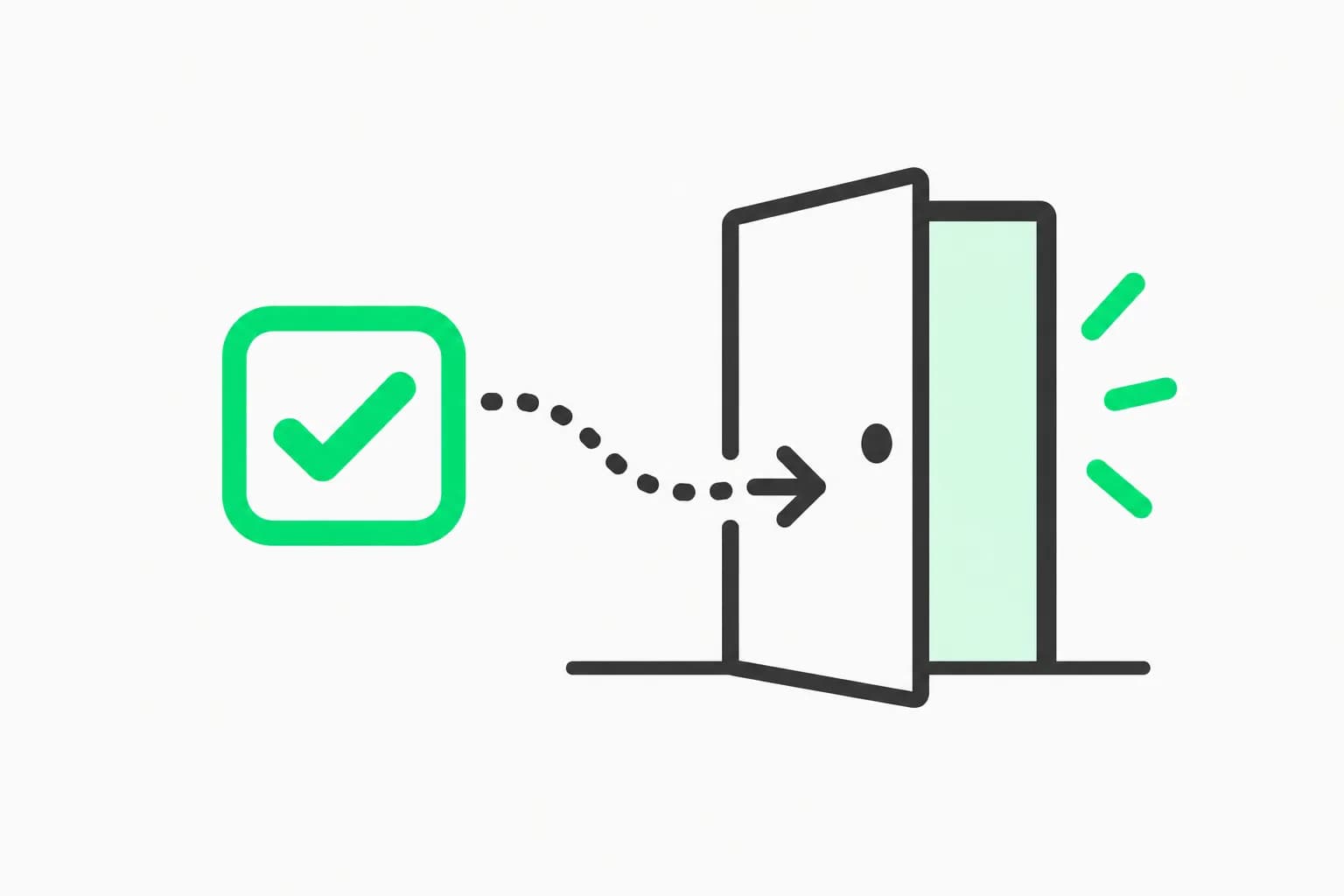
 A checkbox beside an exit door, illustrating how the Codex model training opt-out is split across two settings
Here is a plausible, unproven reading that fits the documentation. A team turns off "Improve the model for everyone" in ChatGPT and believes Codex is covered. Codex has its own "Include environments" switch that the first toggle does not change. A coworker looking at Codex settings sees sharing enabled and concludes it was re-enabled. The poster says the ChatGPT setting itself was re-enabled, so this cannot explain every report, but it is one more reason to check both places and record what you find.
Other plausible causes include a new device or browser profile, a signed-out session where the choice is saved per browser, a workspace change, or a real bug. Without logs, we cannot rule any in or out.
What this means for teams using Codex at work
Source code is the most sensitive thing most developers paste into an agent. Our post on Goldman Sachs restricting traders and bankers from AI coding tools shows how a regulated firm handles that risk: tight scope, named users. Smaller teams rarely have that discipline.
Three habits help:
- Prefer managed access. Business, Enterprise, Edu and API usage is not trained on by default, per OpenAI. A personal plan used for client work puts the control in each person's hands.
- Audit both settings regularly. Check "Improve the model for everyone" and Codex "Include environments" for every account that touches code. Put a date and a screenshot in your security log.
- Treat anything pasted as potentially retained. Our report on Project Lily and human review of ChatGPT chats is a reminder that training is not the only way chats can be read.
How to check your own settings now
- Open ChatGPT, then Settings, then Data controls. Confirm "Improve the model for everyone" is off. Do this on web and on each device you use.
- Open Codex settings and look for "Include environments." Turn it off if you do not want environment context used for training.
- Use OpenAI's Privacy Portal to submit a do-not-train request, and keep the confirmation.
- Avoid thumbs up or down on conversations containing sensitive code, since feedback can make the whole conversation eligible for training.
- If you must use a personal account for work, consider Temporary chat where it fits. OpenAI says temporary chats are not used to improve models, though they may be kept for up to 30 days for safety.
- Re-check weekly for a month, and note the date and time you last saw it off. If it flips, you will have evidence to send to OpenAI support.
For teams running agents against real repositories, AgentBeam, the agent security platform from the explainx.ai team, stops AI agents before they take dangerous actions, which complements settings hygiene but does not replace it.
What should you tell your team?
A short message works better than a policy document. Say which accounts are allowed for work code, name the two settings to check, and say how often. Ask people to report a flipped setting with the time and device, without changing anything else first, so the evidence is kept. Make clear that nobody is blamed for a toggle that changed, since the goal is to learn whether the behavior is real. If your company has a legal or compliance contact, copy them: a documented, repeated, unexplained reset of a consent setting is something they will want to know about, whatever the cause turns out to be.
Also decide in advance what counts as a leak for your business. Some teams care about secrets and keys only, which belong in a vault and never in a prompt in any case. Others care about proprietary algorithms and customer data. The answer decides whether a personal plan with the toggle off is acceptable, or whether the work should move to a managed workspace.
What would settle the question?
Three things would turn rumor into fact: an OpenAI statement explaining the behavior, reproducible steps from a user (a screen recording showing off, then on, with no action in between), or a changelog entry for the settings screen. If any appears, we will add an update section here. Until then, the sound position is narrow: the reports are real as reports, the help center confirms the defaults and the separate Codex switch, and nothing we found proves the toggle resets itself.
For related coverage of how coding agents handle trust and permissions, see our posts on how AI agent privacy promises compare across labs and ChatGPT locked chats and what they do and do not protect.
Bottom line
Do not wait for a verdict. Check both settings today, move work data to a managed workspace or API access, and keep a dated record. A switch you cannot trust to stay off is a switch you should verify often.
Details are accurate as of November 3, 2026, based on OpenAI's help center and Hacker News threads. OpenAI may change its settings and documentation.