



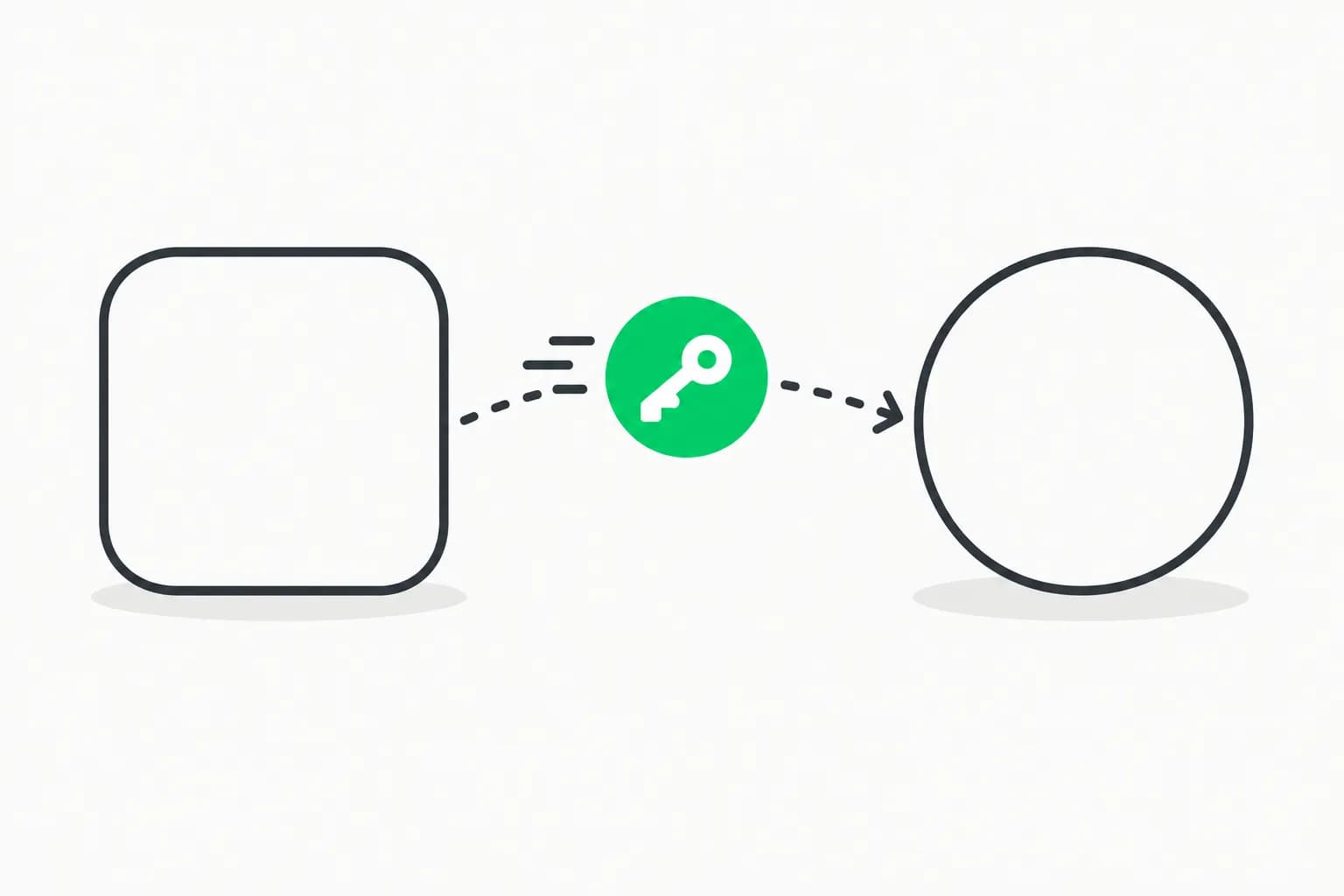
On October 21, 2026, Node.js released security updates for every version it still supports: 22.23.4, 24.22.1 and 26.12.1. Node.js is the engine that runs JavaScript outside the browser. It powers countless web apps, APIs, build tools and many of the AI tools developers use every day. The updates fix ten security bugs. Four are rated High, and one could let an attacker run code inside an app through a specially broken compressed file. The updates also block the compromised eMudhra certificates that browsers had already blocked.
Update, October 21, 2026: OpenAI president Greg Brockman says OpenAI models found PHP2Shell and a Node.js remote code execution bug, and that many more are coming. What he said and what it means.
It came out the same day as the PHP2Shell emergency patches. The two are unrelated, but together they made it a busy day for anyone who runs websites. This post explains the Node.js fixes in plain English and shows how to update. If you are new to Node.js, start with what Node.js is and how to install it. Engineers who want every detail can read AgentBeam's technical breakdown for MCP servers and agent tools.
The short version
| Question | Answer |
|---|---|
| What happened? | Node.js fixed ten security bugs in one update |
| How serious? | Four High, three Medium, three Low. One High bug could let attackers run code |
| Which versions are fixed? | 22.23.4, 24.22.1, 26.12.1 |
| Is anyone being attacked? | No attacks reported |
| Who should update? | Anyone running Node.js apps, servers, Docker images or AI tools |
| How long does it take? | A minute on a laptop; a rebuild and restart for servers |
| Old versions (20 and below)? | No fix. Move to 22 or 24 |
What was fixed, in plain English
You do not need to know every detail. Here is what each group of bugs means.
1. Unpacking compressed data (the most serious one)
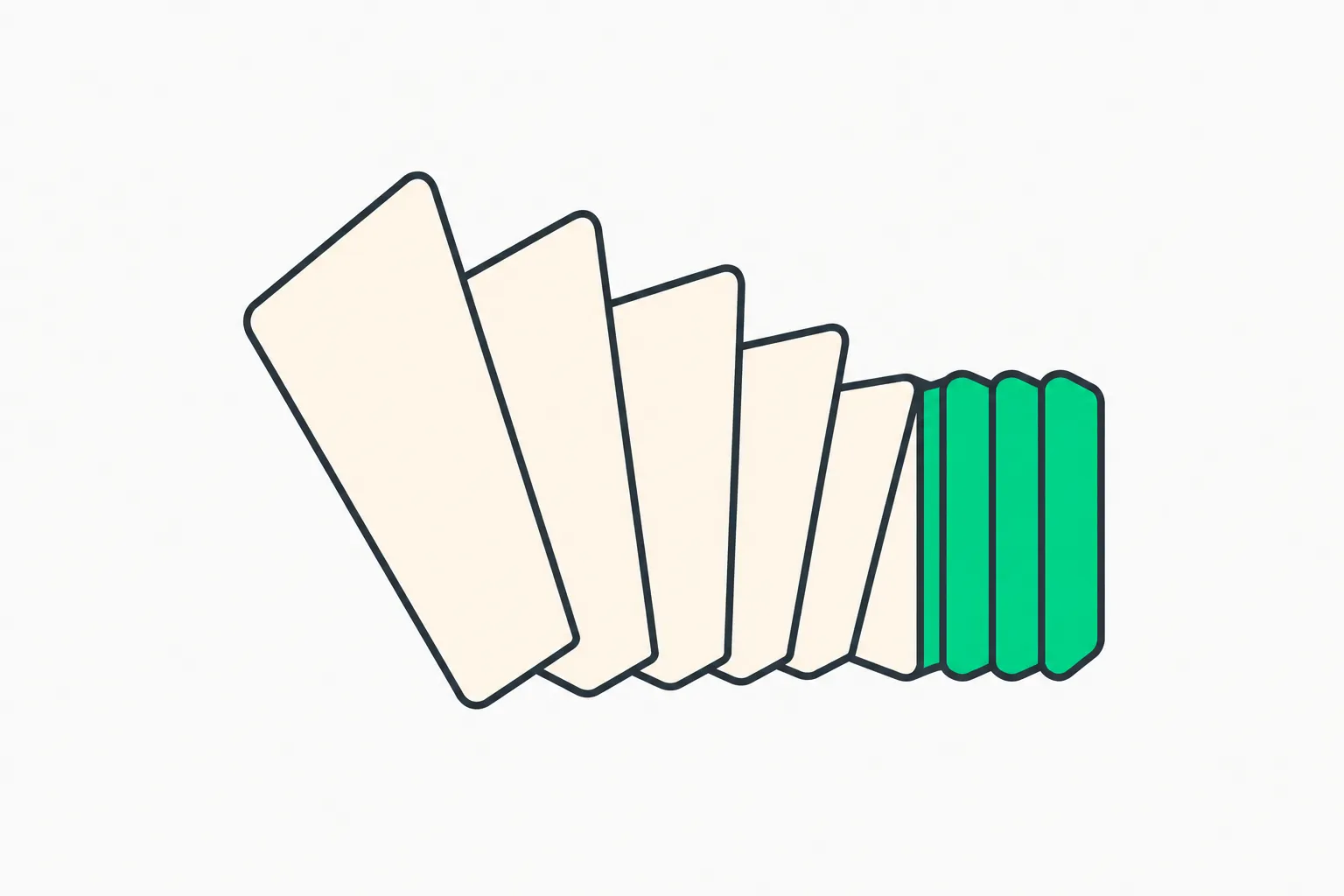 Node.js fix for a bug in unpacking compressed Brotli data
Websites often compress data to make it load faster. Brotli is one popular compression format, and Node.js has a built-in tool to unpack it. The bug (CVE-2026-111497) meant that a deliberately broken compressed file could make that tool write data where it should not, which in the worst case lets an attacker run their own code inside your app. Apps that download content from the internet or accept compressed uploads are the ones to update first.
2. Checking that a website is really who it claims to be
When your app connects securely to a server, Node.js checks the server's certificate, like checking an ID card. Three bugs (CVE-2026-106069, CVE-2026-105483 and CVE-2026-106072) let that check go wrong when a server address is written in an unusual way, for example 127.1 instead of 127.0.0.1, or with special wide Unicode digits. In those cases Node.js could check the ID against one address while actually connecting to another. This mostly matters for apps that connect to addresses users can type in, and for company-internal systems.
3. Looking up web addresses
Before connecting to example.com, an app asks the internet's phone book (DNS) for the address. One bug (CVE-2026-105482) let a hidden "end of text" character cut a name short, so the app could think it was looking up one site while it actually looked up another. That can trick safety checks that only allow certain sites.
4. The smaller fixes
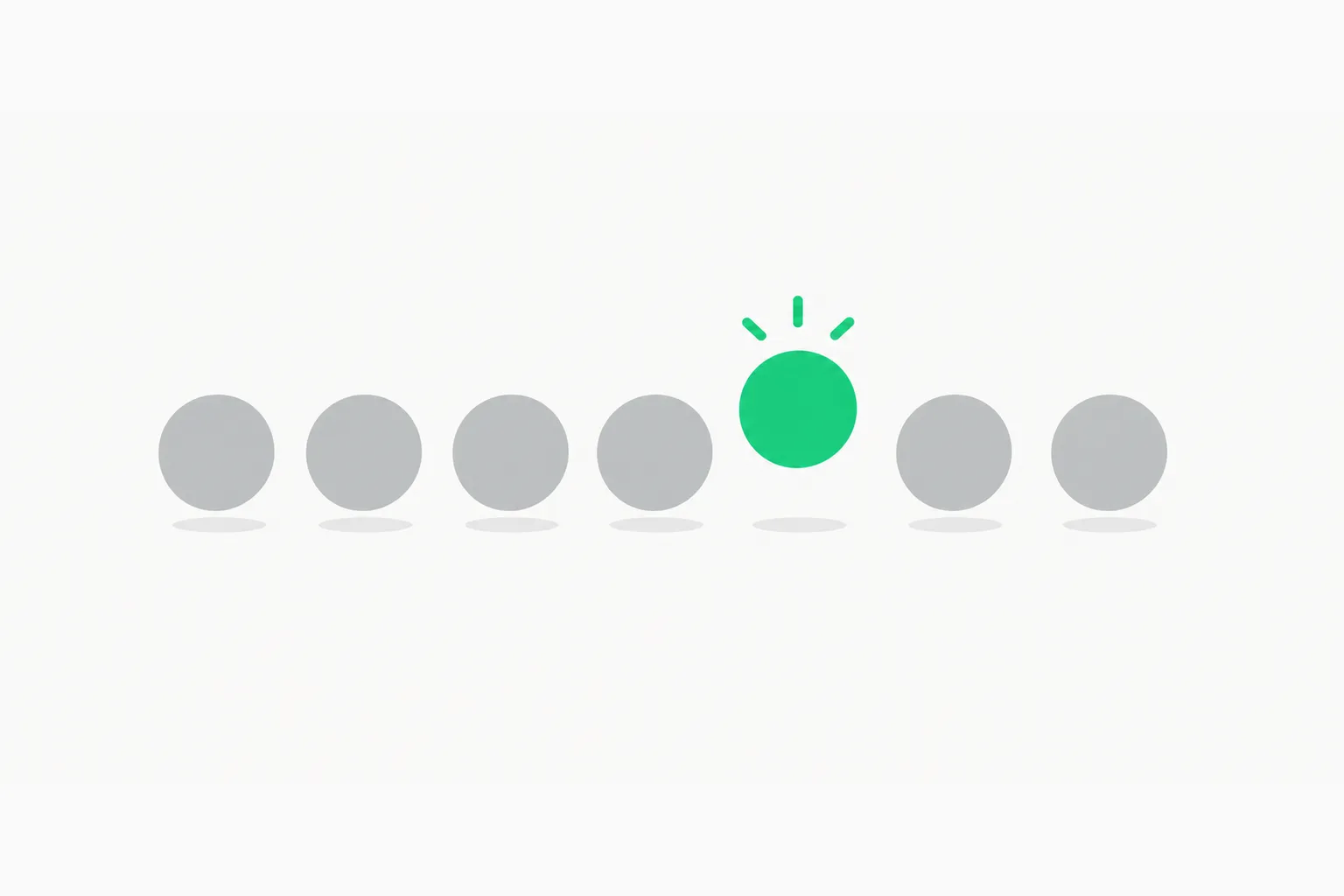 Node.js security update fixes repeated random IDs from single-file apps
- Mixed-up responses (Medium): when Node.js reused a connection, it could read data a server had sent early as the answer to the next request.
- Repeated "random" IDs (Medium): apps packaged as a single file with a special startup snapshot could produce the same "random" IDs every time. If you ship such an app, rebuild it after updating.
- Three Low bugs: two in Node.js's optional file-permission feature and one in a newer ZIP file reader.
All ten bugs have entries in the AgentBeam CVE database if you want the technical write-ups.
The eMudhra fix
Earlier this week, we learned that certificate authority eMudhra made eight of its secret keys so weak that one was the number 4. Browsers blocked them within hours. Node.js could not, because unlike browsers it has no live list of cancelled certificates. So these updates build a small block list directly into Node.js. Any connection that relies on one of the eight bad keys now fails, as it should. Go and Electron ship the same list.
Should you update? Find yourself here
| You are... | Should you update? | Why |
|---|---|---|
| Learning JavaScript on your laptop | Yes, but no rush | Low risk; good habit |
| Building a side project you have deployed | Yes, this week | Your server talks to the internet |
| Running production apps or APIs | Yes, today | Several bugs affect internet-facing code |
| Using Docker | Yes, and rebuild images | Images carry their own Node.js |
| Using AI coding tools or MCP servers | Yes | Many run on Node.js and fetch content from the web |
| On Node.js 20 or older | Upgrade to 22 or 24 | Old versions get no fixes |
How to update
Check your version
node -v
If it shows v22.23.4, v24.22.1, v26.12.1 or newer, you are done on that machine.
On your laptop
If you use nvm (Node Version Manager), the most common tool:
nvm install 22.23.4
nvm alias default 22.23.4
node -v
If you installed Node.js from nodejs.org, download the new installer for your version. On a Mac with Homebrew, run brew upgrade node.
On servers and in Docker
- Update Node.js the same way, or change your Docker base image to
node:22.23.4(or the 24 or 26 equivalent). - Rebuild your images so they include the new version.
- Restart your apps. A running app keeps the old version until it restarts.
- If you ship your app as a single executable file, rebuild that file too.
Why this matters if you build with AI
A lot of AI tooling runs on Node.js: many MCP servers (the plug-ins that give AI assistants tools), coding-agent command-line tools, chat app backends and agent frameworks. These tools do exactly the things the bugs affect. They download web pages, unpack compressed responses, look up addresses someone else chose, and connect to model servers by IP address.
So if you have installed MCP servers or AI coding tools, check which Node.js they run on and update it. An MCP server started with npx uses whatever Node.js your editor or AI app finds first, which may not be the one in your terminal.
There is also an interesting detail in how these fixes were made. Several fix commits carry an "Assisted-by" note naming AI coding tools: Opencode, Pi and Codex. People wrote, reviewed and approved every change, but AI is now part of how major open-source projects ship security fixes. That matches the PHP2Shell story, where AI helped find the bugs, and the wider trend we cover in AI-found vulnerabilities and how often they get exploited and Anthropic's free scanner for open-source maintainers.
If you let an AI agent do the upgrade for you, check its work. AgentBeam records the commands and file changes coding agents make, so you can confirm it really rebuilt and restarted what it said it did.
What people are saying
On X, developer Daniel Lockyer flagged the day before that the releases were coming, then posted "And it's out!" when 22.23.4 shipped. X's summary of the conversation says commentators, including cryptographer Frank Denis, used the same-day PHP and Node.js updates to stress prompt upgrades and routine maintenance. That is the right takeaway: these are reactions, and the facts above come from the official Node.js notes and fix commits.
Common questions
"My app works fine. Why update?"
Security bugs do not show up as errors. An app can run perfectly while still being open to a specially crafted request. Updates are how the fix reaches you.
"Will updating break my app?"
These are patch releases on the same version line, so they are designed not to break working code. One thing may change: connections to oddly written server addresses, or to servers using the bad eMudhra certificates, will now fail. That is the fix working, not a new bug.
"I use a hosting platform. Do I need to do anything?"
Platforms that run Node.js for you update on their own schedule. Check your platform's changelog, and redeploy if they ask you to pick a new runtime version.
Words you might see in other coverage
| Term | Plain meaning |
|---|---|
| CVE | A public ID number for a security bug |
| High / Medium / Low | How serious the Node.js team rates each bug |
| LTS | "Long-term support" versions (22 and 24) meant for production |
| Brotli | A file compression format, like ZIP for web data |
| TLS certificate | A server's digital ID card, behind the padlock |
| DNS | The internet's phone book that turns names into addresses |
| SEA (single executable application) | A Node.js app packaged as one file |
| End of life | Versions that no longer get security fixes |
The takeaway
The code you write sits on top of a runtime you did not write. When that runtime ships a security update, the fix only reaches you when you install it, rebuild your images and restart your apps. Make that a routine, and days like October 21 become a short checklist instead of a scramble.
Related reading on explainx.ai
- PHP2Shell explained: what happened and what to do
- eMudhra explained: why a key equal to 4 mattered
- What is Node.js and how to install it
- Bumblebee supply chain security scanner
- Cloudflare's open-source security audit skill for agents
- AgentBeam: what the Node.js fixes mean for MCP servers and agent tools
Sources: Node.js October 2026 security releases · Node.js 22.23.4 release notes · Node.js 24.22.1 · Node.js 26.12.1
Accurate as of October 21, 2026.