



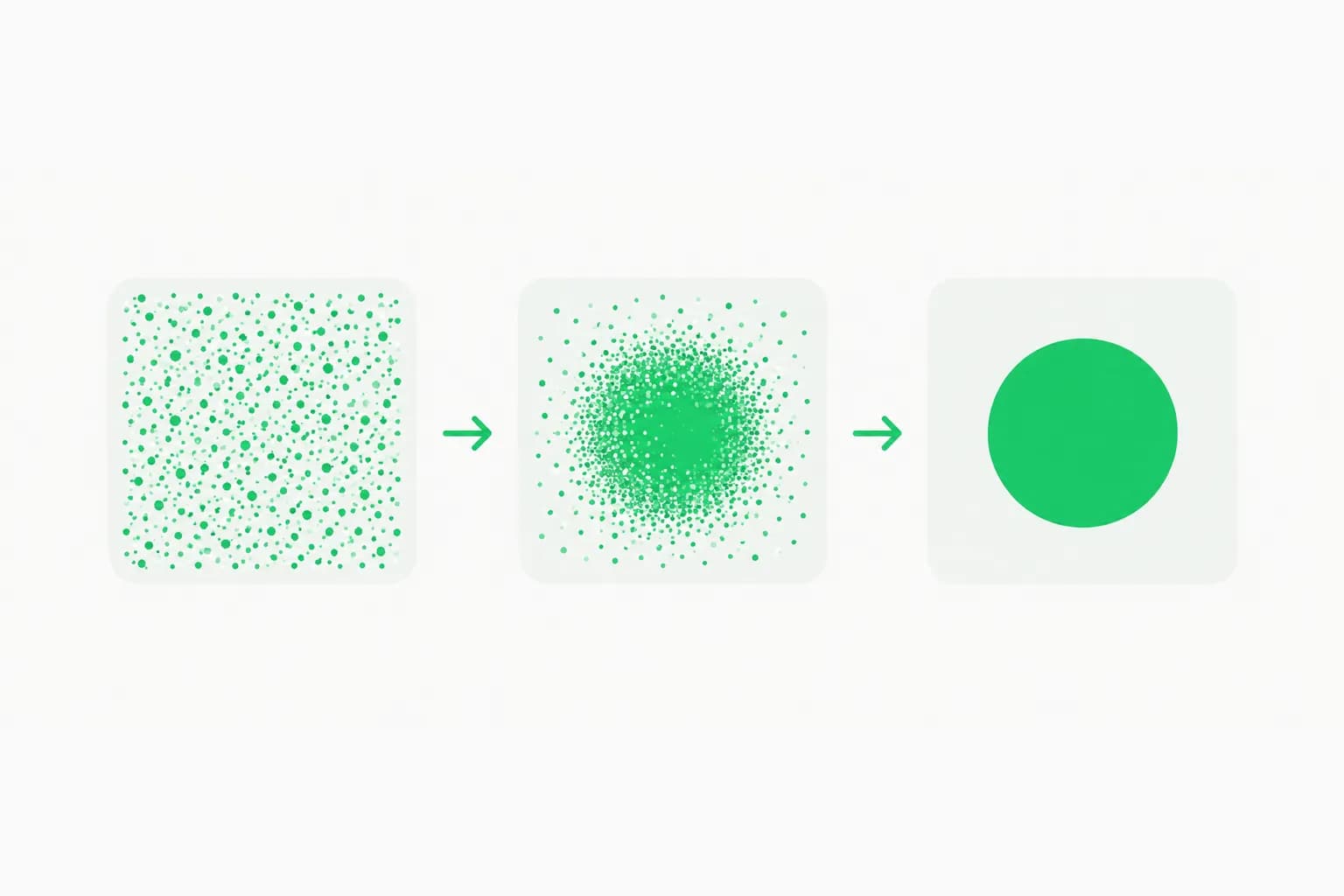
Kromoss is a community full fine-tune of OpenMOSS's MOSS-Image-Base, published on Hugging Face by lodestones under Apache 2.0, and it has been trending on Hugging Face. According to the model card, it was trained on 704,000 images at 1024 pixels, it can replace MOSS-Image-SFT without code changes, and it ships with two 8-step turbo LoRAs plus ready-made ComfyUI files. This article covers what is in the repository, how to run it, and how much weight its single benchmark can carry.
If you have not met the parent model, we covered the MOSS-Image release from OpenMOSS when it landed on October 16. Kromoss is an example of what that release was designed for: a base checkpoint meant to be trained further by the community. It is also one more entry in a crowded month for open image models, alongside FLUX.3 Image Klein, the 8-step Qwen-Image-2.1-Turbo and Bria FIBO 2.0.
TL;DR: the questions people ask first
| Question | Answer |
|---|---|
| What is it? | A full fine-tune of MOSS-Image-Base, roughly 5B parameters, by lodestones |
| License | Apache 2.0 for weights and bundled inference code, per the model card |
| Training data | 704k images at 1024 px; images below 896 squared were dropped |
| Compatible with MOSS-Image? | Yes, same architecture, pipeline, text encoder (Qwen3.5-9B) and VAE (FLUX.2 small decoder) |
| Fast mode | Two 8-step LoRAs (DMD2 recommended), CFG 1 |
| Benchmark | CLIP ViT-L/14 on 100 PartiPrompts prompts: 27.90 at 50 steps, 28.13 with DMD2 at 8 steps |
| Where to run it | Diffusers with a custom pipeline and trust_remote_code, or ComfyUI |
| Hosted option | None mentioned on the model card |
What exactly is Kromoss?
Kromoss is the result of continuing to train the open MOSS-Image-Base checkpoint rather than starting from scratch. The card describes it as a full fine-tune: every transformer parameter was updated, not just a low-rank adapter. The released weights are, in the author's words, "update 11000 of the fine-tune (EMA weights)," trained on 704k images.
Because the architecture is untouched, everything built around MOSS-Image keeps working. The card lists the same Qwen3.5-9B text encoder and the same FLUX.2 small decoder for the VAE, and calls the model a drop-in replacement for MOSS-Image-SFT. Practically, that means an existing ComfyUI graph or diffusers script can swap checkpoints and nothing else.
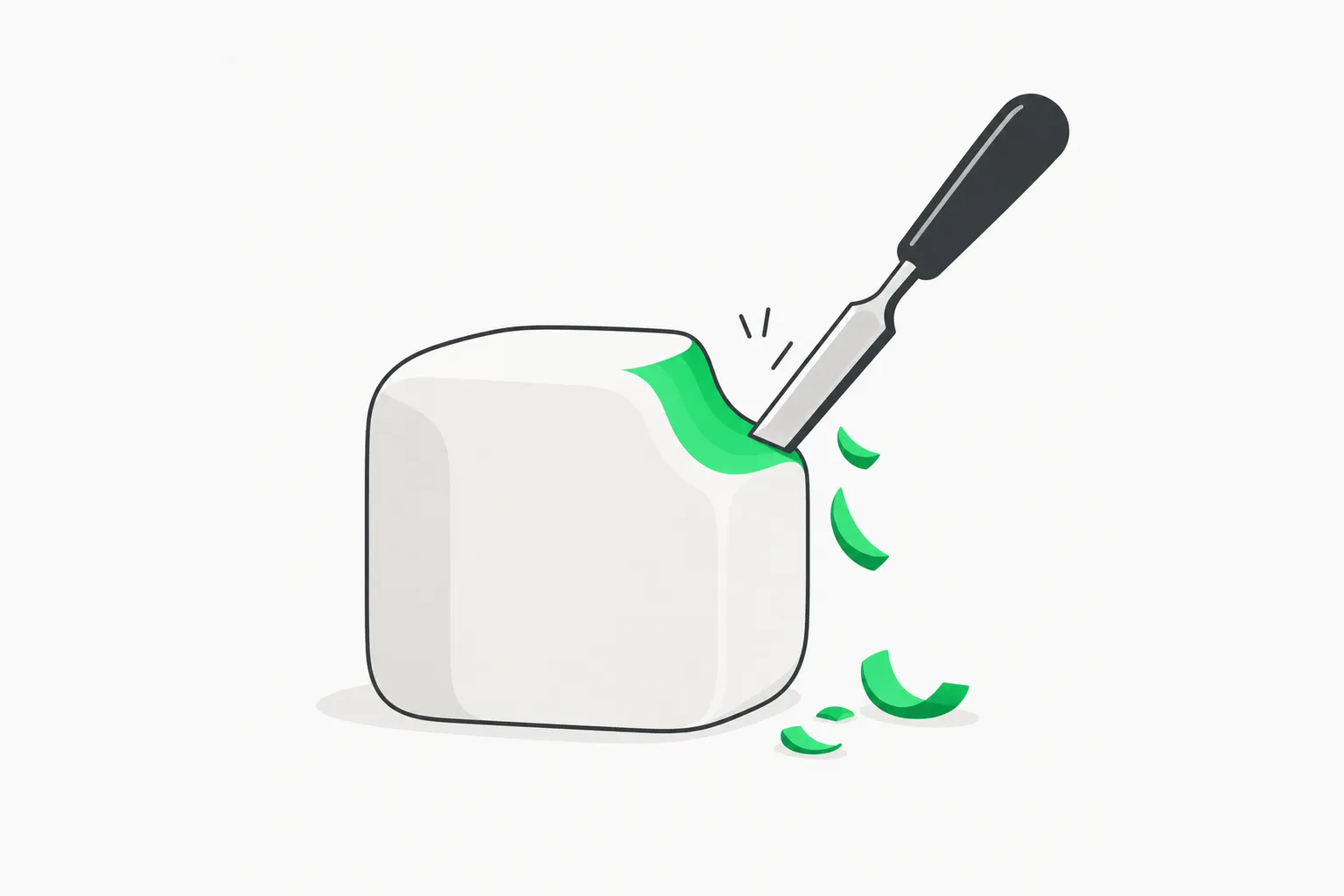 Fine-tuning a base checkpoint like a chisel shaping a block, illustrating how Kromoss refines MOSS-Image-Base
How was it trained?
The training section is unusually specific for a community release, which is useful if you plan to reproduce or extend it:
- Data: 704k images at 1024 pixels, with anything under 896 squared dropped.
- Recipe: the card says it follows the final-stage recipe of the MOSS-Image technical report, scaled to 64 images per update.
- Optimizer: a hybrid Muon-AdamW setup, learning rate 9e-6, 200 warmup steps.
- Schedule details: truncated logit-normal timestep sampling, q/k-norm decay on the final block, and an exponential moving average of 0.999 on the weights.
What the card does not say is where the 704k images came from, how they were captioned or filtered, or what the fine-tune was meant to improve. For a model that will generate pictures, the dataset is the most important unknown. Anyone building a commercial product on it should ask the author or check the repository for dataset notes, because an Apache 2.0 license on the weights does not settle the rights status of the training images.
How do the 8-step turbo LoRAs work?
The repository includes two LoRAs distilled from MOSS-Image-Base that run at 8 steps with CFG 1 and no negative branch, which cuts both the step count and the per-step cost compared with the default 50 steps at CFG 3 with layer skipping.
| File | Method | Notes from the card |
|---|---|---|
8-steps-dmd2-lora.safetensors | DMD2 distillation with a GAN stage on real images | Recommended; slightly more contrast and detail, best PartiPrompts score |
8-steps-dmd-lora.safetensors | Data-space DMD distillation | Works at 8 steps, slightly lower score |
Two practical notes from the card matter. First, do not merge the LoRA into bf16 weights: the delta is close to the rounding step of bf16, so merging washes it out. In diffusers, the card provides a helper that applies it as unmerged forward hooks on each block's projections. Second, the LoRA also works at 4 steps, which the card mentions without a quality number.
Because the LoRAs were distilled from the Base model rather than from Kromoss, using them on Kromoss is a transfer rather than a perfectly matched pair. The author's scores suggest the transfer works, and the combination scores highest in the table, and the card includes a small cat-prompt comparison and a PartiPrompts sheet so you can judge it by eye.
How do I run it?
There are two routes.
Diffusers
Load the model with the bundled custom pipeline. The card's example uses custom_pipeline="pipeline_moss_image" and trust_remote_code=True, with bfloat16 for the transformer and text encoder and float32 for the VAE and the initial noise. The default is a 1024 by 1024 image at 50 steps, CFG 3, shift 5, with layer skipping at index 22 on the negative branch.
Because trust_remote_code=True executes Python shipped in the repository, read the pipeline file before running it, and prefer a throwaway environment. That advice applies to any custom-pipeline model, not just this one.
ComfyUI
Current ComfyUI master supports MOSS-Image natively. The repository provides a bf16 single-file diffusion model and an int8 ConvRot W8A8 version of about 5.4 GB, plus the Qwen3.5-9B text encoder (loaded with the type moss_image), the FLUX.2 small VAE and both LoRAs at strength 1. There are also scripts to convert a diffusers transformer into the single-file format and to quantize a bf16 file to int8 ConvRot. For the LoRA path, set euler, simple scheduler, 8 steps, CFG 1.
| Setting | Full model | With turbo LoRA |
|---|---|---|
| Sampler | Flow-matching Euler | Flow-matching Euler |
| Steps | 50 | 8 |
| CFG | 3 | 1 |
| Shift | 5 | 5 |
| Negative branch | Layer skipping, layer 22 | None |
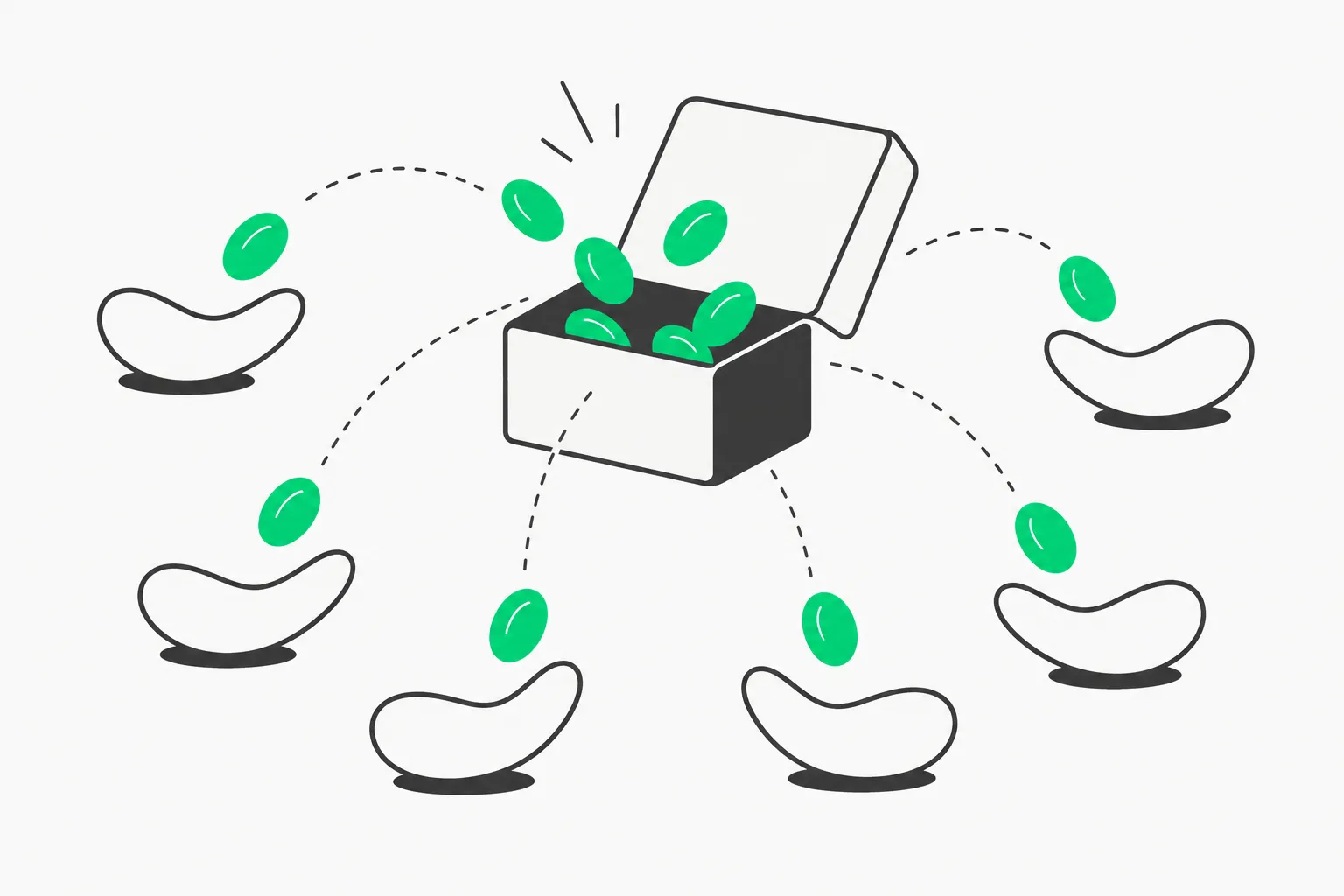 Open weights released for others to take and build on, the pattern behind Kromoss and MOSS-Image
What does the benchmark actually show?
The card reports one evaluation: 100 prompts from PartiPrompts, scored with CLIP ViT-L/14.
| Model | CLIP score |
|---|---|
| MOSS-Image-Base, 50 steps, CFG 3 | 27.19 |
| MOSS-Image-Base + DMD LoRA, 8 steps | 27.53 |
| MOSS-Image-Base + DMD2 LoRA, 8 steps | 27.59 |
| Kromoss, 50 steps, CFG 3 | 27.90 |
| Kromoss + DMD LoRA, 8 steps | 27.99 |
| Kromoss + DMD2 LoRA, 8 steps | 28.13 |
Read this table for what it is. CLIP score measures how well an image matches its prompt in a shared embedding space. It does not measure aesthetics, anatomy, text rendering or layout accuracy, which were MOSS-Image's selling points. Differences of a few tenths over 100 prompts are within what prompt selection and random seeds can produce, and the card gives no confidence interval or seed count. The consistent direction is encouraging: the fine-tune beats its parent, and the LoRA does not hurt. But "best in the table" is a comparison between the author's own checkpoints, not against FLUX, Qwen-Image or any closed model.
The honest summary: Kromoss is probably a good, usable checkpoint, and nothing on the card proves it is better than alternatives. Run your own prompts, especially ones that need text in the image, before switching.
How does it compare with other open image models?
Anything we say here is a positioning claim, not a measurement, because no common benchmark covers these models.
- MOSS-Image-SFT: the direct parent line. Kromoss changes the weights but keeps the interface, so it is the easiest comparison: same prompt, same seed, swap the checkpoint. Our MOSS-Image article lists the layout-control and text-rendering features you should test first, since the Kromoss card does not mention whether the fine-tune preserved the JSON layout behavior.
- FLUX.3 Image Klein and Qwen-Image-2.1-Turbo: other recent open models in the same size range that also push few-step generation. See the FLUX.3 Klein guide and the Qwen-Image-2.1-Turbo guide for their own licenses and step counts.
- Newer architectures: Halcyon and Sperid Iris take different approaches to training cost and the VAE, and are better reads if you care about architecture rather than ready-to-run files.
What should you watch out for?
- Unknown training data. The card does not describe the dataset. Check before commercial use, and expect the model to reflect whatever the 704k images were.
- Stacked licenses. Apache 2.0 covers the weights and bundled code, but the model depends on the MOSS-Image lineage, the FLUX.2 small decoder and Qwen3.5-9B. Each has its own terms.
- A thin evaluation. One metric, 100 prompts, no human preference study, no text-rendering test.
- No hosted inference mentioned. The card describes only local diffusers and ComfyUI use, so plan on your own GPU or a self-managed cloud box.
- Remote code. The diffusers path needs
trust_remote_code=True. Audit the pipeline file. - Safety filtering. The card does not mention any safety checker or content policy. If you serve it publicly, add your own moderation layer.
What this means for what you build or pay
The release matters less for the score than for the pattern. A solo developer took an open base model released a week earlier, trained it on hundreds of thousands of images, and published weights, a distilled 8-step path and quantized ComfyUI files under a permissive license. For teams that generate images at volume, the 8-step LoRA at CFG 1 is the interesting part: fewer steps and no negative branch mean noticeably lower cost per image than the 50-step default, though the card gives no latency or VRAM numbers, so measure on your hardware.
If you want a stable base for your own LoRAs, the MOSS-Image-Base route is still the cleaner starting point. If you want something that looks finished out of the box, Kromoss is worth a side-by-side test against MOSS-Image-SFT this weekend.
Related reading
- MOSS-Image from OpenMOSS: layout control and text rendering
- FLUX.3 Image Klein open weights guide
- Qwen-Image-2.1-Turbo: 8 steps, how to run
- Bria FIBO 2.0: claimed vs verified
- Halcyon: text-to-image without language pretraining
- Sperid Iris: a pixel-space image model with no VAE
- Official: Kromoss model card, MOSS-Image on GitHub
Details are accurate as of October 24, 2026, based on the Hugging Face model card; the repository can change.