



Headroom by Tejas Chopra is one of the fastest-growing open-source tools in agent infrastructure—29.5K+ GitHub stars, 2K forks, and 155 releases as of June 2026 (latest: v0.25.0). It is not another LLM wrapper. It is a local-first context compression layer that sits between your agent and the provider:
Compress everything your AI agent reads—tool outputs, logs, RAG chunks, files, conversation history—before it reaches the LLM. Same answers, fraction of the tokens.
Live demo from the README: 10,144 → 1,260 tokens—same FATAL found in a log search.
If Karpathy's LLM Wiki solves what knowledge to compile, Headroom solves how much of that knowledge fits in the window. They stack: a maintained wiki reduces re-retrieval; Headroom shrinks what still ships to the model.
TL;DR
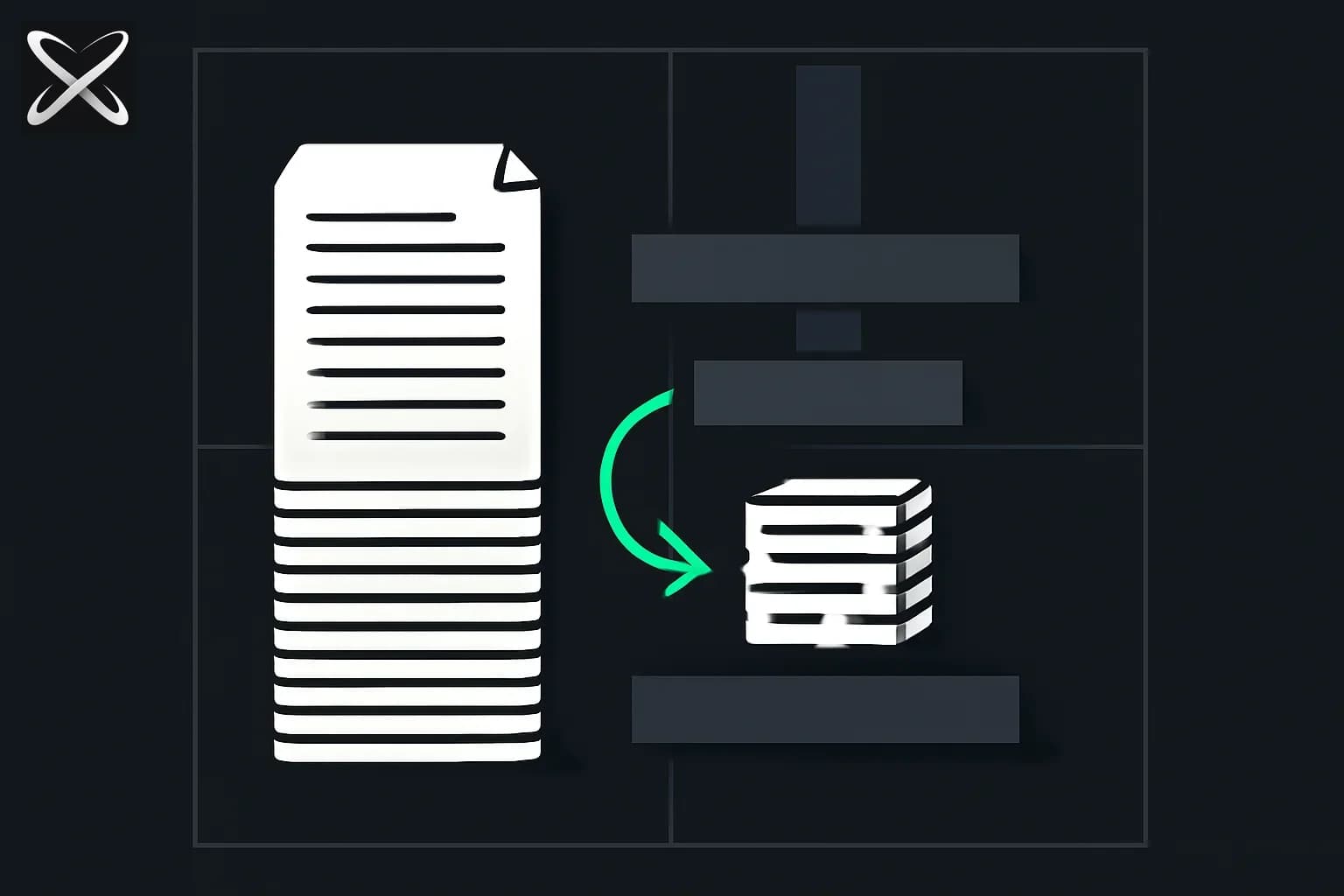
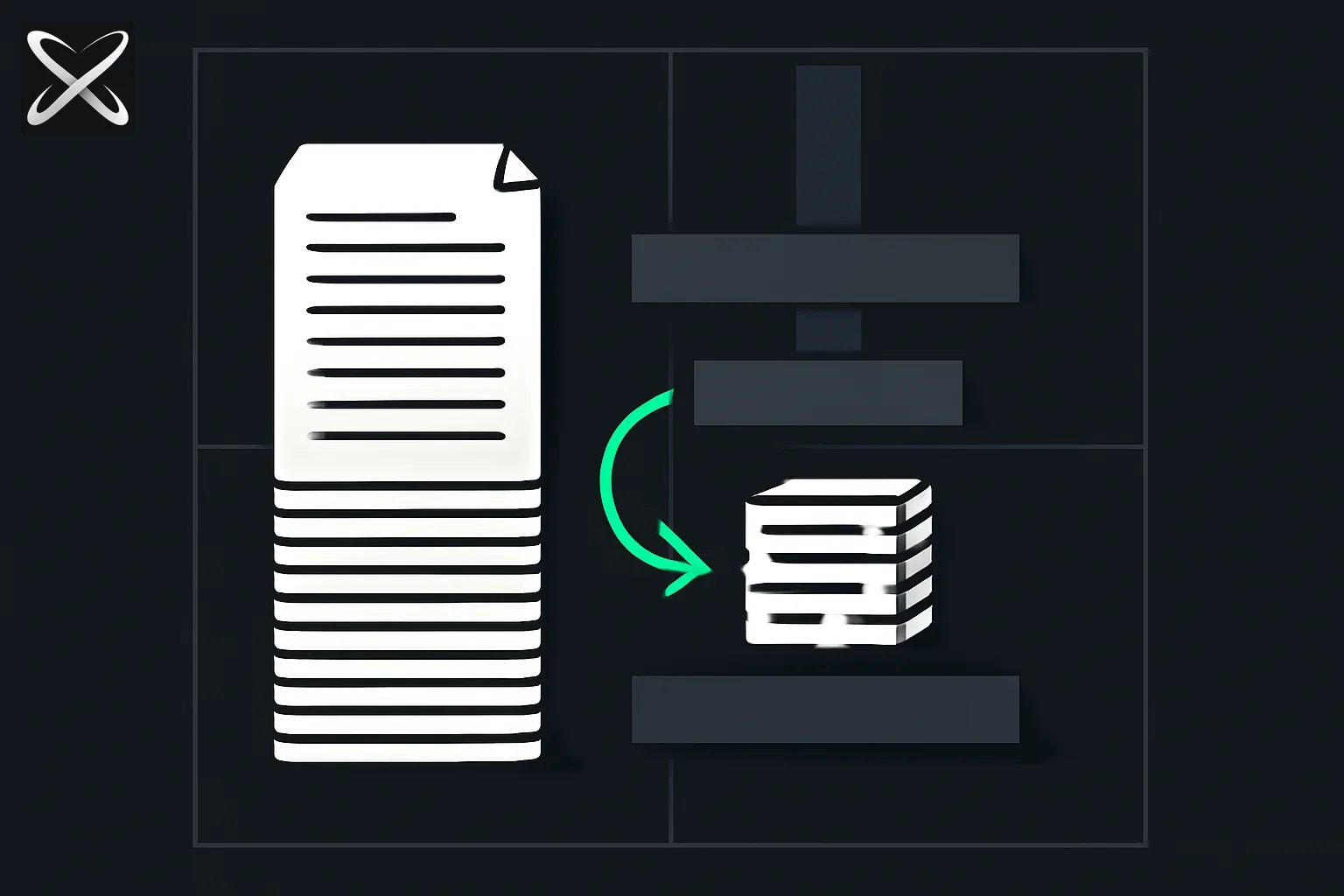 Headroom context compression diagram: raw logs and RAG chunks pressed into a small reversible compressed cube
| Question | Answer |
|---|---|
| Repo | github.com/chopratejas/headroom |
| License | Apache 2.0 |
| Install | pip install "headroom-ai[all]" or npm install headroom-ai |
| Quick start | headroom wrap claude |
| Modes | Library · proxy · MCP · agent wrap |
| Savings | 60–95% on real workloads (vendor benchmarks) |
| Reversible | Yes — CCR caches originals locally |
| Model | Kompress-v2-base (HuggingFace) |
| Docs | headroom-docs.vercel.app |
The Problem: Context Is the Bottleneck
Coding agents burn tokens on:
| Source | Why it hurts |
|---|---|
| Tool outputs | grep, test logs, API JSON—verbose by default |
| RAG chunks | Retrieved docs repeat across turns |
| File reads | Whole files when a summary would suffice |
| Conversation history | Long sessions fill the window before the task finishes |
Provider-native compaction (OpenAI, Anthropic /compact) helps conversation but not arbitrary tool payloads. Hosted compression APIs send your data off-machine and often destroy reversibility.
Headroom's pitch: compress at the boundary, locally, with retrieval on demand.
Architecture (30 Seconds)
 Your agent (Claude Code, Cursor, Codex, LangChain, …)
        │  prompts · tool outputs · logs · RAG · files
        ▼
 ┌──────────────────────────────────────────────┐
 │  Headroom  (local — data stays on your machine) │
 │  CacheAligner → ContentRouter → CCR           │
 │    ├─ SmartCrusher    (JSON)                  │
 │    ├─ CodeCompressor (AST / tree-sitter)      │
 │    └─ Kompress-base   (prose, HuggingFace)    │
 │  Cross-agent memory · headroom learn · MCP    │
 └──────────────────────────────────────────────┘
        │  compressed prompt + retrieval tool
        ▼
 LLM provider (Anthropic · OpenAI · Bedrock · …)
| Component | Role |
|---|---|
| ContentRouter | Detects content type, picks compressor |
| SmartCrusher | Structured JSON compression |
| CodeCompressor | AST-aware code shrinking |
| Kompress-base | Neural text compression (Kompress-v2-base) |
| CacheAligner | Stabilizes prefixes for provider KV cache hits |
| CCR | Stores originals; headroom_retrieve fetches full text |
The codebase is 78% Python, 17% Rust (performance core), plus TypeScript SDK—serious engineering, not a thin wrapper.
Four Ways to Run It
1. Agent wrap (fastest for coding agents)
pip install "headroom-ai[all]"
headroom wrap claude          # Claude Code
headroom wrap codex           # shares memory with Claude
headroom wrap cursor          # prints config — paste once
headroom wrap aider
headroom wrap copilot
Flags like --memory and --code-graph extend Claude Code integration per the agent compatibility matrix.
2. Drop-in proxy (zero code changes)
headroom proxy --port 8787
Point any OpenAI-compatible client at localhost:8787. Works for custom apps, CI, or languages without a native SDK.
3. Library (inline)
from headroom import compress

compressed = compress(messages)
TypeScript: npm install headroom-ai.
4. MCP server
Tools exposed to any MCP client (Model Context Protocol):
| Tool | Purpose |
|---|---|
headroom_compress | Compress arbitrary context |
headroom_retrieve | Fetch CCR-cached originals |
headroom_stats | Token savings telemetry |
Install: headroom mcp install.
Token Savings: Real Workloads
From Headroom's published benchmarks on agent-shaped tasks:
| Workload | Before | After | Savings |
|---|---|---|---|
| Code search (100 results) | 17,765 | 1,408 | 92% |
| SRE incident debugging | 65,694 | 5,118 | 92% |
| GitHub issue triage | 54,174 | 14,761 | 73% |
| Codebase exploration | 78,502 | 41,254 | 47% |
Accuracy on standard evals (reproduce with python -m headroom.evals suite --tier 1):
| Benchmark | Baseline | Headroom | Notes |
|---|---|---|---|
| GSM8K (math) | 0.870 | 0.870 | No delta |
| TruthfulQA | 0.530 | 0.560 | +0.030 |
| SQuAD v2 | — | 97% acc | ~19% compression |
| BFCL (tools) | — | 97% acc | ~32% compression |
Measure your own runs: headroom perf.
CCR: Why Reversible Matters
Irreversible summarization fails when the model needs line 847 of the stack trace or one field in a 200-row JSON response. CCR pattern:
- Compress for the initial prompt
- Cache full originals locally (TTL-configurable)
- Expose
headroom_retrieveso the model pulls detail only when needed
This is the difference between "cheaper but blind" and "cheaper but auditable."
Cross-Agent Memory and headroom learn
Cross-agent memory — shared store across Claude, Codex, Gemini with auto-dedup. Stop re-explaining architecture every time you switch tools.
headroom learn — mines failed sessions, writes corrections to CLAUDE.md, AGENTS.md, or GEMINI.md. Compression reduces tokens; learning reduces repeated mistakes—orthogonal wins.
GitHub Copilot CLI Subscription Mode
Headroom can proxy Copilot CLI subscription traffic:
headroom copilot-auth login
headroom wrap copilot --subscription -- --model gpt-4o
Headroom exchanges its GitHub OAuth token for Copilot's short-lived API token and sets COPILOT_PROVIDER_API_URL for the wrapper. Enterprise Server: set GITHUB_COPILOT_ENTERPRISE_DOMAIN. For Docker/CI, pass explicit GITHUB_COPILOT_TOKEN rather than relying on host keychain.
Agent Compatibility
| Agent | headroom wrap | Notes |
|---|---|---|
| Claude Code | ✅ | --memory, --code-graph |
| Codex | ✅ | Shared memory with Claude |
| Cursor | ✅ | Config snippet to paste |
| Aider | ✅ | Starts proxy + launches |
| Copilot CLI | ✅ | Subscription mode supported |
| OpenClaw | ✅ | ContextEngine plugin |
Any OpenAI-compatible client works via proxy. See Claude Code commands for /context and /compact alongside external compression.
Headroom vs Alternatives
| Tool | Scope | Local | Reversible |
|---|---|---|---|
| Headroom | All context types | ✅ | ✅ (CCR) |
| RTK | CLI command outputs | ✅ | ❌ |
| lean-ctx | CLI, MCP, editor rules | ✅ | ❌ |
| Compresr / Token Co. | Text via hosted API | ❌ | ❌ |
| OpenAI compaction | Conversation only | Provider | ❌ |
Headroom ships RTK for shell-output rewriting and can use lean-ctx via HEADROOM_CONTEXT_TOOL=lean-ctx—compress downstream of whichever CLI context tool you prefer.
Installation Details
# Python (everything)
pip install "headroom-ai[all]"

# Node / TypeScript
npm install headroom-ai

# Docker
docker pull ghcr.io/chopratejas/headroom:latest
Requires Python 3.10+. Granular extras: [proxy], [mcp], [ml], [code], [memory], [relevance], [langchain], [agno], [evals], [pytorch-mps] (Apple GPU embedder offload).
pipx: pipx install --python python3.13 "headroom-ai[all]"
Corporate SSL inspection
If pip install fails with CERTIFICATE_VERIFY_FAILED, install Rust first (maturin downloads rustup over TLS), or use prebuilt wheels: pip install --only-binary headroom-ai headroom-ai.
Runtime assets fetched over TLS:
- cdn.pyke.io — ONNX Runtime (or
ORT_STRATEGY=system) - huggingface.co — kompress-base model (or
HF_HUB_OFFLINE=1with pre-download)
Pure gateway mode (compression disabled) needs neither.
When to Use · When to Skip
Great fit if you:
- Run coding agents daily and want savings without rewriting your app
- Work across multiple agents and want shared memory
- Need reversible compression with local data residency
Skip if you:
- Only use one provider's native compaction and never hit tool-output bloat
- Cannot run local processes (strict sandbox with no proxy)
Headroom complements LLM wikis and OKF bundles—pre-compiled knowledge plus compressed delivery.
OpenClaw and Integrations
Headroom installs as an OpenClaw ContextEngine plugin. Integrations span LangChain, Agno, Strands, FastAPI middleware, and custom stacks—see llms.txt for machine-readable doc index.
Getting Started Checklist
pip install "headroom-ai[all]"headroom wrap claude(or your agent)- Run a heavy task—large grep, test output, RAG pull
headroom perf— inspect savings- Optional:
headroom mcp install, enableheadroom learn, tune CCR TTL
Summary
Headroom is the context compression layer the agent ecosystem was missing: local-first, multi-algorithm, reversible, and agent-native. 29.5K stars in roughly five months since OSS release reflects how universal the token problem is.
Install in 60 seconds. Wrap Claude Code in one command. Keep your data on your machine. Retrieve originals when the model needs them.
How should you evaluate compression on your own agent tasks?
Keep a baseline run with compression disabled and save the original tool outputs. Then repeat the same task with the compressor enabled, using the same model and acceptance criteria where possible. Compare whether the final answer still contains the information required by the task, rather than measuring token reduction alone.
Include a case where a small detail matters. For debugging, that could be an error code in a long log; for extraction, a field appearing once in a document. An aggressively shortened payload can look sensible while omitting that detail. Your evaluation should reveal the loss even if the output remains fluent.
Account for retrieval overhead. Reversible compression helps only if the original remains available and the agent knows when to request it. Measure any follow-up calls and the time spent retrieving details. A smaller first prompt can still lead to a slower or more expensive complete run if the agent repeatedly reopens the same source.
What happens when the original has expired?
Decide how the application should respond when a cached original is no longer available. Returning an empty result can be mistaken for evidence that the source contained nothing relevant. An explicit unavailable-source status gives the agent a reason to refetch or ask for the input again.
Keep identifiers stable enough to match a compressed fragment with the correct original. If several runs produce similarly named artifacts, include a run or source identifier in the record. Otherwise the agent may retrieve a plausible but stale document and use it as evidence for the current task.
Cache retention is also a data decision. A local store can contain sensitive logs or customer documents even though it never sends them to a compression service. Inspect its location, access controls, and cleanup behavior before processing real material. Local operation gives you options; it does not determine the right retention policy by itself.
How can you diagnose a proxy integration problem?
First check whether a request reaches the proxy, then whether it reaches the provider, and finally whether the client accepts the returned response. These are separate boundaries. A provider error should remain identifiable rather than being turned into a successful empty answer by an intermediate wrapper.
Test one ordinary request and one tool-use request before a long autonomous session. The second exercises message structures that a text-only smoke test can miss. Keep a way to disable compression and return to the baseline so you can isolate whether a failure comes from the compressor, the client, or the provider.
The project repository is the current reference for integration support. Treat the dated benchmark tables above as project-reported examples, not a guaranteed saving for your workload.
Related Reading
-
ColGrep-Agent-2B: delegating code search to a local model cut Claude Code tokens 34%
-
Enable a 1M-token context window in Codex CLI (GPT-5.6 Sol) — the alternative lever: raise the ceiling instead of compressing what fills it
-
Chisle: a Claude Code skill claiming bigger savings than Caveman + Ponytail combined — a newer skill whose own Reddit thread cites Headroom directly as evidence tool-output compression yields only marginal savings
-
fast-jev-compaction: Claude Code compaction without a lossy summary — a different lever again: delete stale tool calls at compaction time instead of compressing them upfront
Features, benchmarks, and install paths cited from chopratejas/headroom README and docs as of June 14, 2026.