



Update — November 1, 2026: New: Grok Bot guide: tips from the team on building good bots and managing them.
Update, October 31, 2026: explainx.ai is running a free live Grok Bot workshop on Nov 7. See how to set up Grok Bot safely.
Grok Bot can now have an inbox of its own. A developer announcement on X says the 0.70.2 release lets "each bot" claim an address at mail.grokbot.com and draft emails for you to send, alongside live cards for apps like Figma, Notion and Canva and X search without a connected account. Product documentation confirms the email part in detail. Some of the rest rests on social posts and aggregator summaries, so this guide marks what is confirmed and what is not.
It extends a product we have followed closely, from voice ordering and Google Workspace integrations to model routing across Claude Opus 5.5, Midjourney and Suno.
Update (October 17, 2026): plus aliases, web and mobile, and a disputed "3x" speed claim
A new round of social posts adds three things. First, Grok Bot's email reportedly now supports plus aliases, so a routine can be set to run only on mail sent to one variant of the Bot's address. Second, the email feature is described as sitting inside the Grok web and mobile apps, not only desktop builds. Cursor's official agent email documentation confirms the mobile path (Settings, Connect apps, Email) and the rules we describe below: one address per user that cannot be renamed or deleted, routines that fire only on mail you configure them for, filtering by sender, drafts that wait for your approval, and up to 10 attachments, 10 MB each and 25 MB in total. That page does not mention plus aliases, so treat the alias detail as a user report until the docs say so.
Third, an aggregator summary of posts from the product's X accounts says xAI reported reply times cut by more than half and computer tasks about 3x faster on average. We could not trace that figure to a release note, changelog entry or official post, and a search for it found none. The only first-hand speed signal we found is a Cursor community forum thread from September 20 where a user says the Bot feels significantly faster, which is anecdote rather than measurement. So the 3x number is claimed, not verified, and it is unclear whether it describes median tasks or a best case. If speed matters to you, time a fixed task before and after rather than trusting the headline.
TL;DR: what is confirmed and what is not
| Claim | Status | Source |
|---|---|---|
| Each bot can claim one mail.grokbot.com address | Confirmed in docs | Cursor Help |
| Bot can receive, read, search, send | Confirmed in docs | Same page |
| Every outgoing email needs your approval | Confirmed in docs | Same page |
| Rollout began October 9, 2026 | Reported by outlets citing the official @bot account | Tesla North |
| 0.70.2 adds live app cards and accountless X search | Stated by a developer on X | Announcement post |
| Approval before irreversible actions, PDF save | Described in the changelog, per search snippets | x.ai changelog |
| Inbox summaries | Reported by an aggregator only | Not found in docs |
| Phishing from an official-looking address | User reports on X, unverified | None |
What the documentation says about agent email
The most reliable source is the product documentation. It describes agent email as giving a bot its own address that it can use to receive, read, search and send mail. Use cases it lists: signing up for services with its own address and retrieving verification codes with your permission, collecting receipts, newsletters and reports and summarizing them, drafting emails and replies, and running routines when mail arrives.
Practical limits are spelled out. The bot has no inbox view or notifications, so you ask it to find mail, and mail from the last minute may not show in searches yet. Each message can carry up to 10 attachments of 10 MB each, 25 MB total. You can claim one address, names run up to 64 characters, reserved words such as "support" or "admin" are blocked, and addresses cannot be renamed or deleted. Deleting your account deletes the mail, and the address is retired, never reissued.
On Cursor teams the feature is off by default and an admin must enable it, matching Tesla North's report that companies need admin enablement.
How the approval model works
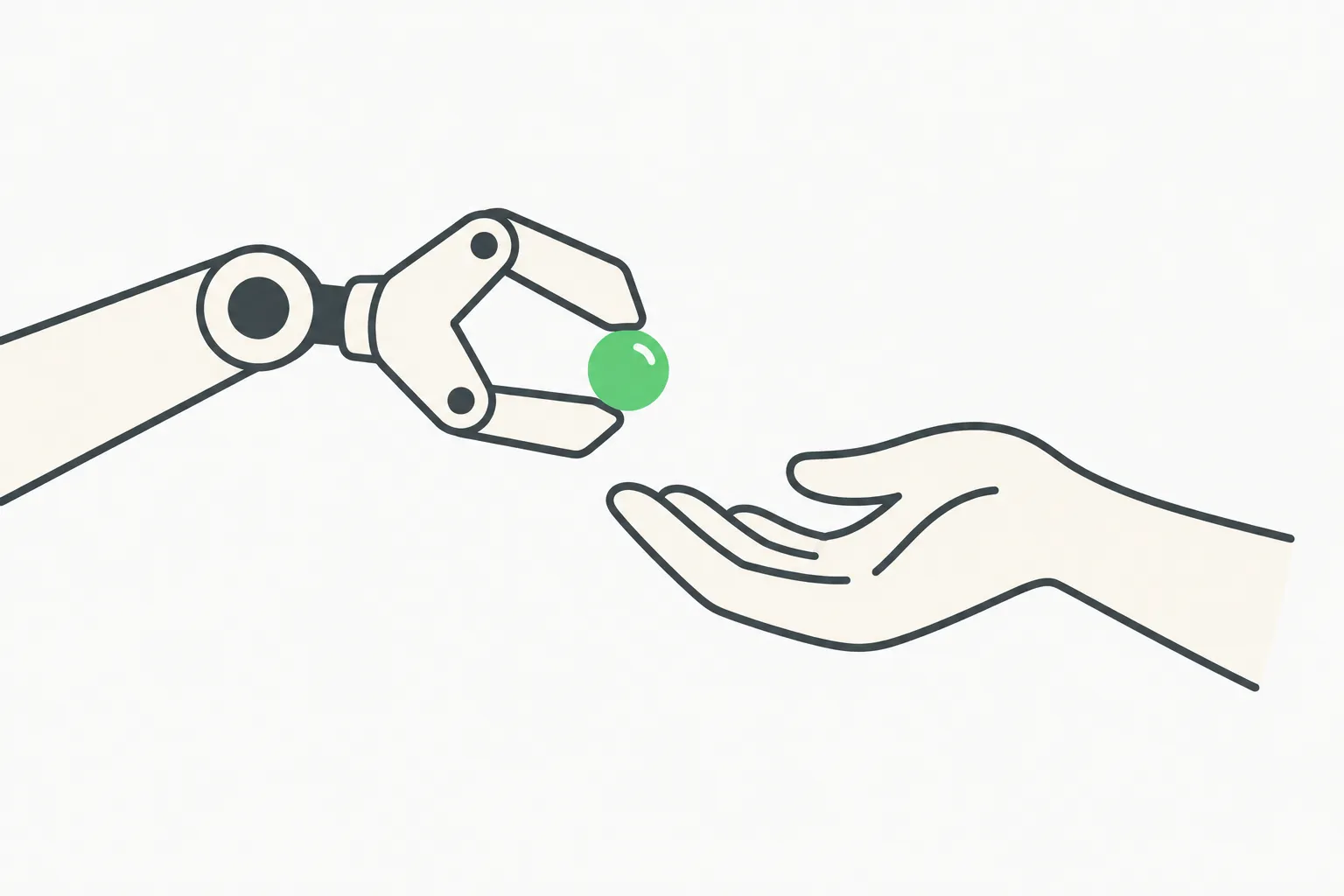 A mechanical gripper handing a bead to a human hand, illustrating Grok Bot approval before sending email
The docs are explicit: every outgoing email requires your approval. You review the full draft and press Send. That applies to replies and routine output too, and routines leave drafts instead of sending. There is no unattended sending option, and chat or routine instructions do not skip approval. If you also connected Gmail or Outlook, the bot asks which account to send from.
This lines up with the changelog language reported in search snippets: before an action it cannot undo, such as sending, posting, buying or deleting, a bot checks your own messages for approval. One third-party guide adds categories like publishing, permission changes and accepting legal terms, with approvals allowed once, denied, or set as an always-allow rule. We have not verified that guide against the changelog, so check the always-allow behavior before enabling it.
How the design handles prompt injection
An agent with an inbox is exposed to anyone who can email it. The documented defenses are sensible. Mail that fails spam or virus scanning is stored without its body or attachments and cannot trigger a routine. By default routines only run for mail from senders that pass standard email authentication checks. The bot labels each message as coming from you or someone else, and treats email content as information, not instructions. Instructions inside a received email never count as your permission.
Sending limits add a second layer: up to 50 recipients per email, no executable attachments, one recipient per newsletter or first-contact email with an unsubscribe link, and automatic stops for addresses that bounce, unsubscribe or report spam.
These are the right controls, but they reduce risk rather than remove it. Our write-up of the Grok Bot Slack bank-balance post shows how agent permissions go wrong in practice, and our Outlook and mail connector coverage covers the connector side.
What 0.70.2 reportedly adds beyond email
The developer announcement on X, as shown in search results, lists three items: per-bot email addresses, apps like Figma, Notion and Canva appearing as live cards in the chat, and bots that can search X and read public posts and profiles without a connected account. That last one matters because the August X integration required signing in with an X account, creating a developer account if needed, and gave paid users free X API credits.
An aggregator also lists template suggestions from a description, saving shared pages as PDFs, and a routine type where incoming reports or receipts trigger bot tasks. The PDF and approval items appear in snippets of the official changelog. The aggregator also claims inbox summaries, but we found no documentation of that. The official changelog page returned an error when we tried to load it, and a separate article said its cached copy was last updated at 0.68.1 on October 7, so the 0.70.2 label itself is only confirmed by the developer's post.
What about the phishing reports?
Aggregator coverage notes that some users on X reported phishing emails that appeared to come from an official xAI address after the tool launched. We found no statement from the company and no independent confirmation, and none of the sources we could open connect the mail.grokbot.com domain to a scam. Treat it as an unverified user report.
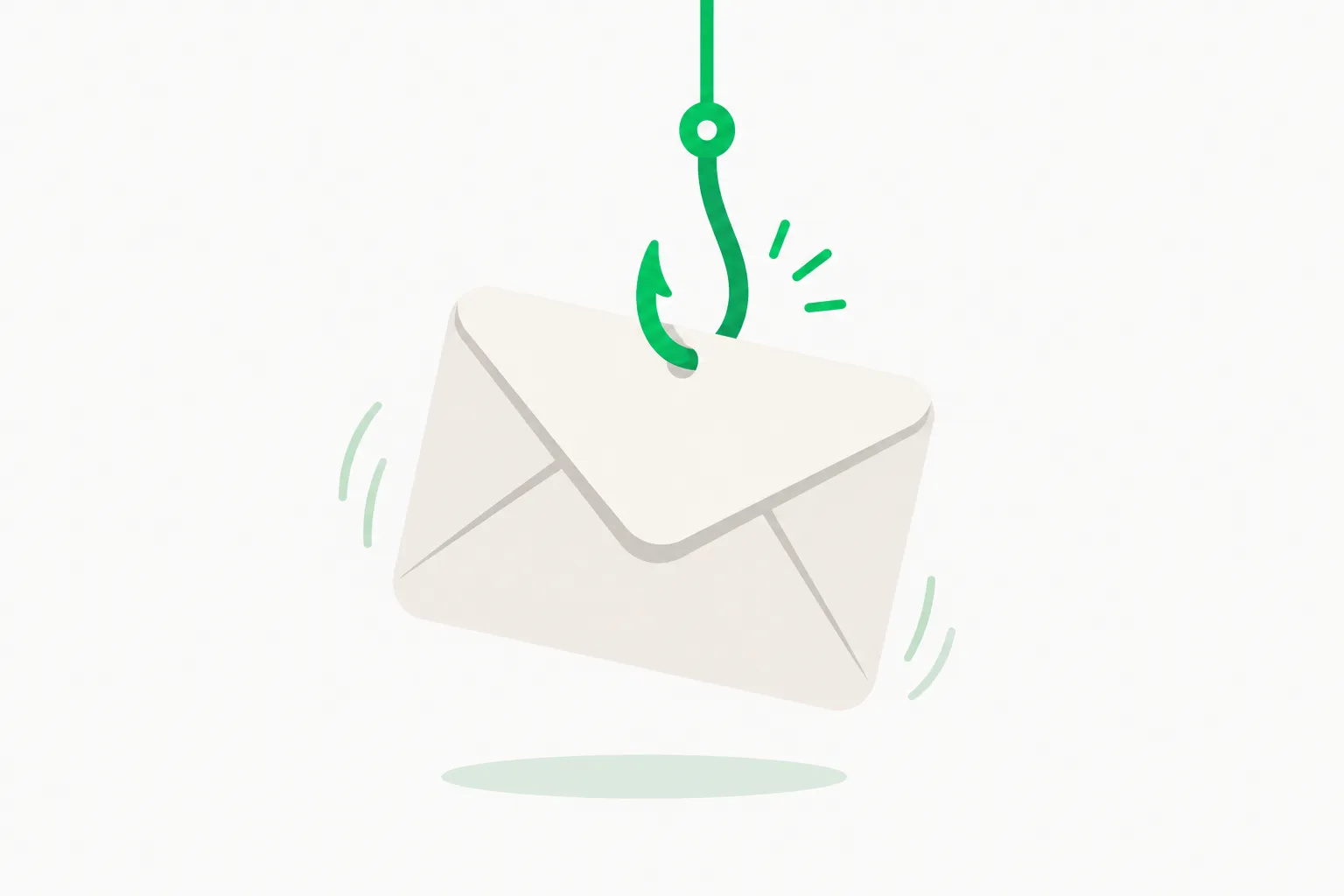 A hook dangling an envelope, a reminder to treat unexpected email claiming to be from an AI vendor as suspicious
A new product launch is a natural phishing hook regardless: attackers imitate the sender, and AI-agent mail addresses are new enough that users do not know what is normal. Check headers, never click a link in mail you did not expect, and verify inside the product instead.
How we got here: the Grok Bot timeline
The email launch is the latest in a fast sequence of releases, built from the sources above and our earlier coverage:
| Date | Event |
|---|---|
| August 29, 2026 | xAI announces the first X integration: connect an X account, search posts, read your timeline, check mentions; paid users get free X API credits |
| September 2026 | Connectors for Outlook mail and Google Workspace arrive, plus voice ordering on Amazon and DoorDash |
| October 7, 2026 | Changelog version 0.68.1, per one article |
| October 9, 2026 | Per-bot email inboxes begin rolling out, announced by the official @bot account |
| Mid-October 2026 | 0.70.2 reported with app cards and accountless X search |
The pattern is clear. Each release moves the bot from answering questions toward acting on your behalf: first reading X, then your mail and calendar, then ordering food, now holding its own identity. That is why the approval and sender-verification design matters more than the feature list.
Compared with a connector to your own Gmail, a dedicated mailbox trades convenience for containment. Connected-account access sees everything you have ever received; a bot mailbox sees only what you route to it. For most readers the second is the safer default.
How to try it safely
- Claim the address by asking your bot, then send a short test email to confirm routing.
- Start with low-stakes uses: newsletters, free-trial signups, receipts. Keep it out of anything tied to banking or identity.
- Review every draft before pressing Send. The approval step is the main protection.
- Scope routines narrowly. Limit them to specific senders or domains rather than all mail from anyone.
- Keep it separate from your main inbox. The separate mailbox is the feature's best privacy property, so do not forward sensitive mail into it.
- Plan for monitoring. If you run agents at work, a security layer that checks actions before they happen helps. AgentBeam is the agent security platform from the explainx.ai team that stops AI agents before they take dangerous actions.
Developers weighing the broader agent-security trade-offs can start with our comparison of AI agent security platforms.
Why this matters
Giving an agent its own identity is a step beyond giving it access to yours. A separate mailbox means the bot does not need your Gmail login to register for services, and a compromised or confused bot exposes a throwaway address rather than your main account. It is the same pattern that service accounts follow in software engineering.
The risk shifts too. The inbox becomes an input channel anyone can write to, so the quality of the sender checks and the approval gate decides whether the feature is safe. The documentation addresses both, which is a good sign, but real-world abuse is what tests such controls. Follow the week-one lessons from a solo founder for how people are actually using Grok Bot.
What to watch
- The official changelog for a clear 0.70.2 entry that confirms the full feature list.
- A company response on phishing reports, or a security advisory.
- Plan availability. Reports do not say which plans include the inbox.
- Custom domains. Whether companies can use their own domain rather than mail.grokbot.com is not stated.
We will update this post as the changelog and any security statement appear.
Related reading
-
Grok Bot Vault: saved logins and cards the AI never sees, and the no-approval catch
-
Grok mobile app phone Calendar and Contacts access: what is verified
Product details are accurate as of October 15, 2026 and may change as the changelog updates.