



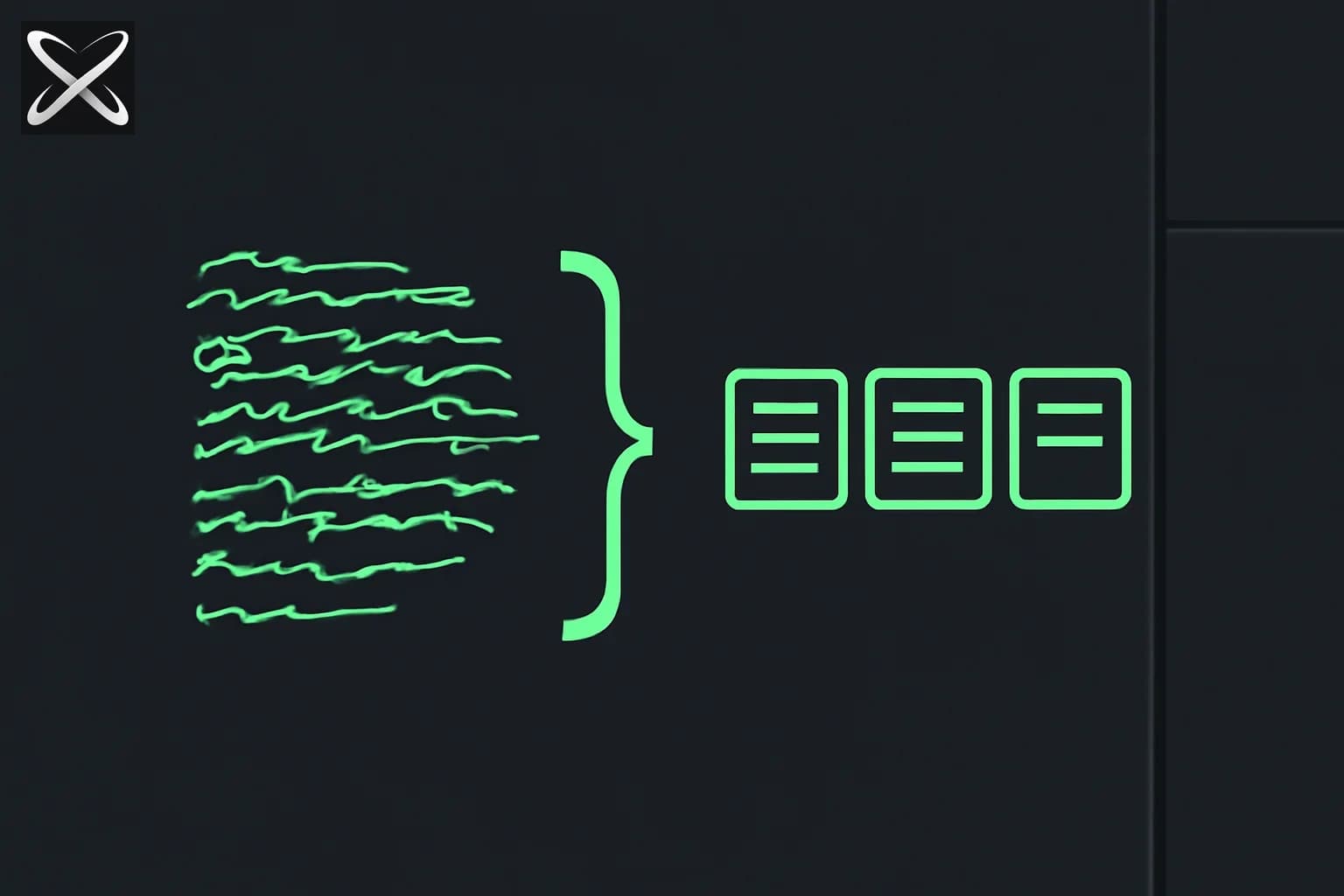
Asking Claude to "return JSON" in a prompt works until it does not. On malformed source documents, unusual input structures, or long extraction chains, free-form JSON generation produces syntax errors, missing fields, or hallucinated values for absent data. The fix is tool_use with a JSON schema — and the validation-retry loop that wraps it.
This is the central subject of Domain 4 of the Claude Certified Architect – Foundations exam (Prompt Engineering & Structured Output, 20% weight). Task Statements 4.2-4.4 test schema design, extraction reliability, and retry logic.
Update — September 16, 2026: TypeSafe AI's Jev takes schema-enforced output a step further, skipping generation entirely for fixed-shape decisions — worth comparing against a tool_use schema for narrow classification/routing tasks.
Why tool_use beats JSON-in-prompt
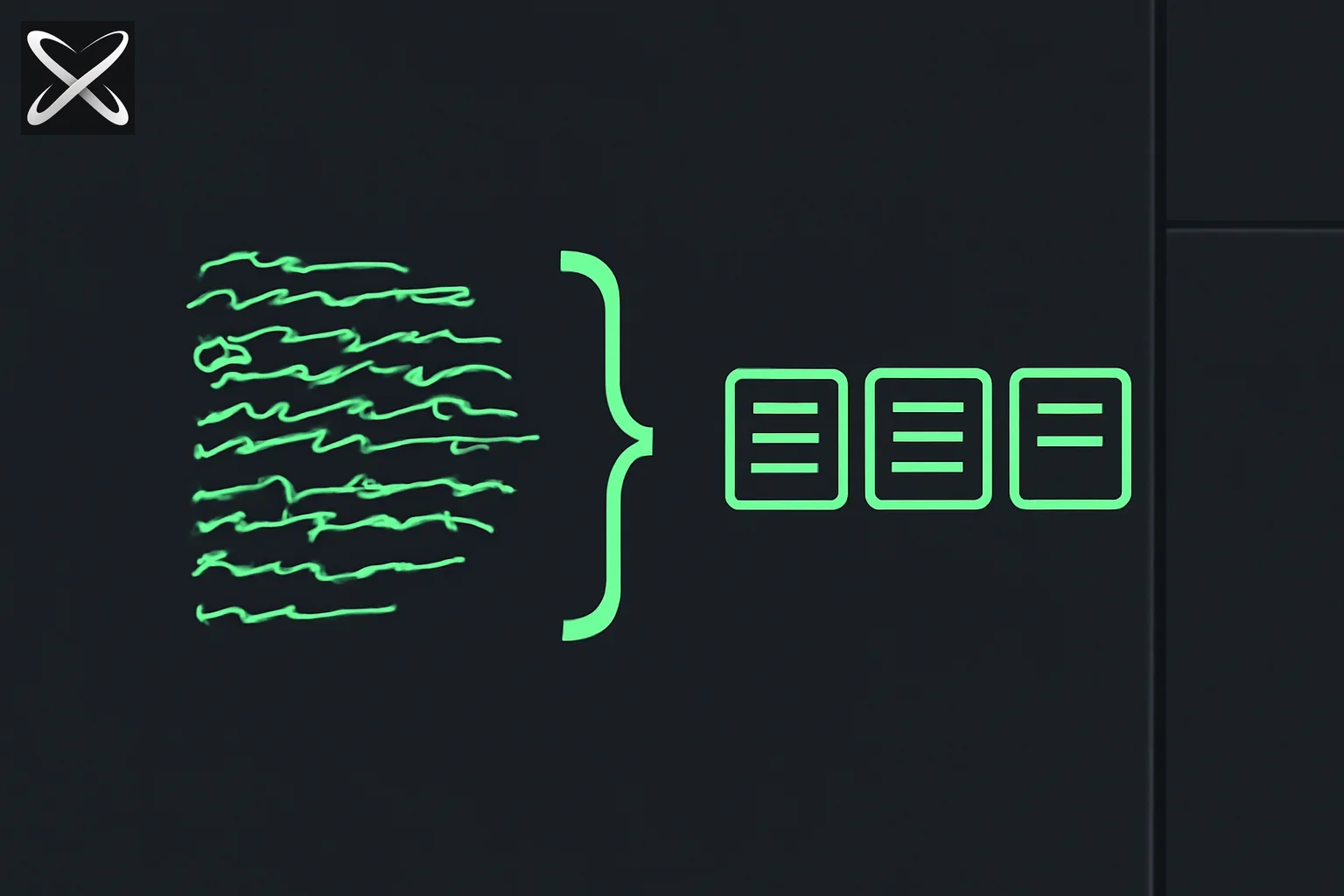 Structured output JSON schema diagram: loose text funneling through a bracket-shaped stencil into filled labeled boxes
When you ask Claude to produce JSON in the response body, you get a string. That string must be:
- Extracted from markdown code fences (if Claude wrapped it)
- Parsed by
JSON.parse - Validated against your schema
- Handled for errors at each step
Four failure points before you have usable data.
With tool_use, Claude is not generating a JSON string — it is calling a function with typed arguments. With supported strict tool use enabled, the API constrains arguments to the supported schema. Ordinary tool definitions still need validation. You receive a structured object, not a string to parse:
response = client.messages.create(
    model="claude-opus-4-5",
    tools=[{
        "name": "submit_extraction",
        "description": "Submit the extracted invoice data. Call this when all fields have been extracted or determined to be absent from the source document.",
        "input_schema": {
            "type": "object",
            "required": ["invoice_number", "vendor_name", "line_items", "extraction_confidence"],
            "properties": {
                "invoice_number": {
                    "type": ["string", "null"],
                    "description": "Invoice number as printed on the document. null if not present."
                },
                "vendor_name": { "type": "string" },
                "line_items": {
                    "type": "array",
                    "items": {
                        "type": "object",
                        "required": ["description", "quantity", "unit_price"],
                        "properties": {
                            "description": { "type": "string" },
                            "quantity": { "type": ["number", "null"] },
                            "unit_price": { "type": ["number", "null"] }
                        }
                    }
                },
                "extraction_confidence": {
                    "enum": ["high", "medium", "low", "insufficient_data"]
                }
            }
        }
    }],
    tool_choice={"type": "tool", "name": "submit_extraction"},
    messages=[{"role": "user", "content": f"Extract invoice data from:\n\n{document_text}"}]
)

# Access structured data directly
tool_input = response.content[0].input
invoice_number = tool_input["invoice_number"]  # Already typed, not a string to parse
The tool_choice forces Claude to call submit_extraction rather than returning text. Handle the expected tool_use stop reason as well as refusals, truncation, and other stop conditions. You get the structured object in response.content[0].input.
Schema design: required vs optional/nullable fields (Task Statement 4.2)
The most common schema design mistake is marking every field as required. On documents where a field is genuinely absent, Claude has two bad options: hallucinate a value, or fail to call the tool.
The correct pattern: mark fields as required but allow null values for fields that may be absent:
{
  "invoice_number": {
    "type": ["string", "null"],
    "description": "Invoice number as printed. null if not found on the document."
  }
}
This is different from making the field optional (removing it from required). Optional fields can be omitted entirely, which means your code must handle both undefined and null. Required-but-nullable fields are always present in the output — either a value or an explicit null.
Why this prevents hallucination: When Claude knows it can return null, it has a legitimate path for "this information is not here." Without a null path, the model is under pressure to produce a value even when the source does not support one.
Required fields that should never be null (the document cannot be processed without them): make these type: "string" with no null option. If the extraction cannot produce these, the tool call fails and triggers the retry path.
Enum with "other" plus detail string (Task Statement 4.3)
Closed enums fail on inputs that do not fit your predefined categories. The correct pattern for extensible classification:
{
  "document_type": {
    "enum": ["invoice", "purchase_order", "receipt", "credit_note", "other"],
    "description": "Primary document type. Use 'other' if the document type does not match the listed categories."
  },
  "document_type_detail": {
    "type": ["string", "null"],
    "description": "Required when document_type is 'other'. Describe the actual document type. null when document_type is a listed category."
  }
}
The "other" escape value plus a detail field gives you:
- Reliable downstream routing: Code can switch on
document_typefor the 95% case. - Graceful unknown handling: The 5% that does not fit gets captured in
document_type_detailrather than being misclassified or dropped. - Audit trail: Unknown types are visible in the detail field for future enum expansion.
The exam tests this as a schema design question: "You are extracting document types. New document types appear occasionally in production. How do you design the enum?" The answer is the "other" + detail pattern, not an open-ended string field (which loses type safety) and not a closed enum (which misclassifies unknowns).
The validation-retry loop (Task Statement 4.4)
When extraction fails — Claude determines the required information is absent — the retry must include both the failed extraction attempt and a specific error description:
def extract_with_retry(document_text: str, max_retries: int = 2) -> dict:
    messages = [
        {"role": "user", "content": f"Extract invoice data from:\n\n{document_text}"}
    ]

    for attempt in range(max_retries + 1):
        response = client.messages.create(
            model="claude-opus-4-5",
            tools=[extraction_tool],
            tool_choice={"type": "tool", "name": "submit_extraction"},
            messages=messages
        )

        extraction = response.content[0].input

        # Validate required business rules beyond schema
        validation_errors = validate_extraction(extraction)

        if not validation_errors:
            return extraction

        if attempt == max_retries:
            raise ExtractionError(f"Failed after {max_retries + 1} attempts: {validation_errors}")

        # Append the failed attempt and specific error context
        messages.append({"role": "assistant", "content": response.content})
        messages.append({
            "role": "user",
            "content": f"""The extraction has validation errors:
{chr(10).join(f'- {e}' for e in validation_errors)}

Please re-examine the document and correct the extraction. If the information
needed to fix these errors is genuinely absent from the document, set the
relevant fields to null and set extraction_confidence to 'insufficient_data'."""
        })

    raise ExtractionError("Retry loop exhausted without returning")
Three principles encoded here:
- Append the failed extraction as an assistant turn. Claude needs to see what it produced to understand what to correct. Without this, the retry is identical to the original attempt.
- List specific validation errors. "Try again" produces the same result. "The total does not match the sum of line items (found 1200, sum is 1150)" gives Claude actionable correction context.
- Provide a legitimate exit path. The retry prompt includes "if this information is absent, set to null" — otherwise Claude under pressure will hallucinate a fix rather than acknowledging absence.
When retries should not happen
The retry path is for cases where Claude extracted incorrectly from available information. It is not for cases where the information is genuinely absent from the source document.
If the document is a purchase order and you are trying to extract invoice fields, repeated retries will not produce invoice data. The extraction model should detect this on the first pass and return extraction_confidence: "insufficient_data" — your code then routes to a different handling path rather than retrying.
The exam tests this distinction: "An extraction returns insufficient_data confidence on the first attempt. What is the correct next step?" The answer is routing to manual review or alternative processing, not retrying the same extraction.
Few-shot examples for varied document structures (Task Statement 4.2)
When the same extraction schema applies to documents with widely varying structure (different invoice formats from different vendors), few-shot examples improve accuracy on the long tail of formats:
system_prompt = """You extract structured invoice data using the submit_extraction tool.

Example 1 - Standard format:
Input: "INVOICE #INV-2024-001 | Vendor: Acme Corp | Item: Widget x10 @ $5.00 | Total: $50.00"
Action: Call submit_extraction with invoice_number="INV-2024-001", vendor_name="Acme Corp",
        line_items=[{description: "Widget", quantity: 10, unit_price: 5.00}]

Example 2 - European format with different field ordering:
Input: "Rechnung Nr. 445 | Lieferant: TechGmbH | Menge 5 | Artikel: Sensor | EP: 200 EUR"
Action: Call submit_extraction with invoice_number="445", vendor_name="TechGmbH",
        line_items=[{description: "Sensor", quantity: 5, unit_price: 200.00}]

Example 3 - Missing quantity:
Input: "Invoice 789 | Vendor: Supplies Co | Custom Design Work | $1500"
Action: Call submit_extraction with invoice_number="789", vendor_name="Supplies Co",
        line_items=[{description: "Custom Design Work", quantity: null, unit_price: 1500.00}]"""
Few-shot examples serve two purposes in structured extraction: they demonstrate format variations that the schema alone does not convey, and they show the null handling pattern for absent fields — reinforcing that null is a valid and expected output.
The exam notes that few-shot examples in the system prompt count against context length. For very large document sets, optimize by selecting 2-3 representative examples that cover the format variations most common in your corpus, not exhaustive coverage of every format.
What the exam tests in Domain 4
Task Statements 4.2-4.4 map to:
- 4.2: Schema design — required vs nullable, enum with other, description quality, few-shot example placement
- 4.3: tool_choice — when to use forced vs auto vs any for structured extraction
- 4.4: Retry loop design — what to append, how to phrase the error, when not to retry
The structured data extraction scenario is the primary frame: unstructured documents to validated JSON via schema enforcement, edge cases (absent fields, unknown types), and downstream integration requirements.
Key takeaways
tool_usereturns structured arguments; supported strict mode adds schema enforcement, and your application still handles exceptional responses.- Mark optional fields as required-but-nullable (
type: ["string", "null"]) to prevent hallucination. - Use enum with
"other"plus a detail field for extensible classification. - Retry loops must append the failed extraction AND specific validation errors before the retry prompt.
- Provide a legitimate
null/insufficient_dataexit path in retry prompts. - Do not retry when confidence is
insufficient_data— route to alternative handling instead. - Few-shot examples demonstrate format variation and null handling; keep to 2-3 examples that cover the most common variations.
This is a core topic in Domain 4 of the Claude Certified Architect – Foundations exam. Test your schema design instincts with CCA practice questions on explainx.ai.
Exam domain weights and task statements are based on the Claude Certified Architect – Foundations Certification Exam Guide published by Anthropic Academy. Verify current content on Anthropic Academy before your exam date.
Update — September 11, 2026: For where the training data behind tool-calling models actually comes from, see Google Research's ToolGrad — an answer-first dataset generation framework that hit a 99.8% pass rate and fine-tuned a Gemma-3-12B to beat gpt-5 on the Berkeley Function Calling Leaderboard.
Does an ordinary tool schema guarantee every response is valid?
Distinguish a schema describing a tool from strict schema enforcement. Anthropic documents strict tool use and structured outputs as explicit features with supported schemas and model requirements. A tool definition by itself should not be described as a universal guarantee. Check the current API contract for the mode you enable.
Your application must also handle responses that do not contain the expected tool block. Inspect the stop reason and content blocks instead of assuming the first block has input. Refusals, truncation, transport failures, and unexpected tool names need separate handling. Those branches belong in the extraction boundary before business logic consumes the data.
What does schema validation leave for your application?
A schema can establish structure while a value is still wrong. An invoice date can be a string in the right format and refer to a due date instead of an issue date. A total can be numeric and use the wrong currency. Validate source evidence, arithmetic, and domain rules separately from the JSON shape.
Keep missing, unreadable, and not-applicable values distinct where the workflow needs them. A nullable field prevents forced invention, but a review queue may also need to know why it is null. Attach a status or evidence field rather than collapsing every unknown into a value that downstream code treats as zero.
A worked retry decision
Suppose the extracted total differs from the sum of line items. First inspect whether tax, discounts, or shipping explain the difference. If the document contains those fields and the extraction omitted them, a targeted retry may help. If the source is cropped or illegible, repeated generation cannot restore missing evidence; request a better document or route to review.
Record attempt count and the validation error that triggered each retry. Cap retries and preserve the original source. An extraction pipeline should make uncertainty visible instead of converting an unresolved discrepancy into a plausible value merely to satisfy validation.