



Electron made it possible to ship web apps as desktop apps. It also made desktop apps 200MB and hungry for RAM. A Slack install is 350MB. A Notion desktop app uses half a gigabyte of memory before you open a single page.
The trade-off felt inevitable — until Pake.
Pake by @tw93 is a CLI tool that turns any URL into a native desktop application in one command. The output app is around 5MB. A small wrapper bundle does not imply a proportional reduction in runtime memory; measure the packaged website on your target machine.
It has 55,000 GitHub stars, 63 contributors, and pre-built apps for ChatGPT, Grok, YouTube, Gemini, Excalidraw, and more already available to download. It is free, open source, and works on macOS, Windows, and Linux.
Why Pake Works Differently
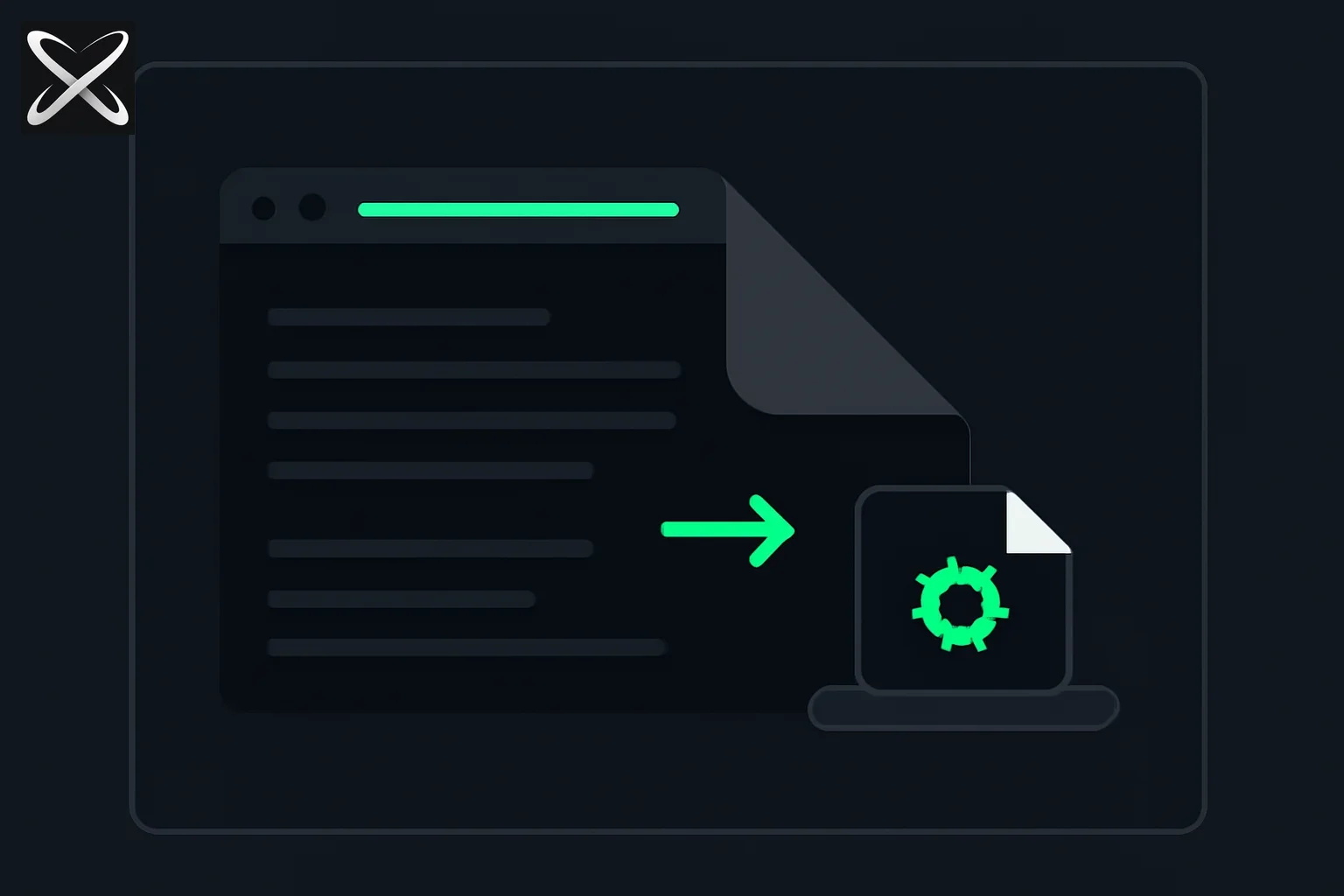 Pake diagram: a browser webpage folding into a compact native desktop app icon
The reason Electron apps are heavy is structural. Electron embeds an entire Chromium browser inside every application — the same browser engine that powers Chrome, shipped as a private copy inside each app. When you install Notion, you are installing a custom Chromium build that runs only Notion's web app.
Pake uses Tauri instead. Tauri wraps a web page using the WebView engine already present on your operating system:
- macOS: WebKit (the same engine Safari uses, already on your machine)
- Windows: WebView2 (the Chromium-based renderer Microsoft ships with Windows 11)
- Linux: WebKitGTK
There is no bundled browser. There is no extra 150MB of Chromium. The resulting app is a thin native shell that says "open this URL in a system WebView window" — and your OS does the rest with infrastructure it already has.
The output is a proper native desktop application: it appears in your Dock or taskbar, has its own icon, opens independently of your browser, supports keyboard shortcuts, and can be set as a login item. It just weighs 5MB instead of 200MB.
Pre-Built Apps: Download and Go
If you just want a lightweight desktop wrapper for a popular web app, Pake ships pre-built binaries ready to download from the GitHub Releases page — no CLI, no Rust, no setup.
| App | macOS | Windows | Linux |
|---|---|---|---|
| WeRead | ✓ | ✓ | ✓ |
| Twitter / X | ✓ | ✓ | ✓ |
| Grok | ✓ | ✓ | ✓ |
| DeepSeek | ✓ | ✓ | ✓ |
| ChatGPT | ✓ | ✓ | ✓ |
| Gemini | ✓ | ✓ | ✓ |
| YouTube Music | ✓ | ✓ | ✓ |
| YouTube | ✓ | ✓ | ✓ |
| Excalidraw | ✓ | ✓ | ✓ |
| XiaoHongShu | ✓ | ✓ | ✓ |
Go to Releases, find the app you want, download the .dmg (macOS), .exe or .msi (Windows), or .AppImage/.deb (Linux), and run it. Done.
CLI: Package Any URL in One Command
The more powerful use case is packaging any URL yourself — internal tools, AI models, dashboards, web apps that don't have desktop clients, or sites you use constantly and want out of your browser tab bar.
Prerequisites
- Rust >= 1.85 — install via rustup
- Node.js >= 22 (LTS recommended)
First-time packaging compiles the Tauri runtime for your platform, which takes a few minutes. Subsequent builds are fast.
Install Pake CLI
pnpm install -g pake-cli
Or with npm:
npm install -g pake-cli
Basic Usage
pake https://claude.ai --name ClaudeAI
Pake fetches the favicon automatically and builds a native desktop app called "ClaudeAI" in your current directory.
Advanced Options
pake https://weekly.tw93.fun \
  --name Weekly \
  --icon https://cdn.tw93.fun/pake/weekly.icns \
  --width 1200 \
  --height 800 \
  --hide-title-bar
Key flags:
--name— app name--icon— custom icon URL or local file path (.icnsfor macOS,.icofor Windows,.pngfor Linux)--width/--height— window dimensions--hide-title-bar— immersive mode, no macOS title bar--transparent-title-bar— blurred title bar that blends with the page--always-on-top— keep window in front
Online Building: No Local Setup Required
If you don't want to install Rust or Node locally, Pake offers GitHub Actions-based online building. Fork the repository, trigger the workflow with your URL and options, and GitHub's CI builds the app for all three platforms and makes it available as an artifact.
This is the recommended path for non-developers or anyone who wants a one-time build without setting up a local Rust environment.
What You Actually Get
The output of pake <url> is a native application, not a bookmark or a shortcut. Specifically:
Native window management. The app has its own window, independent of your browser. You can use Cmd+Tab (macOS) or Alt+Tab (Windows/Linux) to switch to it. It appears in your Dock or taskbar. You can minimize, maximize, and close it like any other app.
Keyboard shortcuts. Pake ships built-in shortcut handling. The most useful defaults:
Cmd+[/Cmd+]— back and forward navigation within the web appCmd+R— refreshCmd+W— close window
Immersive window options. --hide-title-bar removes the macOS traffic lights for a full-screen web experience. --transparent-title-bar gives the blurred glass look common in native macOS apps.
Drag-and-drop support. Files and text can be dragged into Pake windows where the web app supports it.
Style customization. For advanced users, Pake supports CSS injection to override page styles — useful for removing ads, adjusting font sizes, or hiding UI elements you don't want in the desktop version.
Why Use This Instead of a Browser Tab?
The honest answer: for most use cases, a pinned browser tab works fine. Pake is compelling specifically when:
You want OS-level separation. An AI assistant in a browser tab competes with 40 other tabs for your attention. An app in your Dock is a context switch target you can Cmd+Tab to. Many people find a dedicated app reduces the friction of switching to tools they use constantly.
You want a smaller footprint. If you use ChatGPT or Claude through a browser, your browser is doing the heavy lifting plus running all your other tabs. A Pake-wrapped app uses only the memory the web app itself needs, routed through the system WebView, with no browser overhead.
You want to ship something. If you have built a web app — an internal tool, a dashboard, a side project — and want to give users a desktop version without building a native app from scratch, Pake generates a distributable binary for all three platforms. The GPLv3 Output Exception means apps you build with Pake are yours to distribute however you want.
You want to remove a site from your browser. Some sites (YouTube, Twitter) are easier to manage when they live outside the browser — no cross-contamination with other tabs, no accidental notifications, cleaner focus.
Pake vs Electron: An Illustrative Size Comparison
The size, memory, and startup ranges below are examples, not measurements of equivalent applications in this article. The packaged website and platform affect runtime use.
| Metric | Electron (typical) | Pake |
|---|---|---|
| App bundle size | 100–350 MB | ~5 MB |
| Memory at idle | 200–500 MB | 30–80 MB |
| Startup time | 2–5 seconds | < 1 second |
| Bundled browser | Yes (Chromium) | No (uses OS WebView) |
| Cross-platform | Yes | Yes |
| Custom native features | Full access | Limited to Tauri APIs |
The trade-off: Pake apps are wrappers. They can't do things that require deep native OS integration — no system notifications with custom actions, no background services, no deep file system access beyond what the web app implements. If you need those things, you are building a real native app, not wrapping a web page. But for the use case of "I want this web app to feel like a desktop app," Pake covers it at a fraction of the weight.
License
Pake is open source under GPLv3. The GPL applies to Pake itself. Under the Pake Output Exception (see LICENSE-EXCEPTION in the repository), apps you generate with Pake are entirely yours — you can distribute them however you want without the GPL applying to your output.
If you fork Pake itself into a separate product, the GPL applies and you need to credit Pake as the source and give your fork a different name.
Quick-Start Summary
- Download a pre-built app: github.com/tw93/Pake/releases — ChatGPT, Grok, Gemini, YouTube and more ready to go
- Package your own URL: Install Rust >=1.85 and Node >=22, then
pnpm install -g pake-cliandpake https://yoururl.com --name YourApp - No local setup? Use the GitHub Actions online builder — fork the repo and trigger the workflow
- Customize:
--hide-title-bar,--width,--height,--icon,--always-on-top
55,000 stars. One command. A 5MB app.
Test the website inside the wrapper before distributing it
A URL opening successfully proves only the first step. Test sign-in, redirects, file upload, file download, keyboard navigation, and links that should open outside the app. A site may rely on browser behavior or extensions that the wrapper does not supply. The Pake repository documents the supported packaging options; the website's complete workflow still needs review.
For an internal dashboard, try a session that expires and then requires signing in again. Check whether the user can recover without restarting or losing unsaved input. Also test a network interruption. A dedicated window changes the presentation, but the remote website still depends on connectivity and its existing authentication flow.
Decide who owns updates
Distinguish changes to the remote website from changes to the wrapper. Updating the website may change what users see without rebuilding the desktop package. Changing the app name, icon, window settings, or packaging behavior can require producing a new artifact. Document both ownership paths before giving the app to a team.
If you distribute packages, identify the exact build and platform each recipient receives. Do not assume a successful macOS build establishes Windows or Linux behavior. System WebViews and packaging requirements differ, so review the important workflow on each supported target.
Measure size and memory with the page you actually package. A thin shell can reduce what is bundled, while the website still loads scripts, assets, and live content. Bundle size and runtime resource consumption are different measurements. The practical win is a convenient desktop entry point with an understood maintenance path, not a promise that every wrapped site becomes cheap to run.