



Design system files are often machine-readable but not agent-readable in the way modern coding workflows require. The values are there, but the reasoning is missing. In this Google Labs walkthrough, David East frames DESIGN.md as the missing bridge: one structured format that stores both the intent and the exact implementation details.
Watch: YouTube - DESIGN.md overview with David East
The core problem DESIGN.md addresses
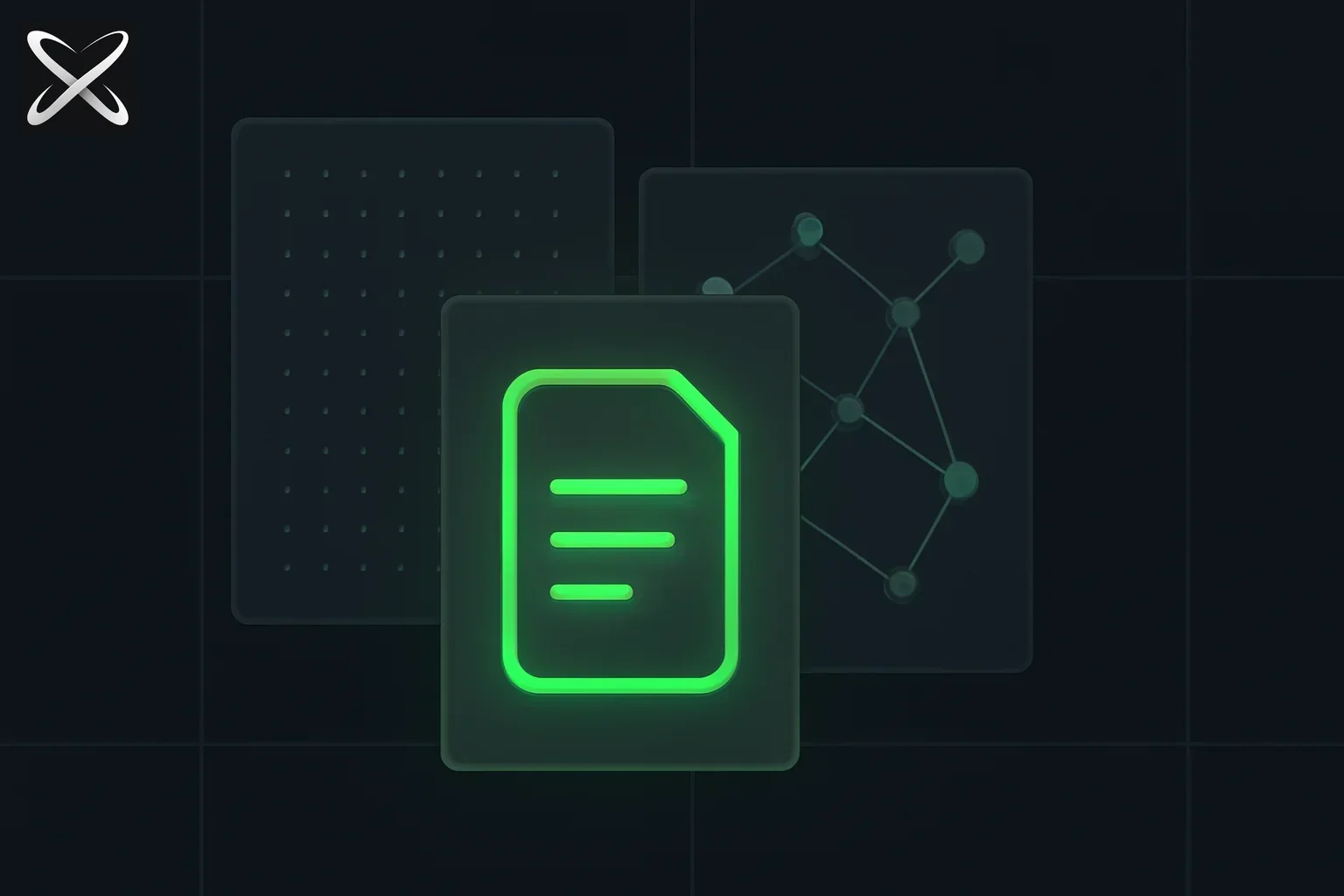 DESIGN.md spec explained — raw token grid and rationale node layers merging into one unified design document panel
Most teams have at least three parallel representations of design:
- Human guidance in docs or Figma comments
- Raw tokens in code (
--color-primary, spacing scales, typography values) - Team conventions that live in people's heads
When AI agents edit UI code, they can see #2 clearly, but #1 and #3 are often implicit. That gap leads to familiar issues: visually plausible changes that violate brand intent, inaccessible contrast pairings, or inconsistent component behavior.
DESIGN.md proposes collapsing those layers into one portable artifact.
Why this is different from "just another token format"
The high-leverage idea in the video is this: tokens should be interpreted as semantic roles, not static variables.
color.surface.criticalis not just a hex value- It carries a role, usage constraints, and context
- Agents can reason about when to apply it (and when not to)
That is the shift from value substitution to design reasoning.
What goes inside DESIGN.md
As described in the talk, the format combines:
- Human-readable rationale ("why this style exists")
- Precise code-facing values (hex, spacing, typography, states)
- Structured organization tools can parse reliably
This makes the file useful to both:
- Designers and developers who need clarity and maintainability
- AI agents that need deterministic, machine-actionable guidance
DESIGN.md vs SKILL.md (quick comparison)
DESIGN.md and SKILL.md are complementary, not competing formats:
| File | Primary purpose | Typical content | Best use |
|---|---|---|---|
| DESIGN.md | Encode design-system semantics for humans + agents | Roles, rationale, tokens, constraints, accessibility intent | Keep UI decisions consistent across design + code |
| SKILL.md | Encode reusable agent behavior/workflows | Triggers, procedures, examples, guardrails | Teach agents how to execute repeatable tasks |
In practical terms:
- Use
DESIGN.mdto define what good UI means in your system - Use
SKILL.mdto define how an agent should work when building or updating UI - Combine both so agents can follow process and design intent at the same time
Accessibility as a first-class check
One of the strongest workflow ideas in the video is the CLI linter that can validate design updates against WCAG constraints before an agent writes code changes.
That is operationally important because it moves accessibility from:
- post-change cleanup
to:
- pre-change guardrail
For teams using AI-assisted coding, this is the practical path to scaling output without scaling regressions.
Why this matters for product teams now
DESIGN.md is bigger than a single tool integration. It points to a broader pattern:
- design system docs become executable context for agents
- token libraries become semantic contracts
- accessibility checks become automatable in the authoring loop
If your team is already using agents for UI work, this pattern can reduce "looks right, feels wrong" diffs and make design reviews more about product decisions than cleanup.
A practical adoption path
If you are evaluating DESIGN.md-style workflows, start small:
- Pick one component family (buttons, forms, alerts)
- Capture semantic roles plus rationale in a single structured file
- Add lint checks for WCAG-critical rules
- Let agents propose changes, but gate merges on linter output
- Expand to broader tokens once the workflow stabilizes
The goal is not to replace design judgment. It is to make that judgment explicit enough that both humans and agents can execute it consistently.
Update — September 1, 2026: Vercel shipped its production design system as Markdown at vercel.com/design.md — same DESIGN.md idea, optimized for v0/Vercel codegen and Pure UI lineage.
Write rules an agent can use to make a decision
A useful design document resolves choices the agent will otherwise guess. “Use a clean modern interface” leaves almost every decision open. “Use one primary action per form; secondary actions use the quieter treatment” narrows a real implementation choice. Pair that rule with the component names and tokens that implement it in your repository.
Begin with a small, existing screen rather than inventing a complete design system. Identify the primary action, supporting information, navigation, and error states. Explain which elements deserve visual emphasis and why. An agent can then preserve the hierarchy during a layout change instead of copying a color palette onto an unrelated structure.
Keep examples close to the rule they explain. For a destructive action, describe when confirmation is needed and how the action differs from an ordinary primary button. For a dense table, explain which columns must remain visible on a small screen and which details move behind an expansion. Those are product decisions that raw token values cannot express.
A worked example: the account-settings form
Consider a settings page with a display name, email address, and save button. The design file should explain the normal state and what happens when saving starts, succeeds, or fails. If it only specifies the default button color, the agent still has to invent loading labels, feedback placement, focus behavior, and disabled states.
Write the save behavior in terms of observable outcomes. While saving, the user should understand that the request is in progress. On failure, preserve their input and show an actionable message. On success, make completion visible without moving the form unexpectedly. This gives the coding agent a checklist and gives a reviewer something concrete to verify.
For validation, the W3C form-validation tutorial explains why errors need understandable identification and helpful correction guidance. Automated contrast checks address only part of the experience. A perfectly contrasted error message can still be useless if it does not identify the field or explain what the person should change.
Extend the document with one narrow example: an invalid email address. State where the error appears, how it relates to the input, and whether the entered value remains. Ask the agent to implement only that state first. Reviewing a specific interaction is easier than judging an entire regenerated page against a vague instruction to be accessible.
Separate normative rules from optional examples
Mark the difference between a requirement and an illustration. An example screenshot can demonstrate spacing, but it should not silently overrule the documented behavior on smaller screens. Conversely, a component requirement should not become optional because another example happens to omit it.
For every consequential rule, name the source of truth. The implementation may define the current token value while the design document defines its semantic role. If those disagree, say how the agent should surface the conflict. Asking it to silently reconcile contradictory instructions creates a plausible result that nobody deliberately chose.
Avoid duplicating every implementation constant into Markdown if your team cannot keep the copies synchronized. Link to the relevant token file and document the interpretation that code alone cannot express. When exact values are included, identify the maintained source so a later change can update both deliberately.
Review generated changes against representative states
Use a short scenario set: default view, long text, empty content, validation error, loading, success, keyboard navigation, and narrow viewport. Select the states relevant to the component rather than forcing every widget through an identical checklist. The point is to expose where the design intent becomes ambiguous.
For the settings form, long display names may reveal truncation problems. A failed save may reveal that a message appears outside the visible area. Keyboard navigation may reveal that the apparent visual order differs from the interaction order. These findings should improve the document as well as the component, because an unclear rule will otherwise produce the same error again.
Ask the agent's handoff to connect each meaningful change to a rule and name the evidence used for validation. A successful lint run establishes the checks that linter performs. A screenshot shows one rendered state. Neither alone establishes that all interaction and accessibility requirements were met.
Keep the document small enough to maintain
Start with one component family and a named owner. After the first useful change, record the ambiguous instruction that caused the most review discussion and improve that instruction. Repeating this process builds a design document from actual decisions instead of a long aspirational specification nobody consults.
When a rule changes, update its example and explain the reason in the change review. If old screens still follow the previous rule, record whether they need migration or remain supported exceptions. An agent should be able to distinguish a deliberate exception from accidental drift.
The best adoption test is simple: can a teammate or agent make the next small change with fewer clarification cycles while preserving the intended states? If the document adds reading time without resolving a decision, shorten or sharpen it. DESIGN.md-style context earns its place by making the next product change easier to implement and review.
Related reading on explainx.ai
- Vercel DESIGN.md: spec-driven UI that fights AI slop
- OpenDesign Harness beta: blind-tested polished design generation
- Nothing OS 5.0 and the design leverage of a status bar - a consumer example of why component states, spacing, type, and motion matter more than a polished static screen
- What is CLAUDE.md? Persistent Memory for Claude Code - how to give Claude Code project context and preferences
- What is MEMORY.md? The Long-Term Brain for AI Agents - deep dive on agent memory patterns and the 4-level hierarchy
- What are agent skills? A complete guide - deep dive on
SKILL.md, triggering, and production workflows - What is MCP? Model Context Protocol explained - how agents connect to tools and data
- Introducing MCP servers on explainx.ai - directory-level view of the MCP ecosystem
Bottom line
DESIGN.md’s promise is straightforward: keep the design why and the design values together, so AI stops treating your system like a bag of variables and starts treating it like a set of product decisions.
For teams building AI-native front-end workflows, that is a meaningful upgrade from token sync to design intelligence.
Source video: YouTube - DESIGN.md with Google Labs' David East