



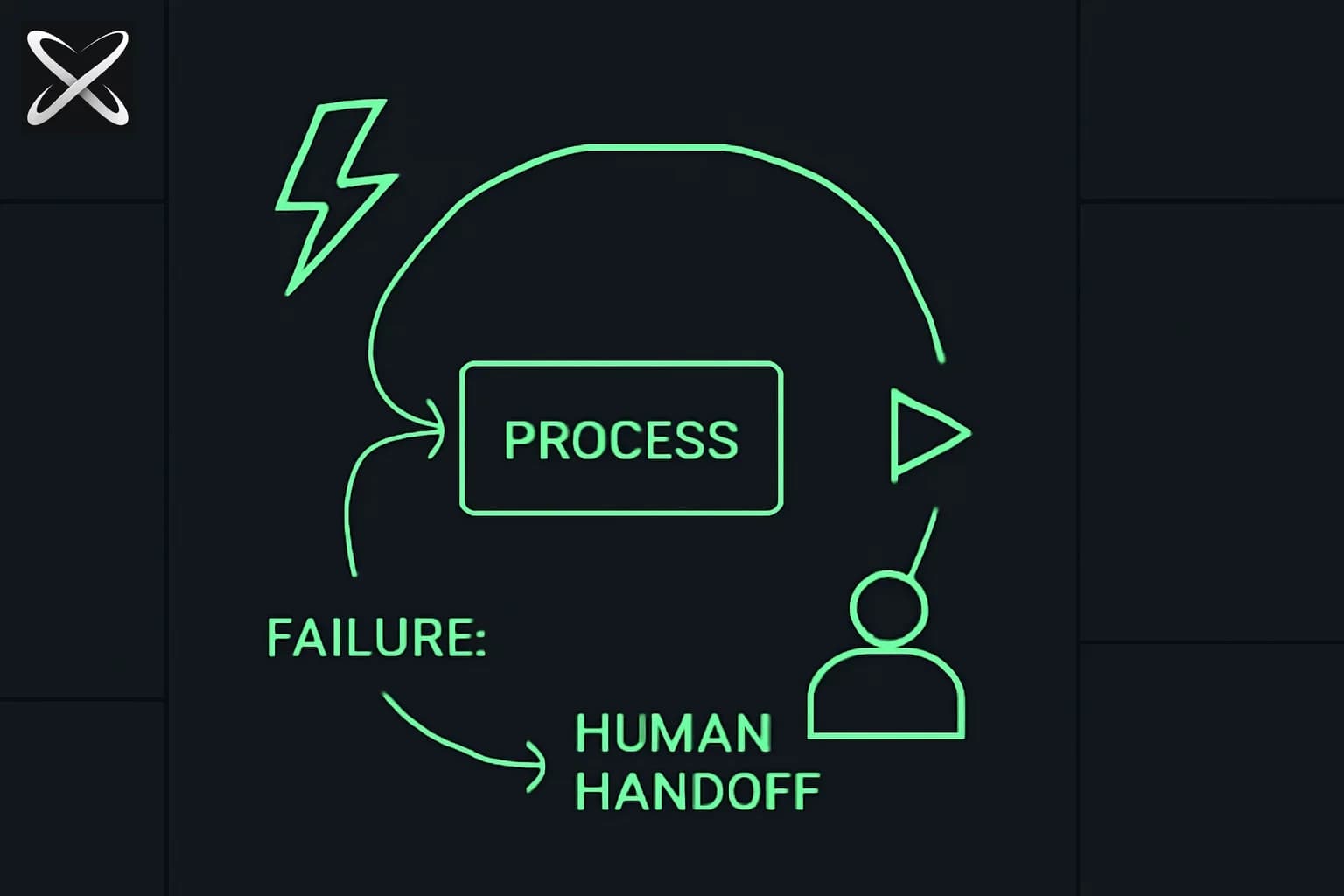
Last month a team shipped an agent that scraped competitor pricing, formatted a report, and emailed it to the sales team every morning. It worked perfectly in testing. In production, it ran for three weeks before anyone noticed it had been sending the same report repeatedly because the pricing page had changed its HTML structure. The agent never errored. It just quietly looped and delivered stale data.
That is the failure mode that kills production agents. Not dramatic crashes — silent drift. The loop kept running, the termination condition was never triggered, and there was nothing in the output that looked wrong at a glance.
Building an agent loop that works in a demo is easy. Building one that holds up in production requires thinking through four primitives, three checkpoint rules, a retry strategy, and a clear policy on when to stop and ask a human. This guide covers all of it.
What an agent loop actually is in production
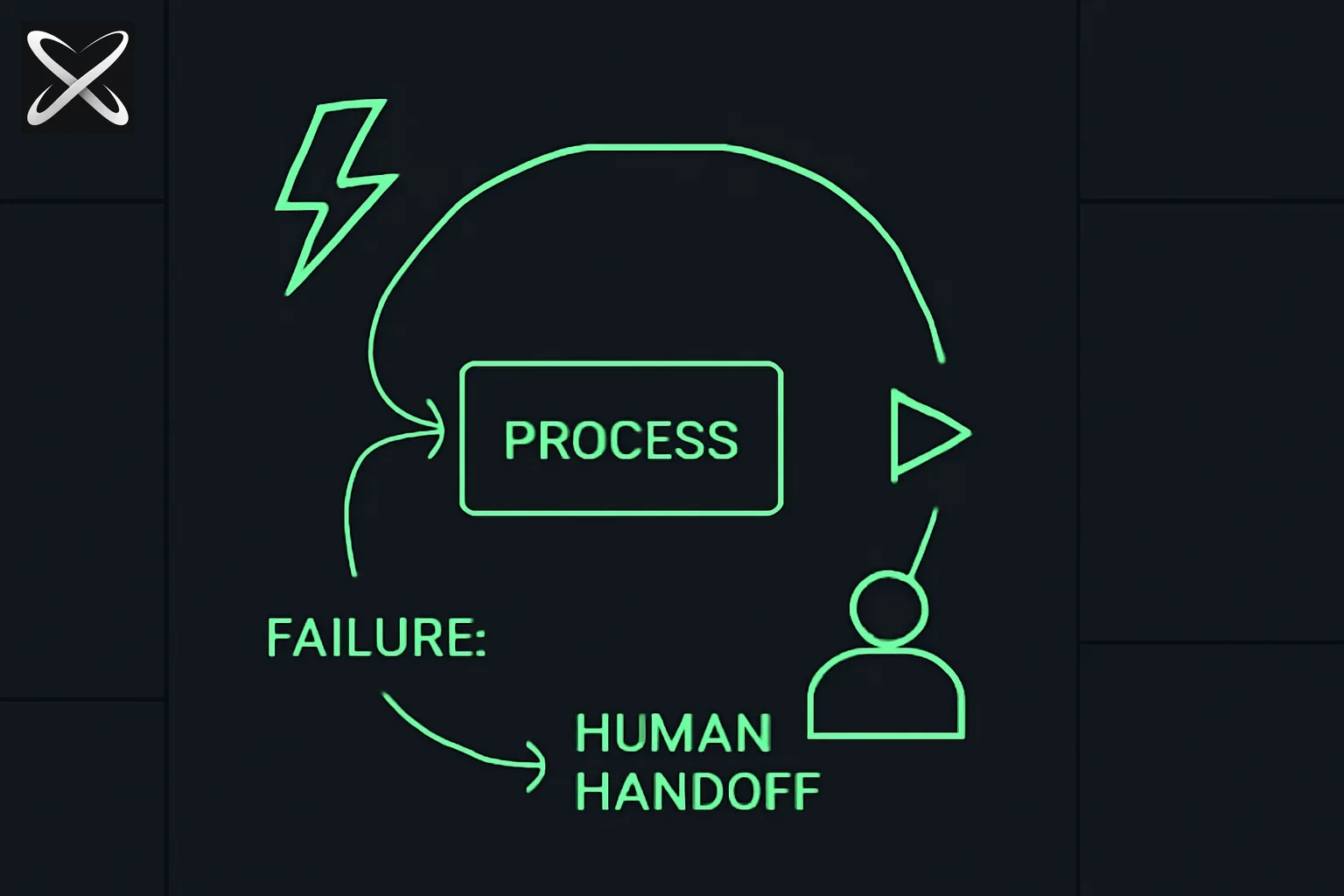
A demo agent loop is usually: call LLM, get a response, maybe call a tool, repeat. That works for a five-minute walkthrough.
A production agent loop has more moving parts:
Trigger → Task Queue → [State Read → Executor → State Write → Termination Check] → Output
                              ^__________________________|
                              (repeat until termination)
The trigger starts the loop — a schedule, a webhook, a user action, or a prior agent completing its own loop. The task queue holds work units if multiple items need processing. Inside the loop body, the agent reads its current state, runs the executor (the LLM call plus any tool calls), writes updated state, and evaluates whether to continue or stop. Checkpoints and human gates live inside the loop body, not outside it.
The 4 primitives every agent loop needs
1. Trigger
The trigger answers: what starts this loop, and what data does it carry?
A trigger can be scheduled (cron), event-driven (webhook, message queue), or chained (prior agent output). The critical design question is what the trigger payload contains and whether the loop can validate it before starting execution.
@dataclass
class TriggerPayload:
    task_id: str          # stable, used as idempotency key root
    task_type: str        # determines which executor branch runs
    input_data: dict      # the actual work input
    triggered_by: str     # "schedule" | "webhook" | "agent:research-runner"
    triggered_at: str     # ISO timestamp
    max_iterations: int = 25
Validate the payload immediately. If task_id is missing, the idempotency system breaks downstream and you'll get duplicate side effects on retries.
2. State
State is what carries information across iterations. It is not the LLM's context window — it is an external store that persists even if the loop crashes.
@dataclass
class AgentState:
    task_id: str
    iteration: int
    status: str           # "running" | "waiting_for_human" | "done" | "failed"
    working_memory: dict  # structured data the agent has collected
    action_log: list      # every action taken, for idempotency checks
    last_checkpoint: str  # ISO timestamp of last successful checkpoint
    error_count: int
    last_error: str | None
State should be serializable to JSON and written to a durable store (database, Redis with persistence, object storage) after every iteration. If the agent process crashes, the loop can be resumed by reading state back in.
3. Executor
The executor is the LLM call plus tool execution. It takes the current state and the task context as input, runs a step, and returns a result plus any state mutations.
def execute_step(state: AgentState, task_context: dict, llm_client) -> StepResult:
    messages = build_messages(state, task_context)

    response = llm_client.messages.create(
        model="claude-sonnet-4-5",
        max_tokens=4096,
        system=AGENT_SYSTEM_PROMPT,
        messages=messages,
        tools=AVAILABLE_TOOLS,
    )

    tool_results = []
    for block in response.content:
        if block.type == "tool_use":
            result = dispatch_tool(block.name, block.input, state)
            tool_results.append(result)

    return StepResult(
        response=response,
        tool_results=tool_results,
        state_mutations=extract_state_mutations(response, tool_results),
    )
The executor should not make decisions about whether to continue. That belongs to the terminator.
4. Terminator
The terminator evaluates whether the loop should continue, stop successfully, or stop with an error. Keep termination logic explicit and separate from the executor.
def evaluate_termination(state: AgentState, step_result: StepResult) -> TerminationDecision:
    # Hard caps
    if state.iteration >= state.max_iterations:
        return TerminationDecision(should_stop=True, reason="max_iterations_reached", status="failed")

    if state.error_count >= 3:
        return TerminationDecision(should_stop=True, reason="too_many_errors", status="failed")

    # No-progress detection
    if is_stuck(state):
        return TerminationDecision(should_stop=True, reason="no_progress_detected", status="failed")

    # Success signals from the executor
    if step_result.signals_completion():
        return TerminationDecision(should_stop=True, reason="task_complete", status="done")

    # Human gate
    if step_result.requires_approval():
        return TerminationDecision(should_stop=True, reason="awaiting_human_approval", status="waiting_for_human")

    return TerminationDecision(should_stop=False)
The is_stuck check deserves special attention. Maintain a rolling window of the last N tool calls and their arguments. If the same call appears twice with identical arguments, the agent is not making progress. Stop it.
Where to put checkpoints
A checkpoint is a persisted snapshot of agent state at a known-good moment. Checkpoints make loops restartable. Without them, a crash at step 18 of a 20-step research task means starting from zero.
Three rules for checkpoint placement:
Before irreversible actions. If the next step will send an email, write to a database, call a payment API, or post to an external system — checkpoint first. If the action fails mid-way, you can retry from the pre-action snapshot with the same state.
After expensive operations. If a step burned 10,000 tokens on a complex analysis or made several API calls to aggregate data, checkpoint immediately after. Losing that work to a downstream failure is expensive.
At confidence thresholds. If your executor returns a confidence score or uncertainty signal, checkpoint when the agent transitions from high-confidence to uncertain territory. That boundary is where you most often need to resume with human input.
def should_checkpoint(state: AgentState, step_result: StepResult) -> bool:
    # Always checkpoint before irreversible action
    if step_result.next_action_is_irreversible:
        return True
    # Checkpoint after expensive step (>1000 tokens of tool output)
    if step_result.total_tool_output_tokens > 1000:
        return True
    # Checkpoint at confidence threshold crossing
    if step_result.confidence < CONFIDENCE_THRESHOLD:
        return True
    return False

def save_checkpoint(state: AgentState, db):
    state.last_checkpoint = datetime.utcnow().isoformat()
    db.upsert("agent_states", state.task_id, state.to_dict())
Retry logic
Most agent failures are transient: rate limits, brief network issues, a tool API returning a 503. A well-designed retry strategy handles these without human involvement.
Exponential backoff with jitter. Start with a short base delay and double it on each retry, adding a random jitter to prevent thundering herd if multiple agents fail simultaneously.
import random
import time

def retry_with_backoff(fn, max_retries=3, base_delay=1.0):
    for attempt in range(max_retries):
        try:
            return fn()
        except RetryableError as e:
            if attempt == max_retries - 1:
                raise
            delay = base_delay * (2 ** attempt) + random.uniform(0, 1)
            time.sleep(delay)
Idempotency keys. Every write operation should carry an idempotency key before it's retried. Derive the key from a stable hash of the task ID and step index — not from a timestamp, which changes on retry.
import hashlib

def make_idempotency_key(task_id: str, step_index: int, action_type: str) -> str:
    raw = f"{task_id}:{step_index}:{action_type}"
    return hashlib.sha256(raw.encode()).hexdigest()[:32]
What NOT to retry. Do not retry: LLM calls that returned a valid response (even an unexpected one), actions that succeeded but returned an error in the response body, or any operation you can't verify was idempotent. The safest rule is to only retry operations that raised a clear infrastructure exception (timeout, rate limit, network error) and that you can prove are idempotent.
Human handoffs: the decision framework
The hardest design question in any agent loop is where to put human gates. Gate too aggressively and you've built an expensive email drafting assistant. Gate too loosely and you've given an agent unsupervised authority over consequential actions.
The decision axis is: reversibility times blast radius.
| Action | Reversible? | Blast radius | Gate it? |
|---|---|---|---|
| Read a file | Yes | None | No |
| Search the web | Yes | None | No |
| Write a draft | Yes | Low | No |
| Send an email | No | Medium | Yes |
| Post to social media | No | High | Yes |
| Delete database records | No | High | Yes |
| Approve a financial transaction | No | Very high | Yes |
| Update a config in production | No | Very high | Yes |
When you do gate, the gate must be non-blocking for the agent. The loop pauses, writes a human-approval task to a queue, and the agent state is persisted in "waiting_for_human" status. When the human acts, the queue triggers the loop to resume from that state.
def request_human_approval(state: AgentState, action: dict, approval_queue) -> None:
    approval_task = {
        "task_id": state.task_id,
        "action": action,
        "context_summary": summarize_state_for_human(state),
        "approval_url": f"https://app.explainx.ai/agent-approvals/{state.task_id}",
        "expires_at": (datetime.utcnow() + timedelta(hours=24)).isoformat(),
    }
    approval_queue.enqueue(approval_task)
    state.status = "waiting_for_human"
    save_checkpoint(state, db)
The approval URL pattern — where a human can review context and click approve or reject — is far better than email-based approval. Email gets buried. A dedicated approval UI surfaces the full agent context.
Three loop patterns with code
Pattern 1: Simple task-runner loop
For single-task, single-pass work with clear completion criteria.
def run_task_loop(trigger: TriggerPayload, db, llm_client) -> AgentState:
    state = load_or_init_state(trigger, db)

    while True:
        # Execute one step
        step_result = execute_step(state, trigger.input_data, llm_client)

        # Update state
        state.iteration += 1
        state.working_memory.update(step_result.state_mutations)
        state.action_log.append(step_result.summary())

        # Checkpoint if needed
        if should_checkpoint(state, step_result):
            save_checkpoint(state, db)

        # Evaluate termination
        decision = evaluate_termination(state, step_result)
        if decision.should_stop:
            state.status = decision.status
            save_checkpoint(state, db)
            return state

    return state
Pattern 2: Multi-step research loop with state persistence
For tasks that span multiple research passes, where each pass informs the next.
def run_research_loop(trigger: TriggerPayload, db, llm_client) -> AgentState:
    state = load_or_init_state(trigger, db)

    # Research loop: gather, synthesize, verify
    phases = ["gather", "synthesize", "verify"]

    for phase in phases:
        state.working_memory["current_phase"] = phase
        phase_iterations = 0

        while phase_iterations < 5:
            step_result = execute_step(state, {**trigger.input_data, "phase": phase}, llm_client)

            state.iteration += 1
            phase_iterations += 1
            state.working_memory.update(step_result.state_mutations)
            state.action_log.append(step_result.summary())

            # Checkpoint after every gather step (expensive)
            if phase == "gather":
                save_checkpoint(state, db)

            if step_result.phase_complete():
                break

            decision = evaluate_termination(state, step_result)
            if decision.should_stop:
                state.status = decision.status
                save_checkpoint(state, db)
                return state

    state.status = "done"
    save_checkpoint(state, db)
    return state
The key difference: state carries the current phase, so if the process crashes mid-gather, it resumes in the gather phase rather than starting from scratch.
Pattern 3: Human-gated approval loop
For loops where certain actions require explicit human sign-off before proceeding.
def run_approval_loop(trigger: TriggerPayload, db, llm_client, approval_queue) -> AgentState:
    state = load_or_init_state(trigger, db)

    while True:
        step_result = execute_step(state, trigger.input_data, llm_client)

        state.iteration += 1
        state.working_memory.update(step_result.state_mutations)
        state.action_log.append(step_result.summary())

        # Check if this step wants to take an irreversible action
        if step_result.proposed_action and is_irreversible(step_result.proposed_action):
            save_checkpoint(state, db)  # checkpoint before gate
            request_human_approval(state, step_result.proposed_action, approval_queue)
            return state  # loop suspends here

        if should_checkpoint(state, step_result):
            save_checkpoint(state, db)

        decision = evaluate_termination(state, step_result)
        if decision.should_stop:
            state.status = decision.status
            save_checkpoint(state, db)
            return state

    return state

def resume_after_approval(task_id: str, approved: bool, db, llm_client, approval_queue) -> AgentState:
    state = load_state(task_id, db)

    if not approved:
        state.status = "failed"
        state.working_memory["rejection_reason"] = "human_rejected_action"
        save_checkpoint(state, db)
        return state

    # Inject approval into state so the agent knows it was cleared
    state.working_memory["last_approved_action"] = state.action_log[-1]
    state.status = "running"

    # Resume the loop
    return run_approval_loop(
        TriggerPayload(task_id=task_id, **state.working_memory["original_trigger"]),
        db, llm_client, approval_queue
    )
This pattern is central to building agents that can handle consequential work without requiring a human to babysit every step. The agent runs autonomously until it hits a gate, suspends cleanly, and picks up exactly where it left off after approval.
This is one of the three working templates built end-to-end in the Loop Engineering workshop at explainx.ai.
Common failure modes and fixes
Silent failures. The agent returns a result that looks valid but is wrong. Fix: add output validation after every executor call. Define a schema for what a valid step result looks like and reject results that don't match before updating state.
Infinite loops. The terminator never fires because the success signal is ambiguous. Fix: always set max_iterations at the trigger level, enforce it in the terminator as a hard cap, and log a warning (not a silent exit) when the cap is hit.
State corruption on concurrent runs. Two instances of the same loop run simultaneously and write conflicting state. Fix: use optimistic locking on the state store — include a version field in the state and reject writes where the version doesn't match the current database version.
Retry storms. A transient failure causes the loop to retry aggressively, which overloads the downstream service, which causes more failures. Fix: cap total retries at the task level (not per-step), and implement circuit breakers on high-failure-rate operations.
Context window drift. In long loops, the message history passed to the executor grows until it degrades generation quality or hits the token limit. Fix: summarize old turns rather than passing the raw history — keep the last N turns verbatim and compress earlier turns into a structured summary injected at the top of the message history.
Building agent loops as a career skill
Knowing how to design a loop that doesn't break silently in production is not a trivial skill. It requires understanding LLM behavior across multi-turn execution, distributed systems patterns (idempotency, circuit breakers, state machines), and human-computer interaction design for approval workflows.
This is also increasingly a skill that forward-deployed engineers are expected to bring. If you're interviewing for FDE or AI engineering roles, expect questions about agent loop design and failure handling — the ability to reason through what happens when an agent hits an unexpected state is now a standard interview topic.
The patterns in this guide are practical starting points. What takes more time is implementing them against real infrastructure, debugging the edge cases that only appear under production load, and learning to tune termination conditions for your specific task type.
Update — August 7, 2026: Already have an Agent Skill you like? explainx.ai published a step-by-step guide to converting a SKILL.md into a loop — mapping a skill's existing procedure onto the Trigger/Retry/Checkpoint primitives covered above.
Update — August 22, 2026: The new project guide to building useful AI agents with Claude Code applies these loop controls to two bounded systems: a cited daily financial briefing and a human-reviewed job-search agent.
Loop Engineering workshop: July 20, 2026
If you want to build all three loop patterns from this guide as working systems — not pseudocode, but actual running loops with state persistence, checkpoint saves, and a human approval UI — the Loop Engineering workshop at explainx.ai covers exactly that.
What the session covers:
- Wiring up triggers: scheduled, webhook, and chained agent triggers
- State design and persistence with a real database backend
- Retry logic with idempotency keys that actually work
- Checkpoint placement and resume-from-checkpoint logic
- Human-gated approval UI with a real queue-and-resume pattern
- Three working loop templates you leave with: multi-step research runner, human-gated content pipeline, failure-resilient task runner
Details: July 20, 2026 — one four-hour live session.
You can sign up at explainx.ai/workshops/loop-engineering. Seats are limited for the live session.
The core insight from every production agent loop that has failed: the problem is almost never the LLM. It's the infrastructure around the LLM — the missing checkpoint that forces a full restart, the retry logic that doesn't account for idempotency, the terminator that relies on the model to decide it's done rather than enforcing a hard cap. Get the loop architecture right and the LLM part becomes much easier to reason about.